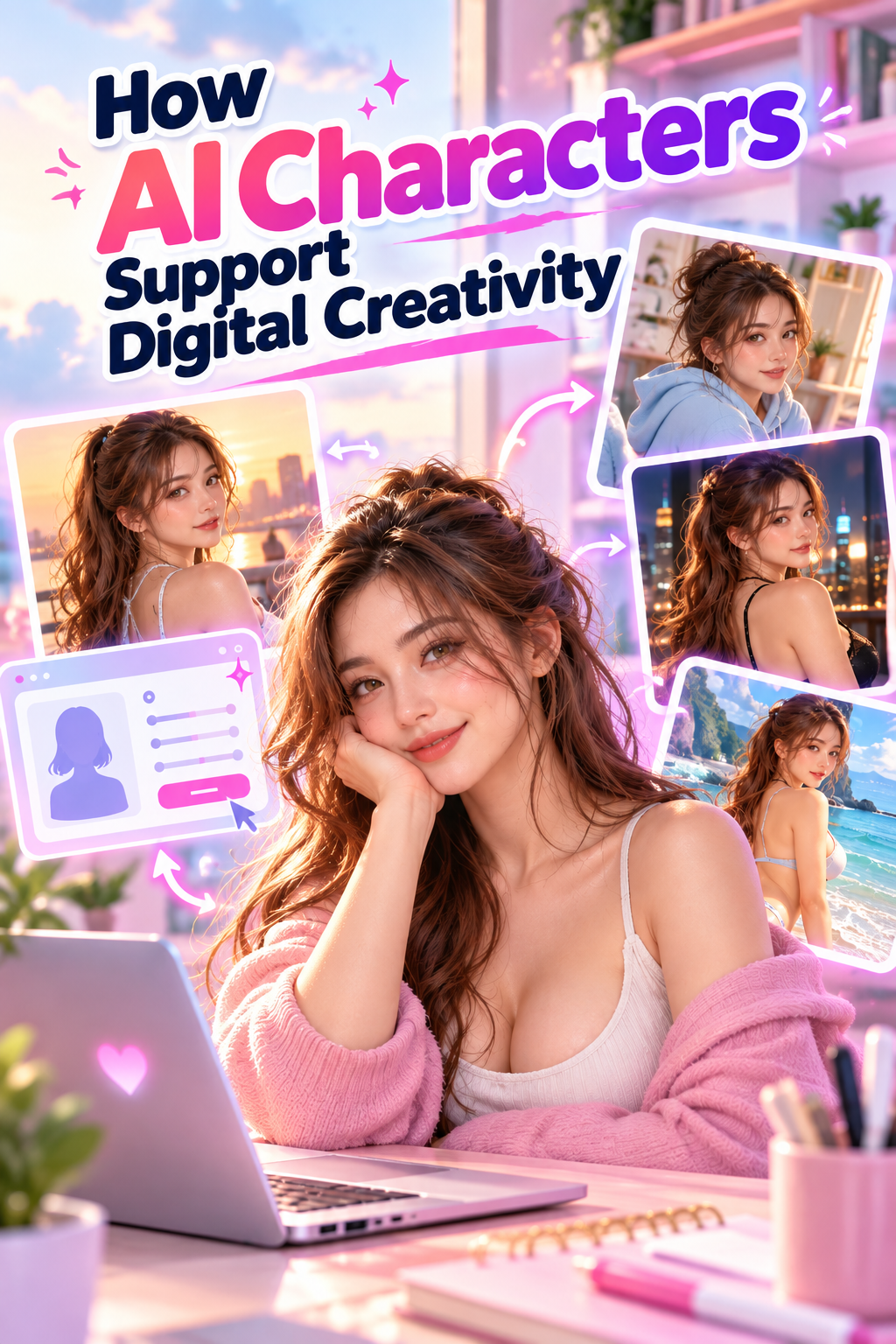
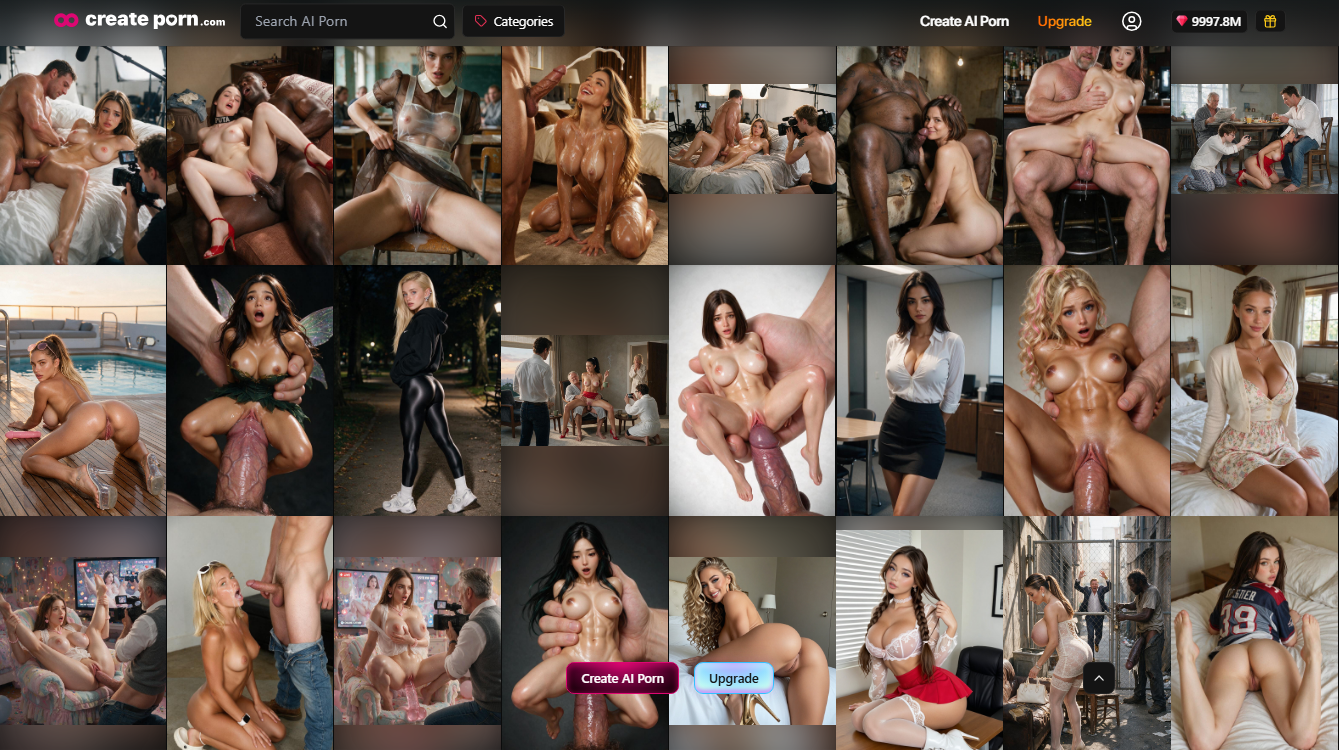
AI character tools allow creators to develop a fictional identity and reuse it across multiple images. Instead of starting with a completely new subject each time, creators can establish recognizable physical traits and then explore different poses, scenes, and visual ideas.
On Createporn, the Consistent Characters feature is designed to help maintain a recognizable Character appearance across generations. A Character can be created from a written description or from one of the user's existing Creations used as a Reference Image.
Primary internal link → AI Character Generator landing page
What Is an AI Character?
An AI character is a fictional persona created with generative tools. Its identity is usually defined by visible physical features that help it remain recognizable in different generations.
These features may include:
Createporn's Character Description should focus on stable appearance details. Actions, poses, locations, and scene details should be added to the Generation Prompt instead.
Outfit and costume recognition are not currently supported by the Consistent Characters feature. Clothing can still be requested in the Generation Prompt, but it should not be treated as part of the Character's saved identity.
Internal link →Creating and Using Consistent Characters
Why AI Characters Matter for Digital Creativity
Creative continuity
A saved Character gives creators a recurring subject for multiple generations. The pose, clothing, action, or setting can change while the Character's main physical traits remain recognizable.
This can support connected image collections, recurring themes, and short visual sequences. However, the feature improves continuity rather than guaranteeing an identical result every time.
Faster visual experimentation
Creators can test a Character in different scenes without rewriting all of its physical features in every Prompt. This makes it easier to compare variations in setting, composition, clothing, and mood.
The same Style used to create the Character is recommended for later generations. A Character may be used with another Style, but its appearance and overall consistency can vary.
More creative control
AI generation still requires decisions from the creator. The creator chooses the Character description or Reference Image, reviews the generated options, selects the preferred version, and directs each new scene through Prompts and Tags.
The Generator produces variations, but the creator determines which results fit the intended identity and project.
How the Consistent Character Workflow Works
1. Choose a creation method
Createporn provides two documented options:
The Reference option uses an image already available on Createporn. It does not document uploading an external image from a device.
2. Define the Character's appearance
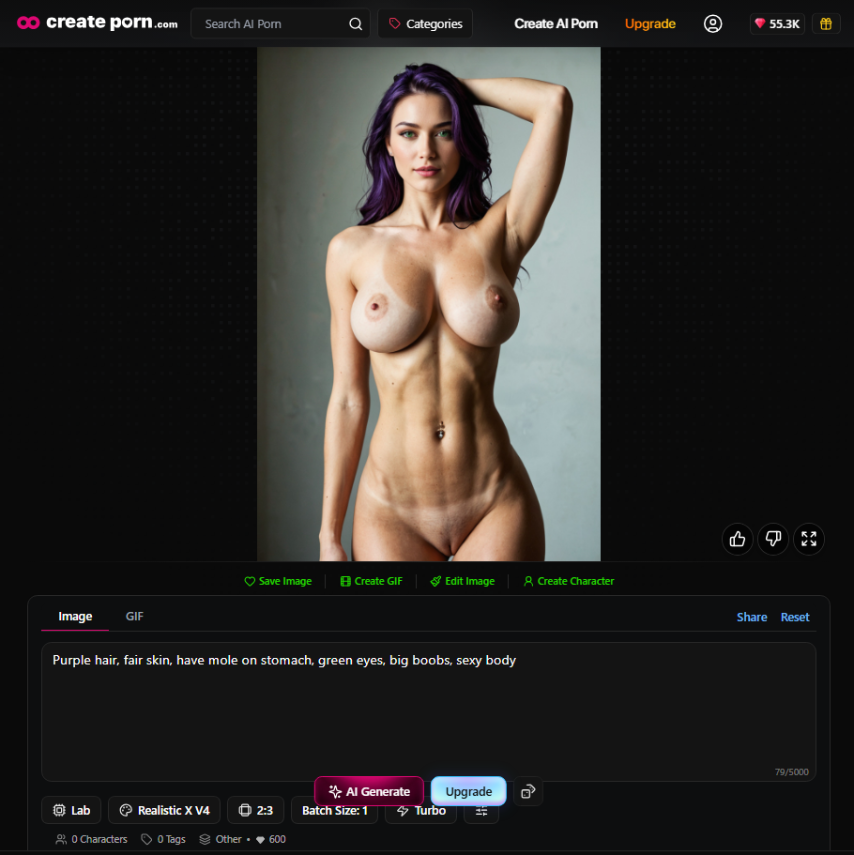
When creating from a description, focus on clear physical traits. Do not include a pose, action, location, or background in the Character Description.
Example:
Purple hair, fair skin, have mole on stomach, green eyes, big boobs, sexy body
Scene instructions can be added later through the Generation Prompt.
3. Review and save a version
After the Character is generated, Createporn presents three versions. Select the version that most closely matches the intended appearance, then choose Save Model.
The saved Character will appear in the Consistent Characters section on the Create page.
4. Select the Character for a new generation
Choose the saved Character before generating. Add a Prompt or Tags describing the scene, pose, action, clothing, and other changeable details.
You do not need to repeat all of the Character's saved physical features in the Generation Prompt.
5. Review the results
Consistency can vary between generations. If the Character does not appear as expected, confirm that it is selected, use the same Style in which it was created, simplify the scene, or create the Character again with a clearer description or Reference Image.
Writing Prompts for a Saved Character
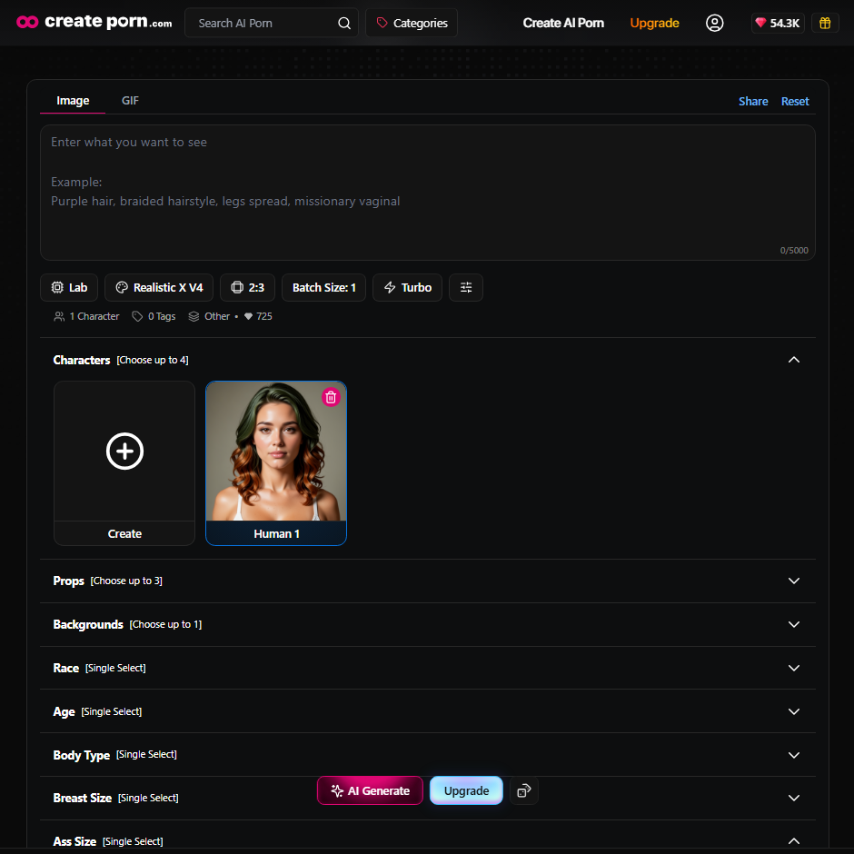
Keep the Character's identity separate from the scene.
Character Description:
adult woman, shoulder-length copper curls, warm brown eyes, athletic body, oval face,
Generation Prompt:
wearing a black evening dress, standing beside a city window at night, waist shot, soft warm lighting,
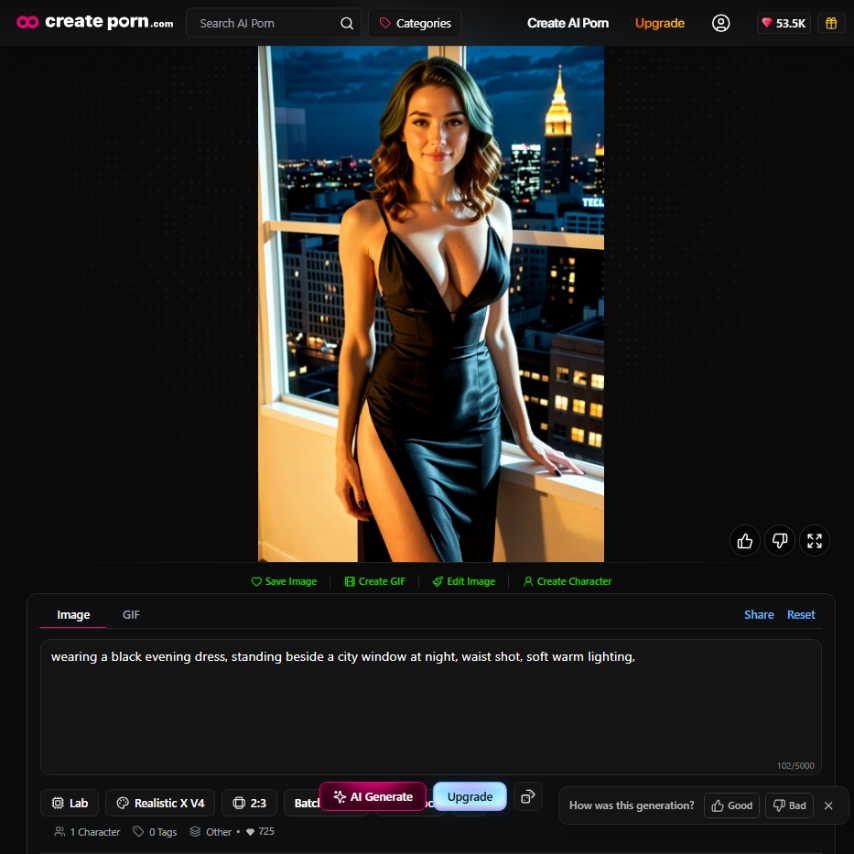
Createporn recommends clear, comma-separated Prompt details. Avoid repeated or conflicting instructions, and focus on the visible elements most important to the result.
Internal link →How To Use Prompts & Tags for Image Generation
Expanding a Character Into Video
A generated Character image can be used as the starting point for an image-to-video workflow. The video Prompt should describe the intended subject movement, camera behavior, atmosphere, and—when supported by the selected Engine—audio.
Image-to-video generation animates the source image, but motion and scene changes may affect Character consistency. Begin with simple movement and a clear starting image.
Internal link →Video Prompting Guide
Limitations and Responsible Use
Consistent Characters improve continuity, but results may still vary across generations, especially when changing Styles or using complex scenes.
Createporn does not provide tools for uploading personal images, creating deepfakes, or using nudify technology. Users must follow the platform's Community Guidelines and prohibited-content policies when creating or saving content.
Internal link →Community Guidelines
Frequently Asked Questions
What is a Consistent Character?
A Consistent Character is a saved Character designed to maintain a recognizable appearance across multiple image generations.
How can I create a Character on Createporn?
You can create one from a written description or use one of your existing Creations as a Reference Image.
Can I upload an external image as the Character reference?
The documented workflow only allows an existing Createporn Creation to be selected as the Reference Image. It does not describe uploading an external image from a device.
What should be included in the Character Description?
Include visible physical traits such as hair color, hairstyle, eye color, body type, and other recognizable features. Add clothing, poses, actions, and locations to the Generation Prompt instead.
Will the Character look identical in every image?
No. The feature can improve continuity, but appearance and quality may still vary between generations. Using the same Style can help reduce variation.
Can I use the Character in another Style?
Yes, but the official guide warns that appearance, quality, and style consistency may change.
Create a Character and Develop New Scenes
AI characters give creators a reusable starting point for exploring different scenes and visual ideas. Define a clear appearance, save the strongest Character version, keep scene details in the Generation Prompt, and review each result for consistency.
CTA → Create a custom AI character with the AI Character Generator