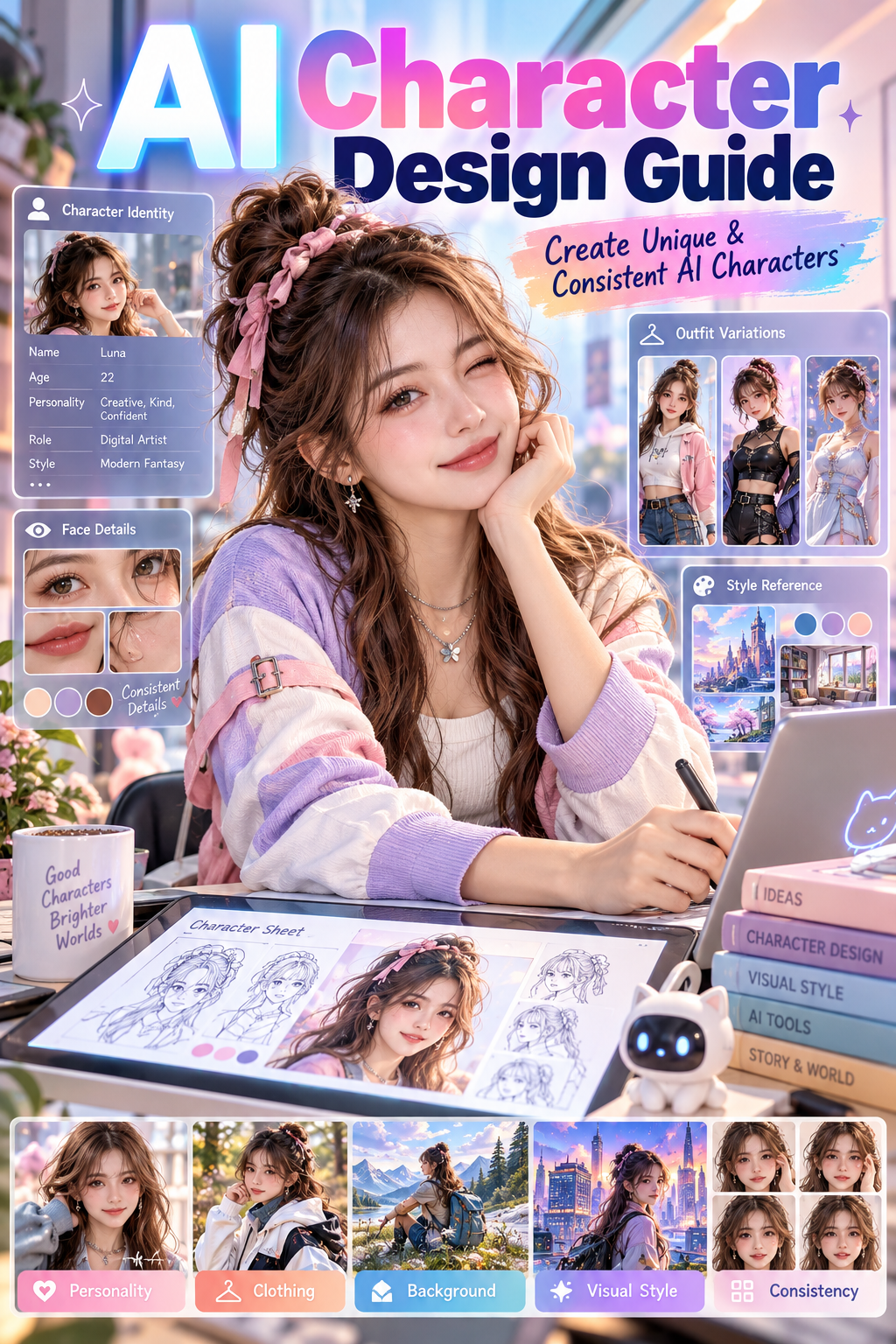
Artificial intelligence has made character design much more accessible.
Instead of drawing every detail from scratch, creators can describe a character in words and let an AI model turn those ideas into visual concepts.
But creating a good AI character involves more than choosing hair color, clothing, and a pose.
Strong character design combines several elements:
Thinking about these elements before generating can make characters more recognizable and easier to develop across different scenes.
This AI character design guide explains how to build original fictional characters and turn simple ideas into detailed visual designs.
→ AI Character Generator LP
What Is AI Character Design?
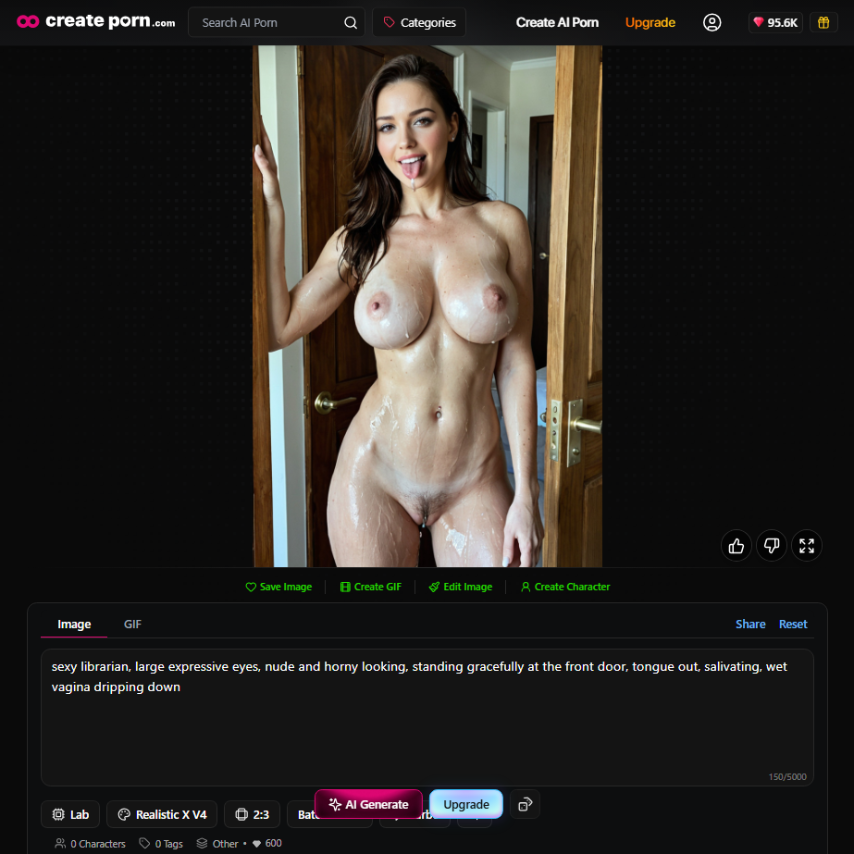
AI character design is the process of using generative AI tools to develop an original character's appearance and visual identity.
Creators provide instructions describing what they want the character to look like.
These instructions can include:
The AI model interprets these details and generates a visual result.
Character design can begin with something very simple.
For example:
Sexy nurse with curly hair
From there, the idea can become much more detailed:
Sexy nurse with curly hair, groping her boobs while being sweaty, playing with her visible vagina dripping wet. sitting on an office chair spreading legs wide open. Tongue out while salivating, red heart glowing reflection on eyes cross eyed.
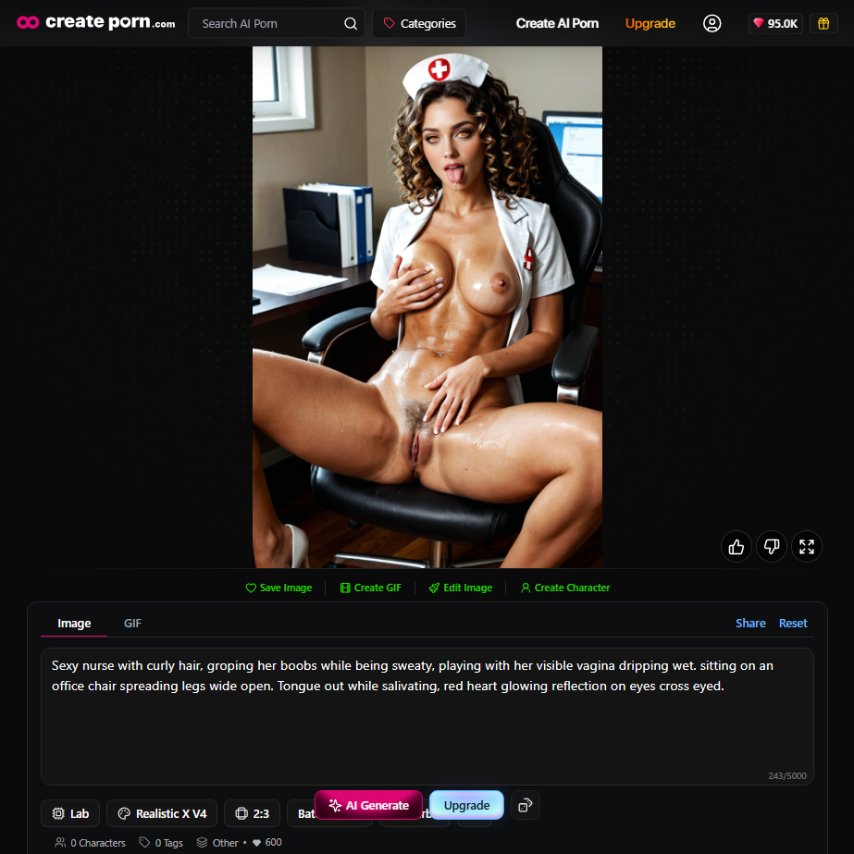
Adding clear details gives the AI more information about the character you are trying to create.
Start With the Character's Identity
Before deciding exactly what a character looks like, think about who the character is.
A basic identity gives the design direction.
Consider details such as:
For example, these two characters could have completely different designs:
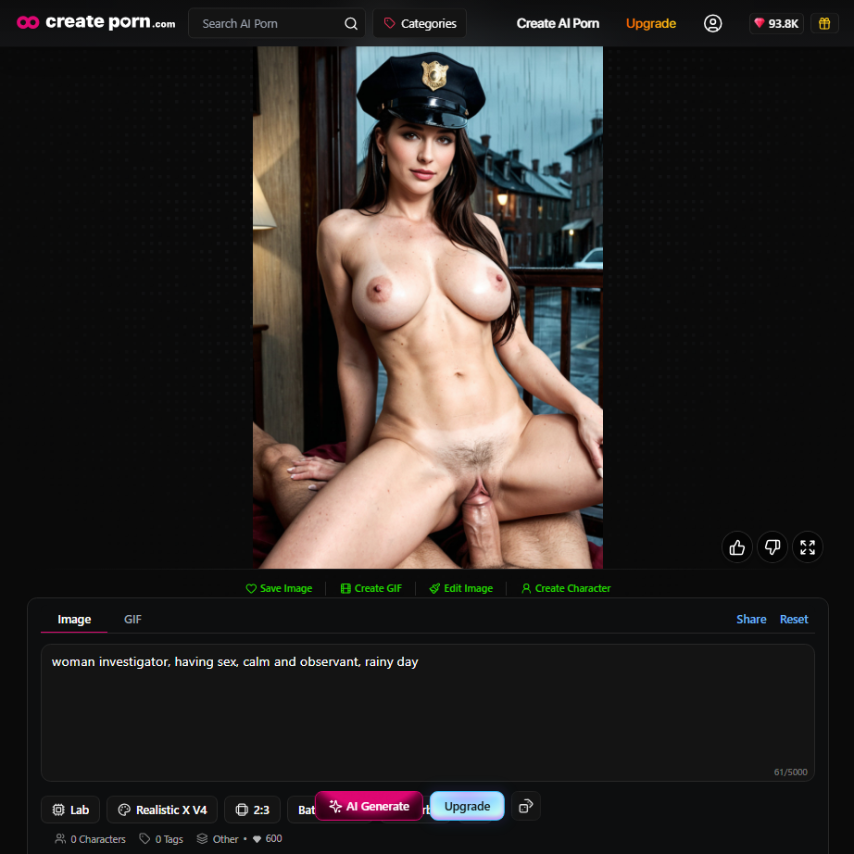
Character A:
woman investigator, having sex, calm and observant, rainy day
Character B:
A lewd fantasy scholar who is reading a book in a library while showing her pussy
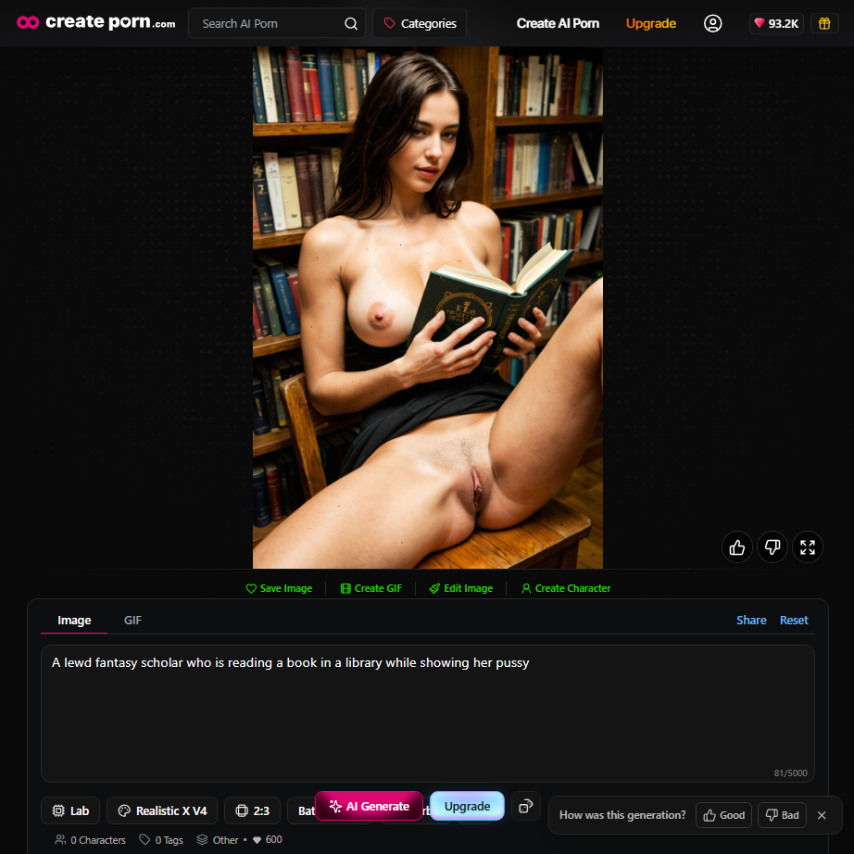
Even before describing their physical appearance, each idea suggests different clothing, environments, expressions, and visual styles.
Starting with identity helps different parts of the character feel connected instead of randomly selected.
Define the Character's Personality
Personality can influence how an AI character looks.
Think about how the character behaves.
Are they:
Personality can then influence visual details.
Character A:
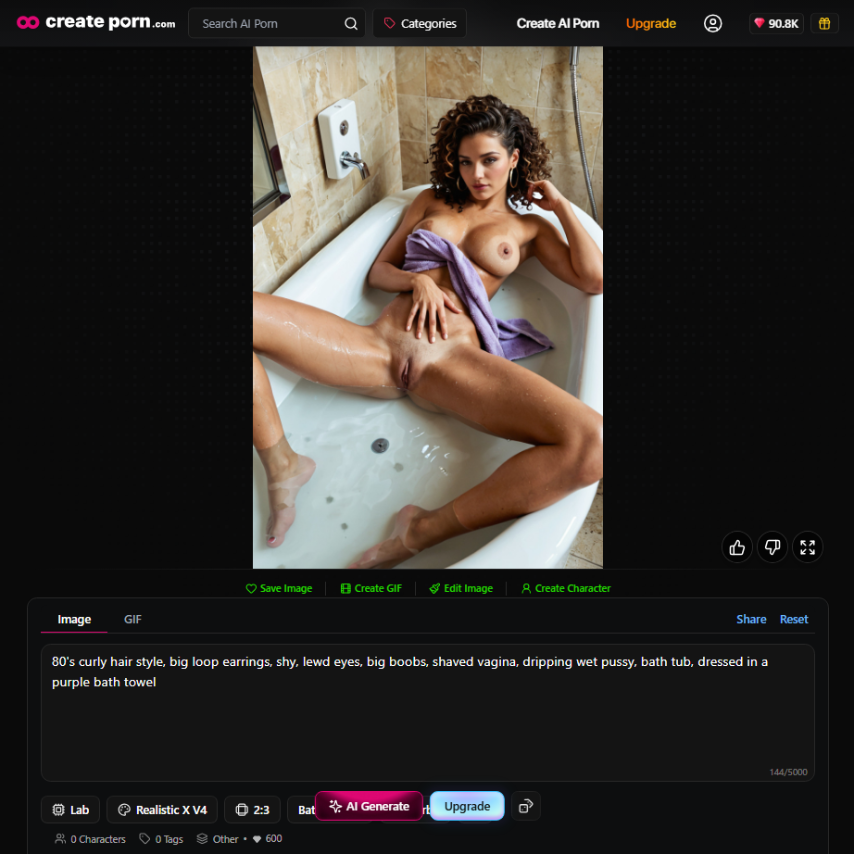
A confident character might use:
Character B:
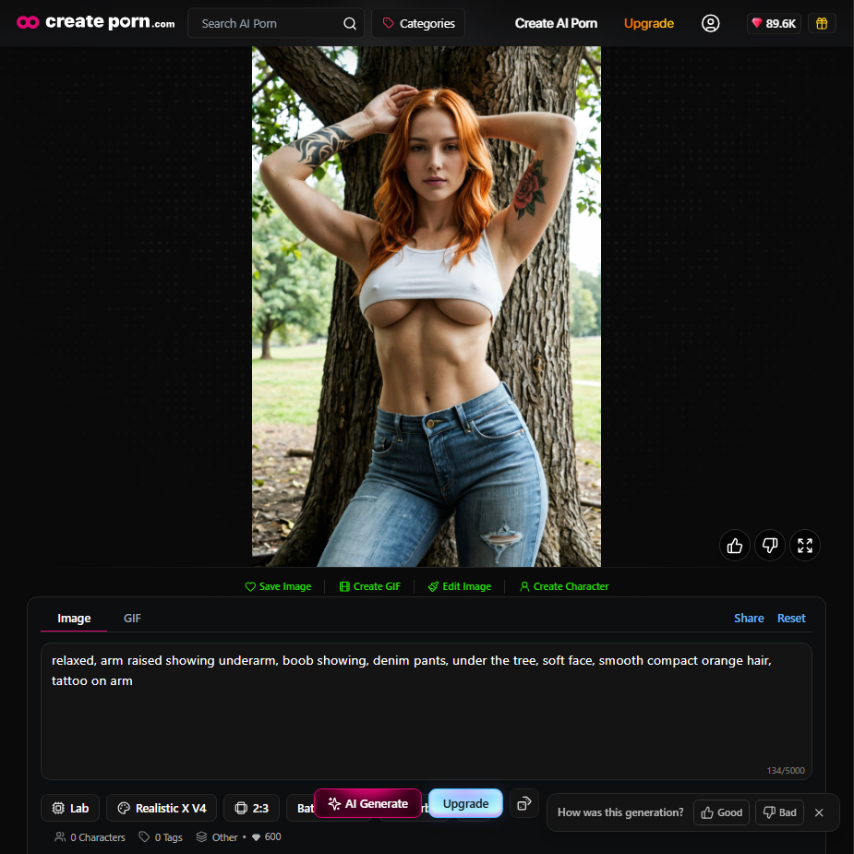
A quieter character might use:
Personality does not need to appear as a long biography inside every prompt.
Instead, use it as creative direction when choosing the character's appearance.
Design the Character's Appearance
Appearance is one of the most important parts of AI character design.
Try to define the features that make the character recognizable.
Facial Features
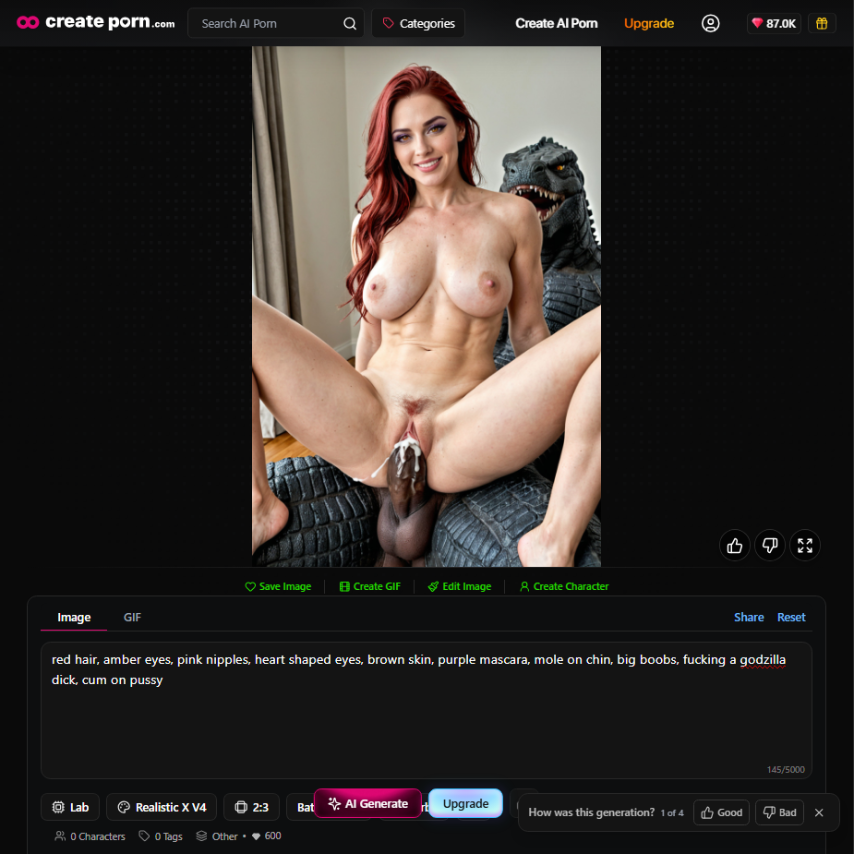
You can describe characteristics such as:
Avoid adding unnecessary details simply to make the prompt longer.
Focus on features that actually help establish the character.
Clothing
Clothing can communicate both personality and setting.
Consider:
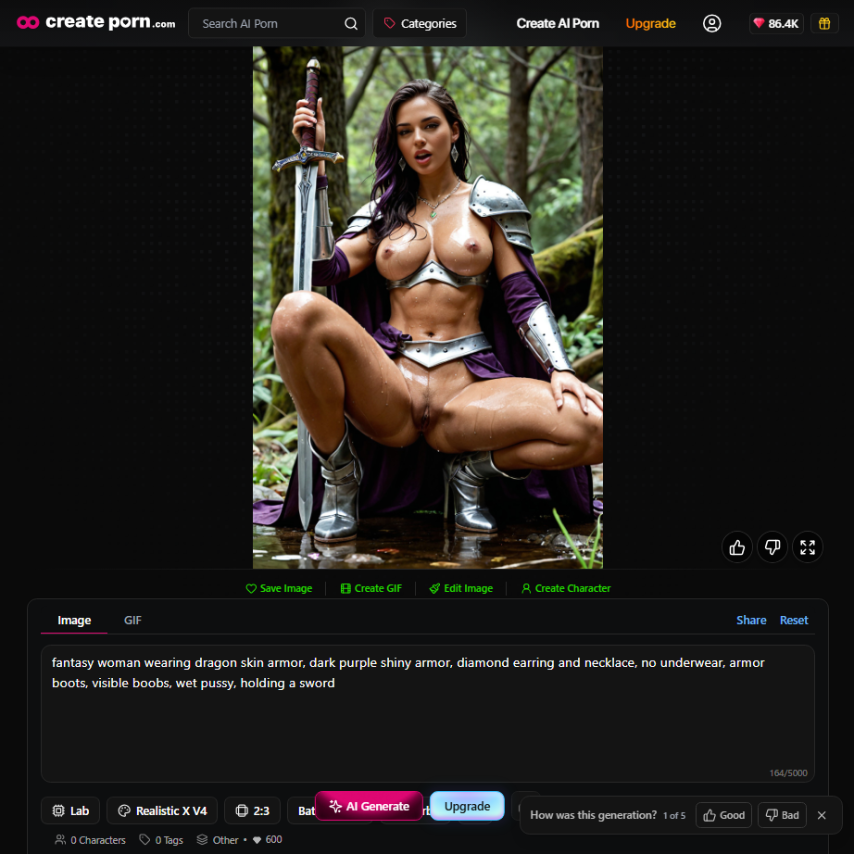
Example:
A fantasy character wears detailed robes or armor.
Recognizable Features
Characters are easier to identify when they have a few strong visual traits.
Examples include:
These details can also help when attempting to recreate the same character later.
Choose a Visual Style
The visual style determines how the character is presented.
The same character description can look completely different depending on the selected style.
Examples might include:
For example:
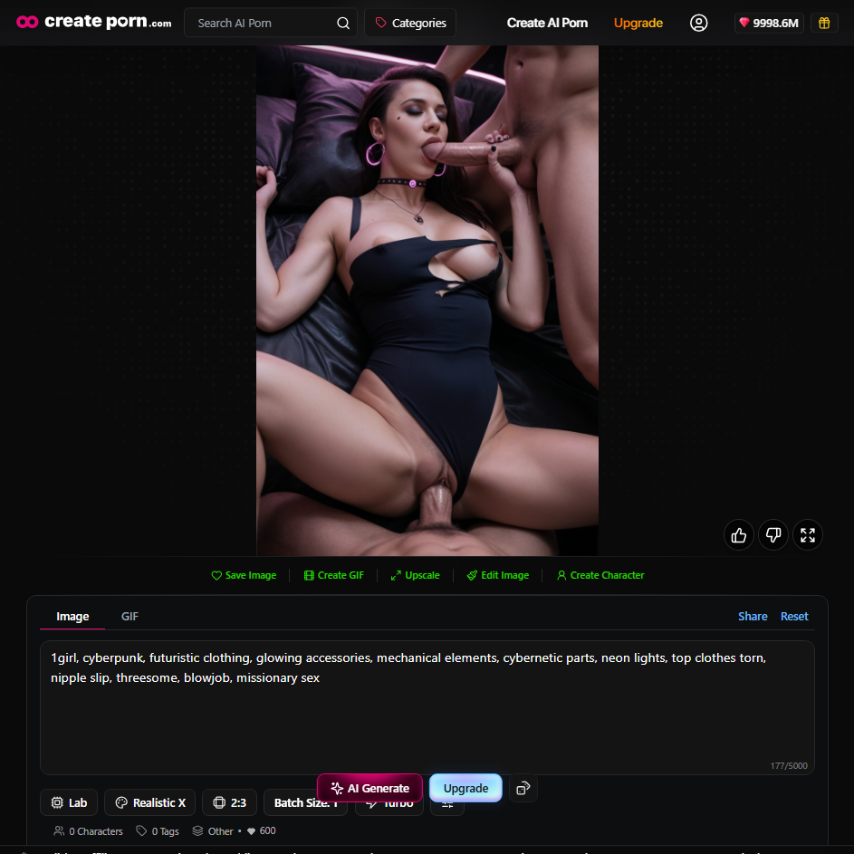
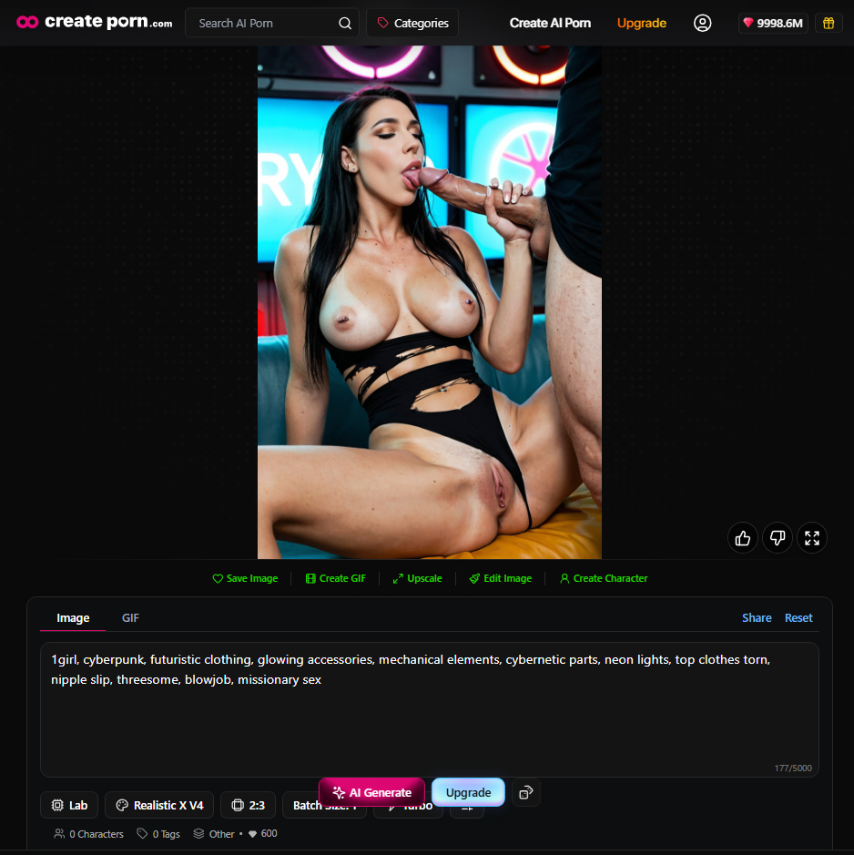
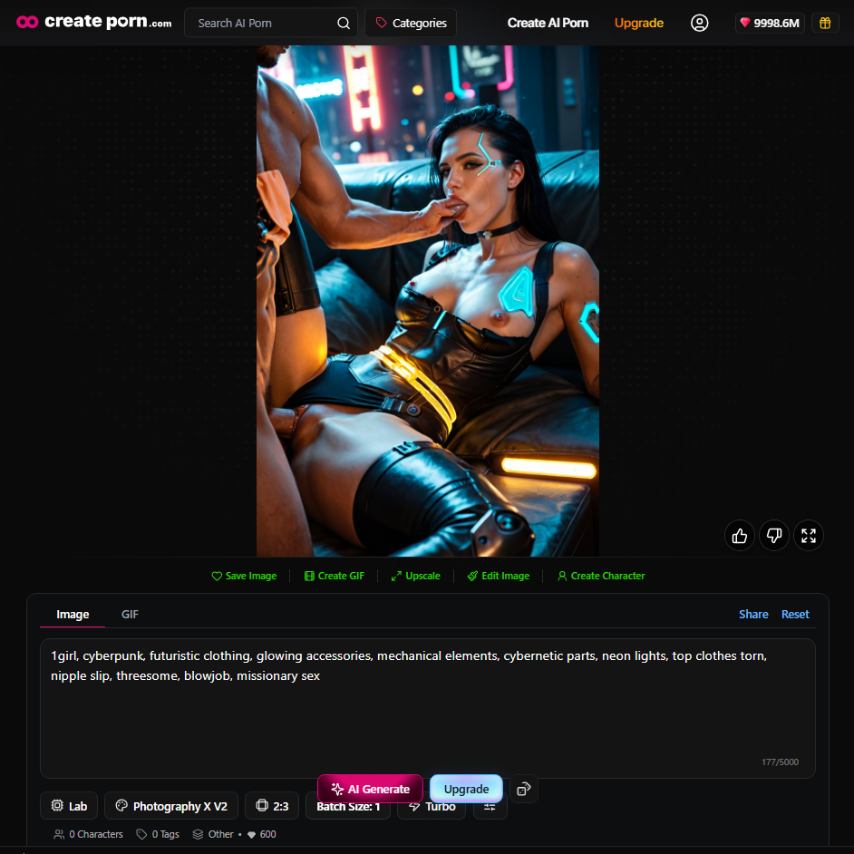
“1girl, cyberpunk, futuristic clothing, glowing accessories, mechanical elements, cybernetic parts, neon lights, top clothes torn, nipple slip, threesome, blowjob, missionary sex“
Example 1 Realistic X:
Example 2 Realistic X V4:
Example 3 Photography X V2:
Example 4 Twilight Pop X V2:

Could appear as a detailed fantasy painting in one style and as a manga character in another.
Keeping a similar visual style across generations can also help create a more recognizable character.
Give the Character a Background
Character design does not stop with the character.
The environment can help communicate who they are and what kind of world they belong to.
Useful background information can include:
For example:
Cyberpunk hacker
It's too simple; you need to provide much more context than simply describing the character:
Cyberpunk hacker inside a neon-lit apartment overlooking a futuristic city
The background supports the character's identity and gives the AI more information about the intended scene.
Build a Complete AI Character Prompt
Once the basic design is established, combine the important details into a structured prompt.
A useful formula is:
[Character identity] + [appearance] + [clothing] + [personality or expression] + [visual style] + [background] + [lighting or composition]
For example:
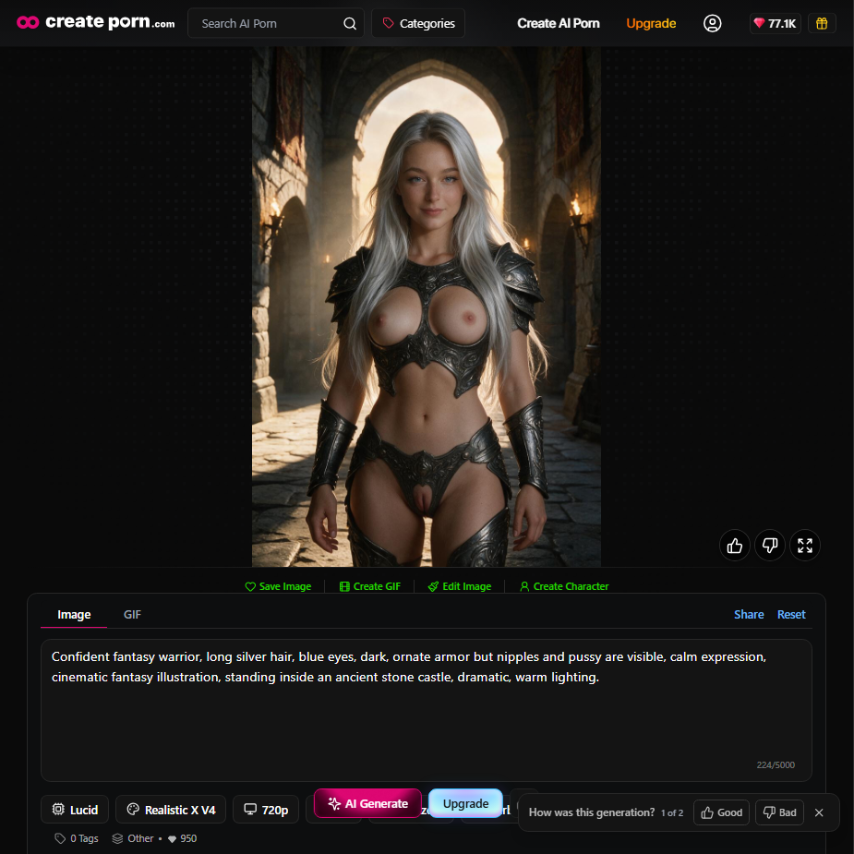
Confident fantasy warrior, long silver hair, blue eyes, dark, ornate armor but nipples and pussy are visible, calm expression, cinematic fantasy illustration, standing inside an ancient stone castle, dramatic, warm lighting.
Another example:
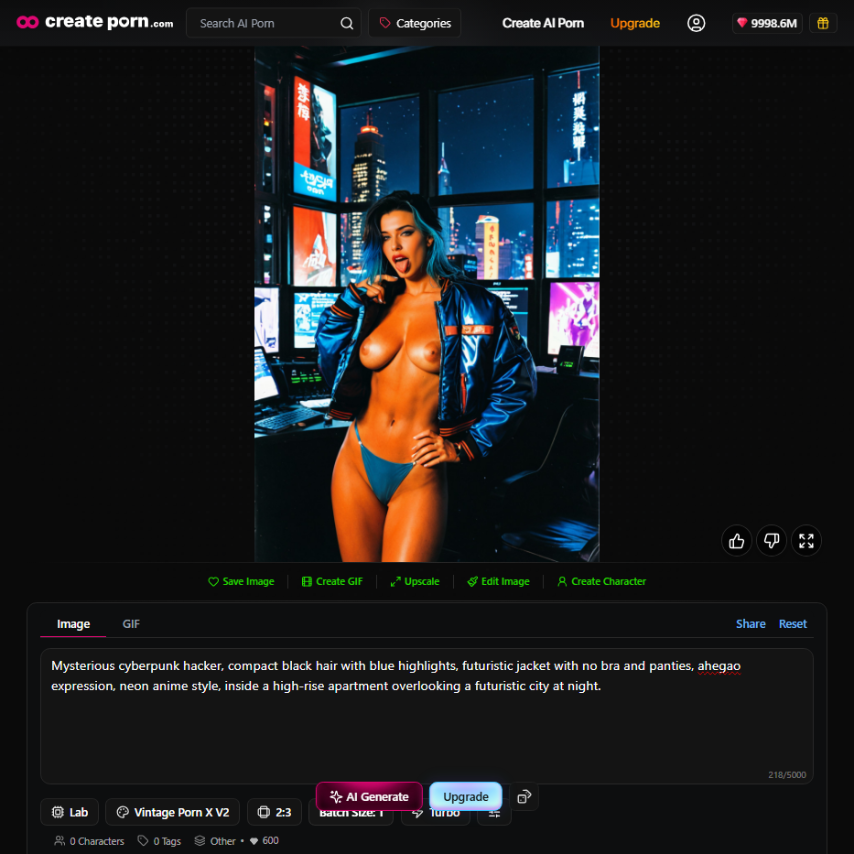
Mysterious cyberpunk hacker, short black hair with blue highlights, futuristic jacket, focused expression, neon anime style, inside a high-rise apartment overlooking a futuristic city at night.
The goal is not to make every prompt extremely long.
The goal is to give the AI clear information about the most important parts of the design.
→ AI Character Prompt Guide
Creating and Using Consistent Characters in AI Art
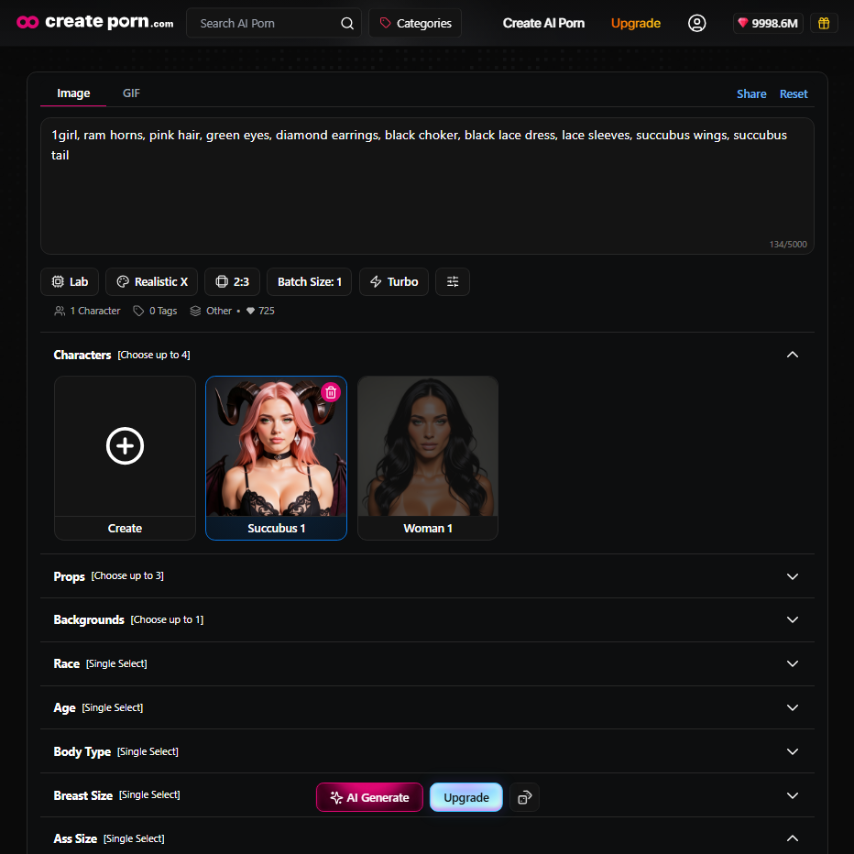
One of the biggest challenges in AI character creation is maintaining consistency across multiple generations.
A character might look correct in one image but change slightly in another.
Differences may appear in:
This can make storytelling and character-based projects more difficult.
There are several ways to improve consistency.
Keep Important Character Details Stable
Identify the traits that define the character and avoid changing them unnecessarily.
For example:
These become part of the character's visual identity.
Reuse Similar Descriptions
Changing the wording of important character details can sometimes change how the AI interprets them.
Keep important descriptions relatively stable when generating new scenes.
Then change only the parts that need to change, such as:
Use Character Consistency Tools
Dedicated character features can make it easier to reuse established characters instead of recreating their appearance manually every time.
Createporn's Consistent Characters workflow is designed to help creators continue using recognizable fictional characters across different generations.
This can be particularly useful when developing:
→ Consistent Characters Feature
Developing a Character Across Different Scenes
Once the basic character design works, start testing it in different situations.
For example, the same character could appear:
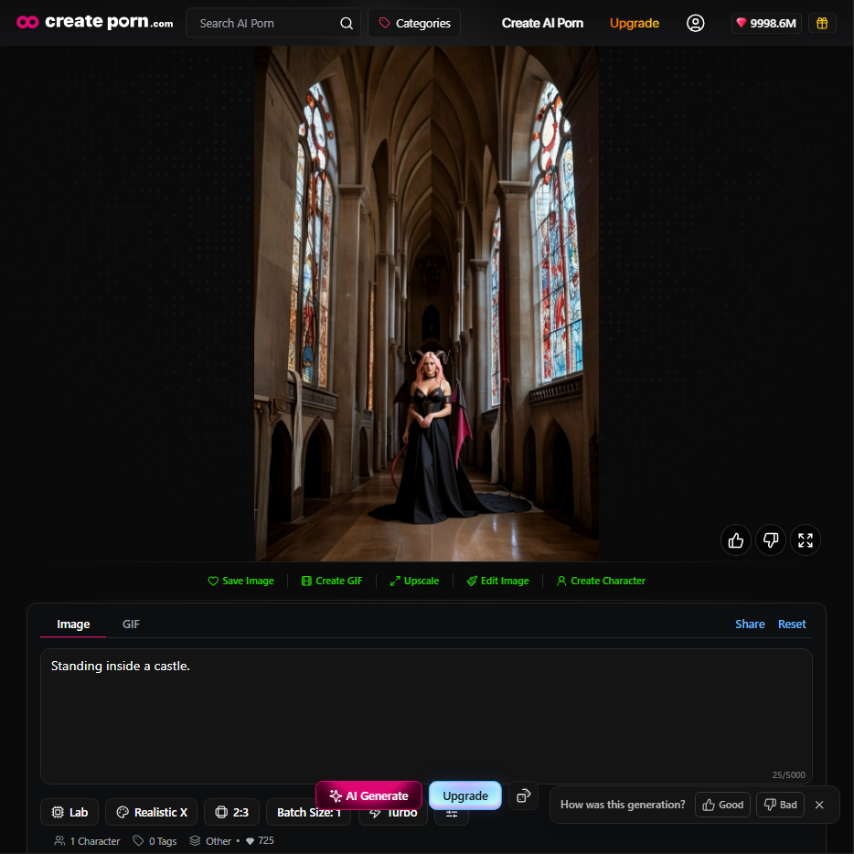
Scene 1:
Standing inside a castle.
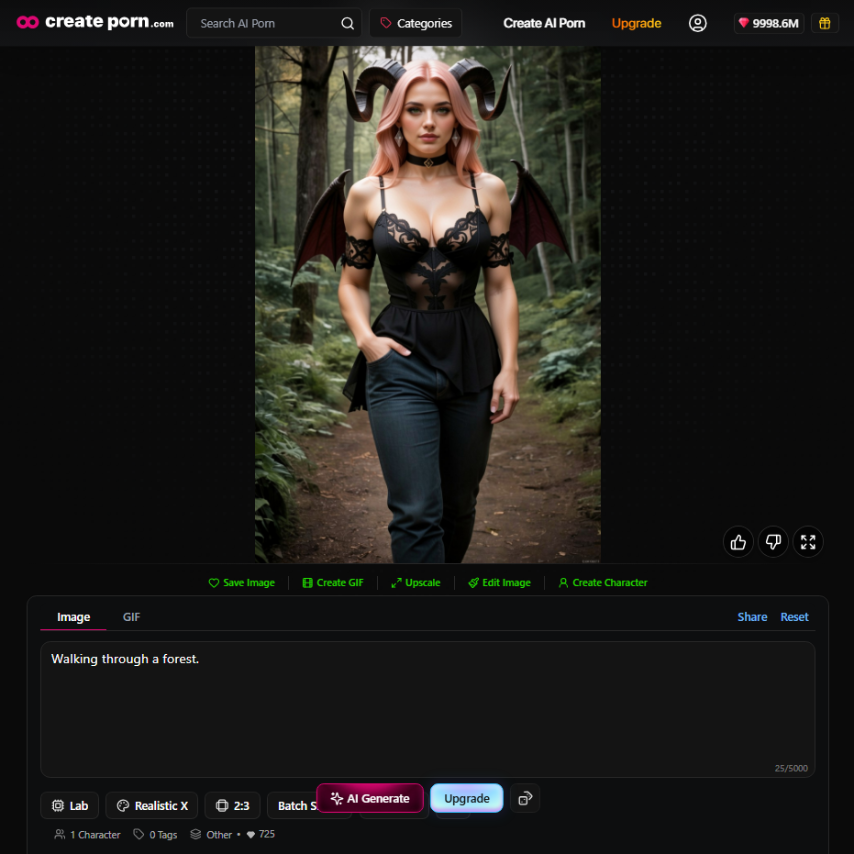
Scene 2:
Walking through a forest.
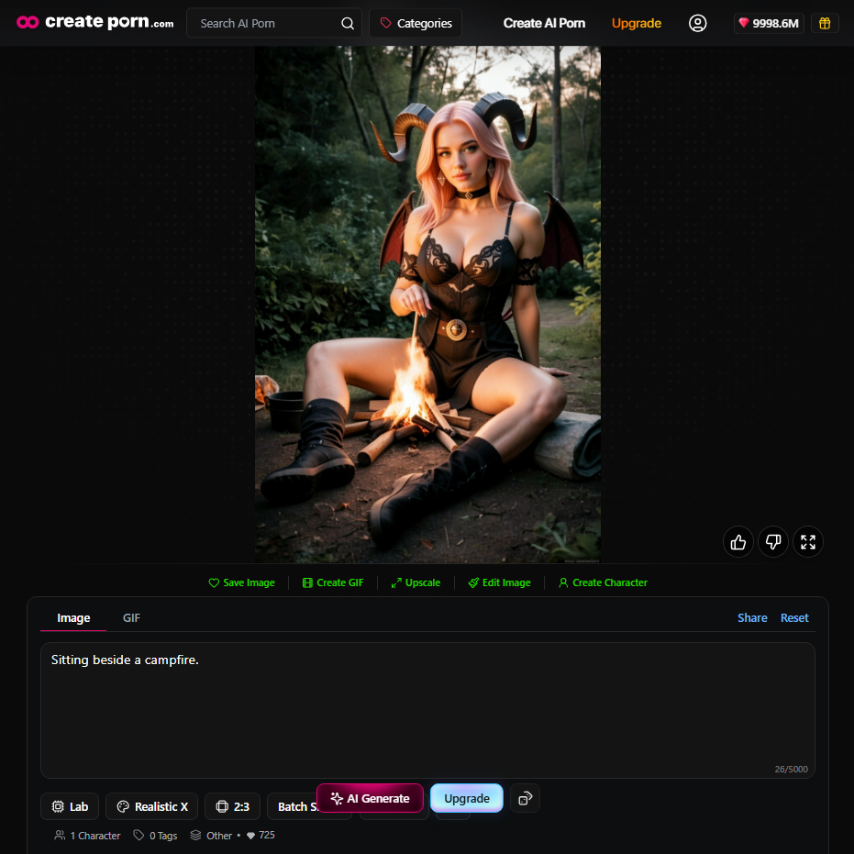
Scene 3:
Sitting beside a campfire.
Scene 4:
Standing on a mountain during sunrise.
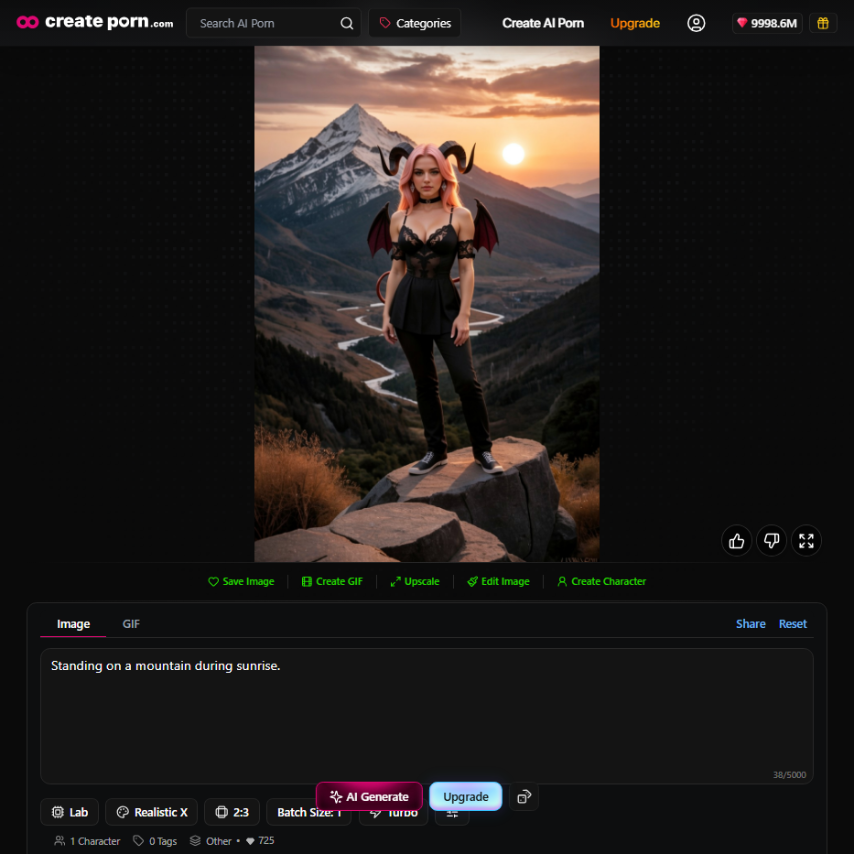
The environment changes, but the important character traits remain similar.
This approach helps separate the character's permanent identity from scene-specific details.
Permanent Character Details
These usually remain consistent:
Scene Details
These can change:
Thinking about character prompts this way can make them easier to manage.
Refine Your AI Character Design
The first generation does not need to become the final character.
AI character design is usually iterative.
Generate a concept, review it, and identify what should change.
You might adjust:
If most of the character already looks correct, make smaller changes instead of completely rewriting the concept.
Over time, the design becomes more clearly defined.
Common AI Character Design Mistakes
Adding Too Many Conflicting Details
More detail does not always mean a better prompt.
Conflicting instructions can make the intended design less clear.
Focus on the features that matter.
Changing Important Traits Between Prompts
If you constantly change the character's hair, clothing, style, and facial description, the AI may produce a very different character.
Keep core details stable.
Ignoring the Environment
Characters usually look more complete when the scene supports their identity.
Think about where the character exists and what kind of world surrounds them.
Changing Styles Too Often
Switching between very different visual styles can dramatically change how a character appears.
If consistency matters, use a stable visual direction.
Expecting Perfect Results Immediately
AI generation involves variation.
Character development usually requires testing, refining prompts, and comparing different results.
Frequently Asked Questions
How do you design an AI character?
Start by defining the character's identity, personality, appearance, clothing, visual style, and environment. Combine the most important details into a clear prompt and refine the results through multiple generations.
What should an AI character prompt include?
A useful character prompt usually includes the character type, physical appearance, clothing, personality or expression, visual style, background, and important scene details.
How can I make an AI character unique?
Give the character a clear identity and a few recognizable visual traits. Distinctive hairstyles, clothing, accessories, color combinations, personalities, and environments can help create a stronger design.
How do I keep an AI character consistent?
Keep important appearance details and visual styles stable between generations. You can also use character consistency tools designed to preserve recognizable traits across different creations.
Why does my AI character look different each time?
AI models generate outputs based on learned patterns and probabilities. Changes in prompts, settings, styles, poses, and environments can influence the character's appearance.
Can I create the same AI character in different scenes?
Yes. Keep the character's main visual traits consistent while changing scene-specific information such as the environment, pose, activity, expression, or camera angle.
Create Your Own AI Characters
Good AI character design begins with more than appearance.
Identity, personality, visual traits, style, and environment all work together to make a character recognizable.
Start with a simple concept.
Define the most important characteristics.
Then refine the character through different prompts, scenes, and generations.
With a clear design and consistent creative direction, AI tools can help turn a basic character idea into a more complete fictional identity.
→ Start Creating With the AI Character Generator