



Upscale Feature Now Live!
We’re excited to introduce the Upscale feature, allowing you to boost the resolution and sharpness of your favorite creations.
How It Works:
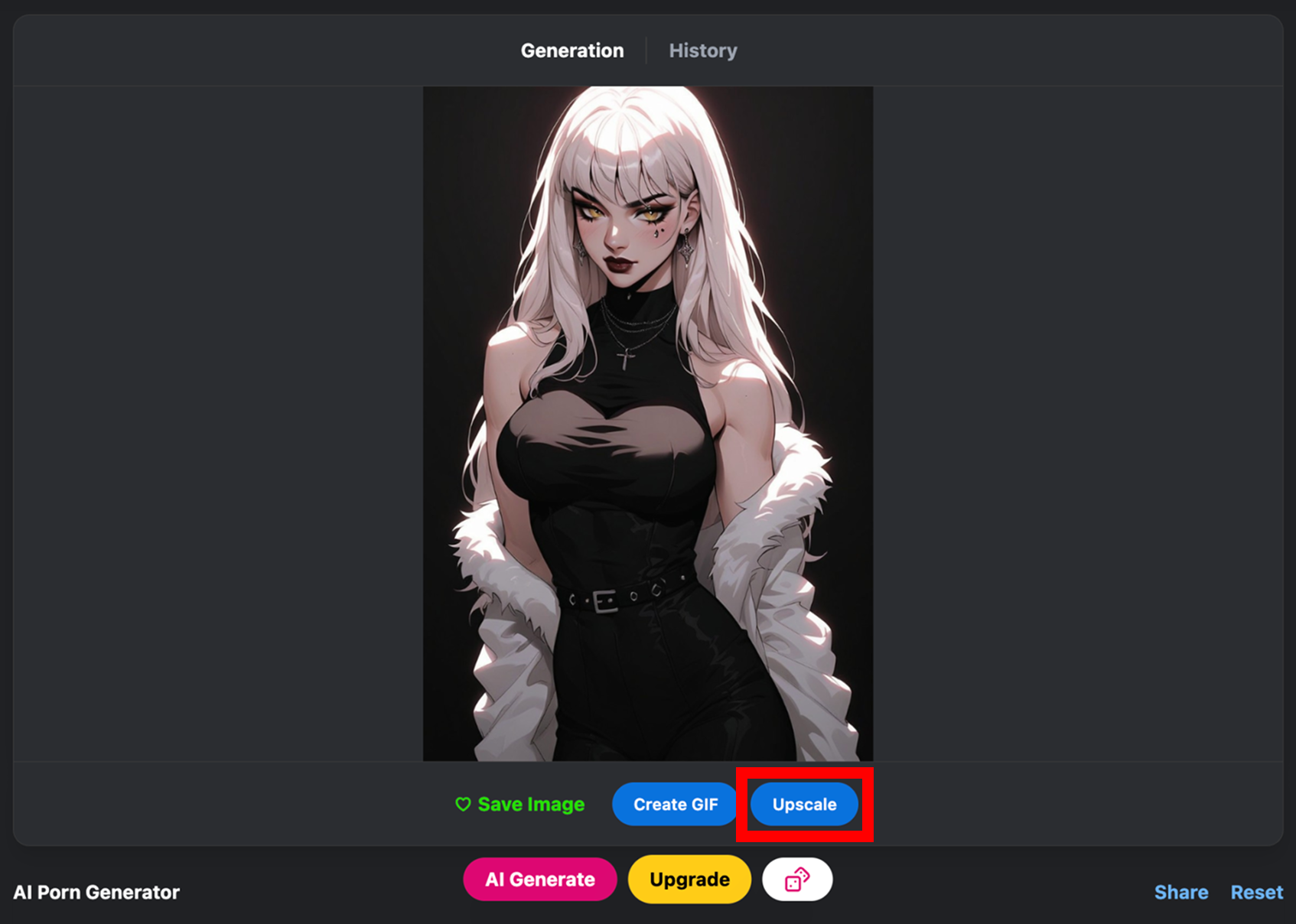
Generate an Image – Create an image on our platform.
Hit Upscale – Once your image is ready, click the Upscale button.
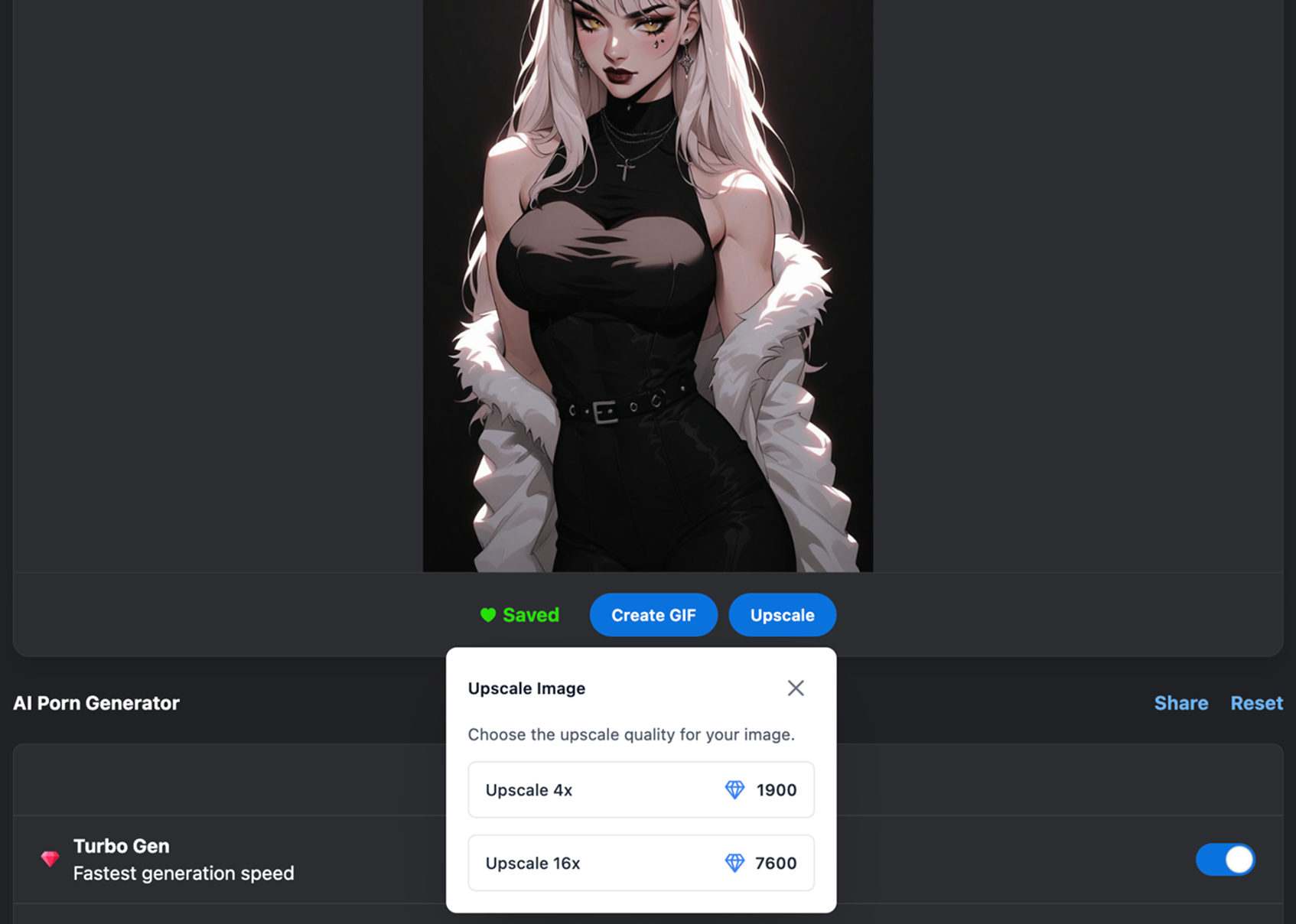
Choose Your Factor – Select either 2x or 4x upscale.
Wait for Completion – Your higher resolution image will be ready shortly.
You can also upscale images from your profile:
Please Note: You cannot upscale another user’s image.
Upscaling is perfect for creating print-quality artwork, refining small details, or simply enjoying your creations in a higher resolution. Try it today and see the difference.
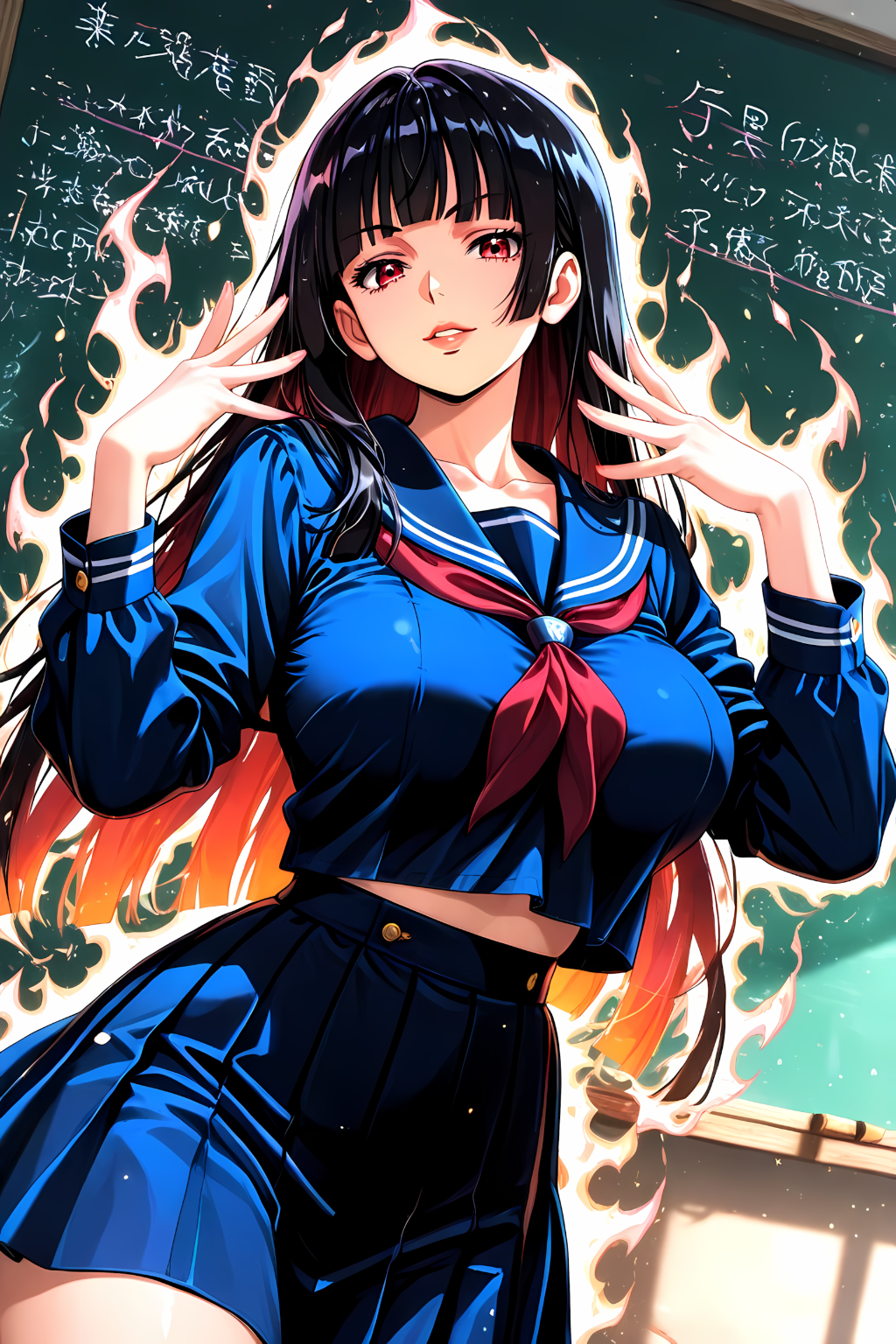
Learn how to create high-quality AI GIF animations using the Video Generation Model. This guide explains prompt structure, motion control, camera movement, sound design, and tips for producing smooth, cinematic results.

Top up Gems using Kinguin and enjoy quick, flexible checkout options.
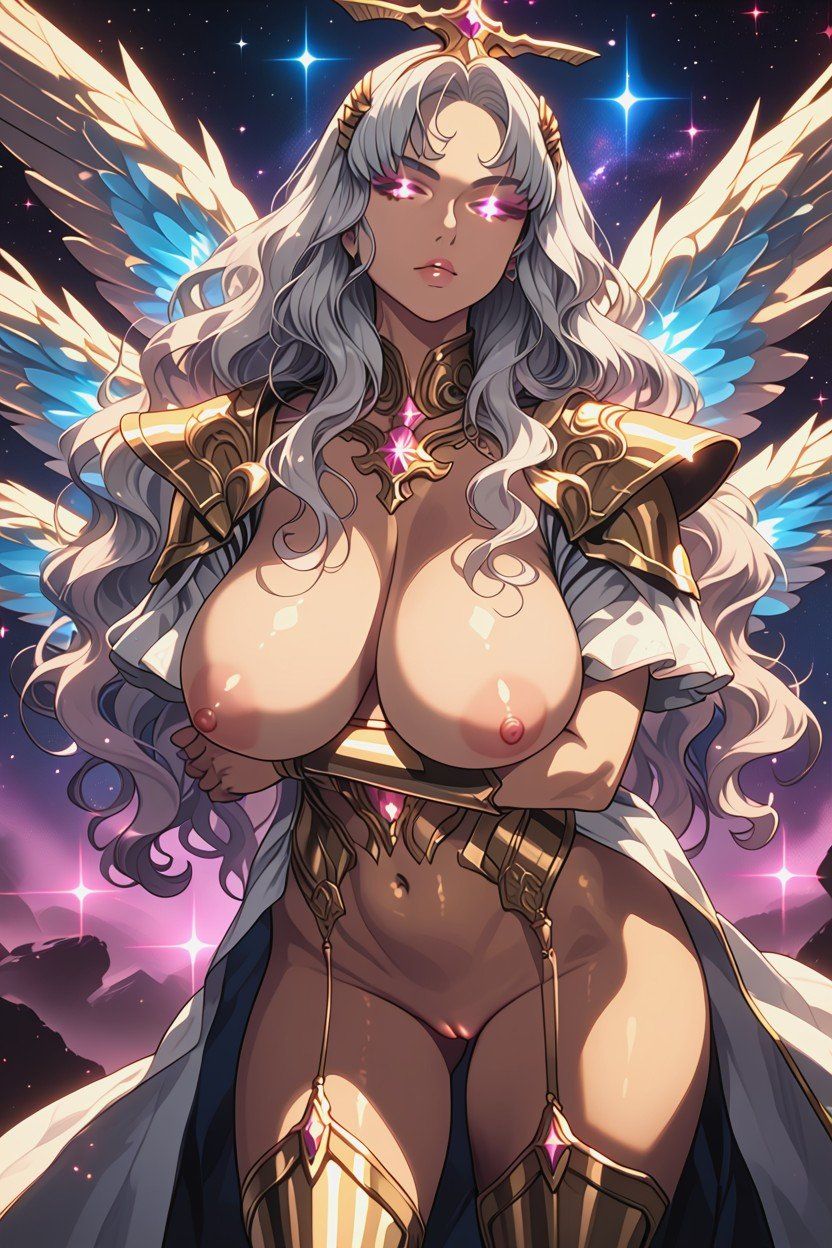
Learn how to purchase Diamonds using Crypto on Createporn.com.
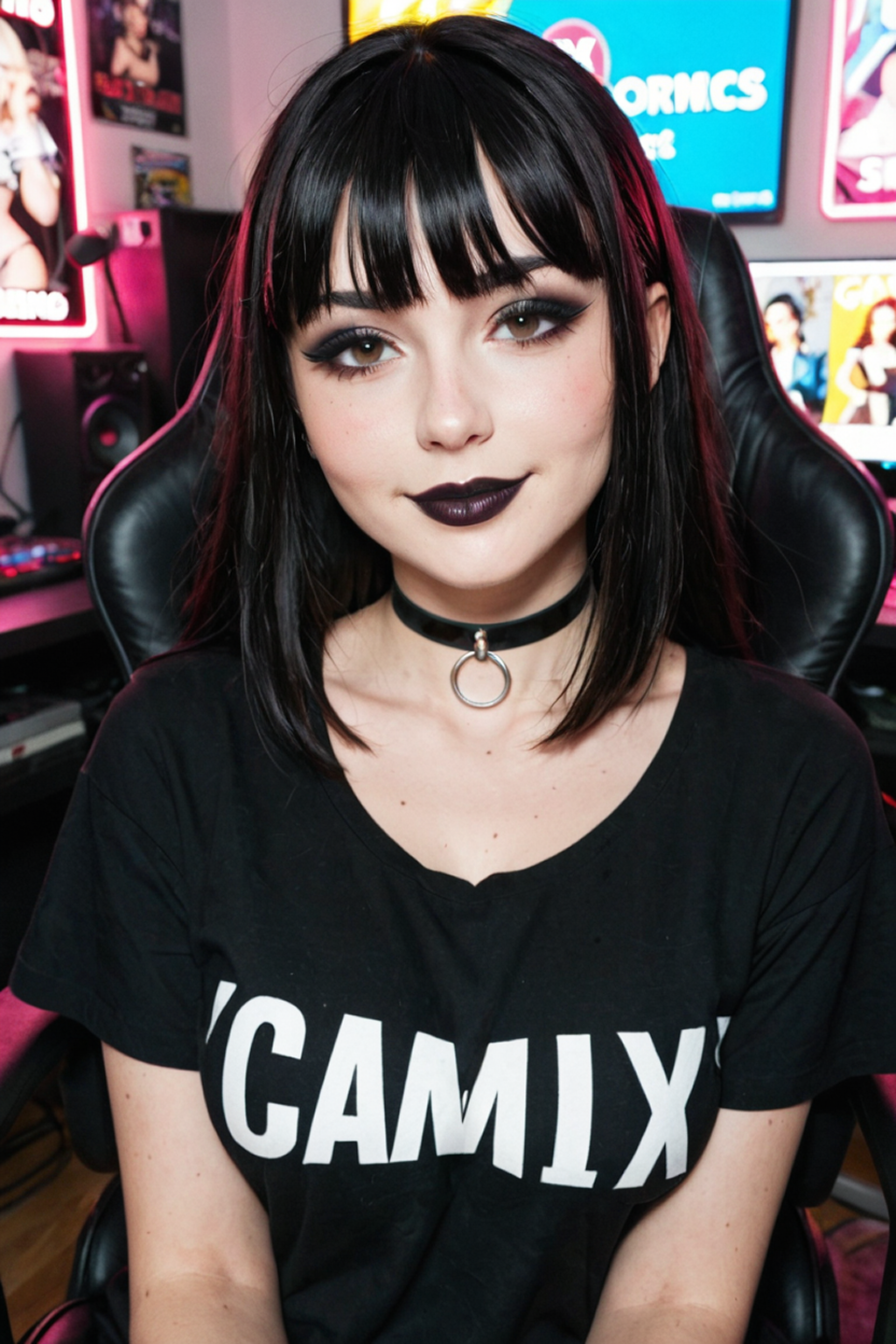
A step-by-step guide showing how to turn still images into smooth, animated GIFs using clear, structured prompts.