How To Write Better AI Image Prompts: Tips & Examples
Learn how to write better AI image prompts with a simple prompt formula, examples, negative prompts, common mistakes, and optimization tips.
On this page
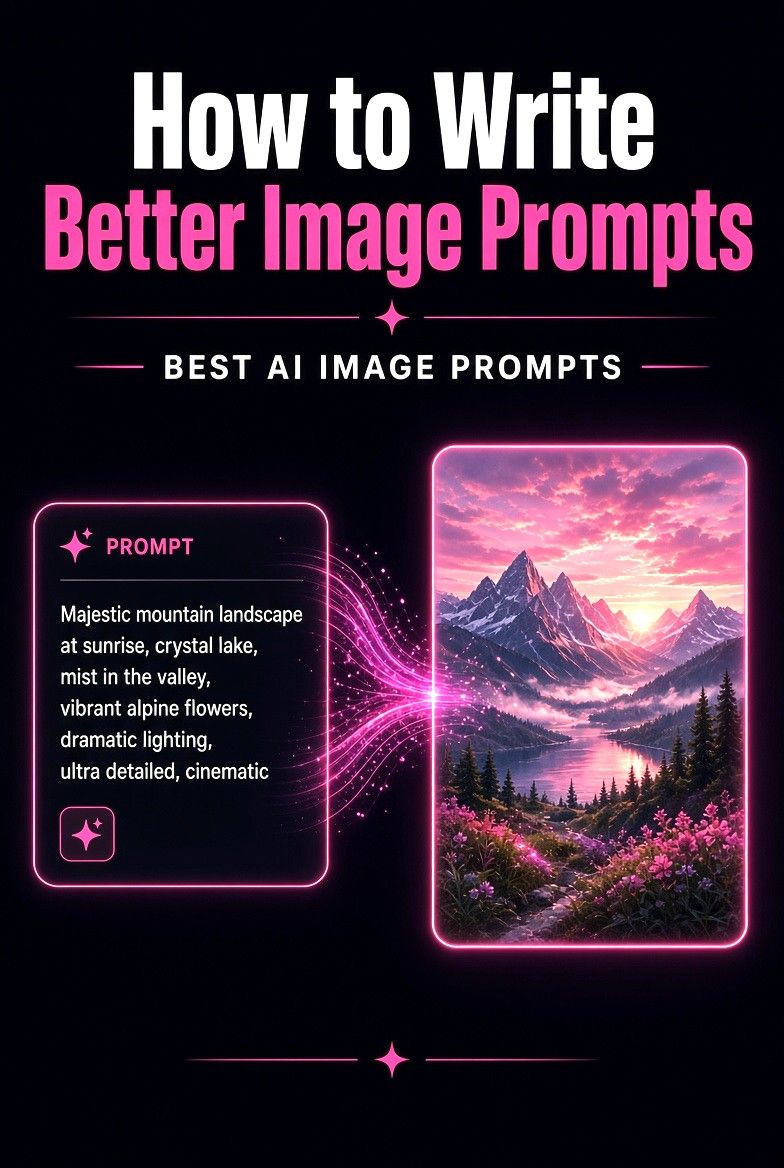
Writing a better AI image prompt gives the AI clearer instructions about what you want to create.
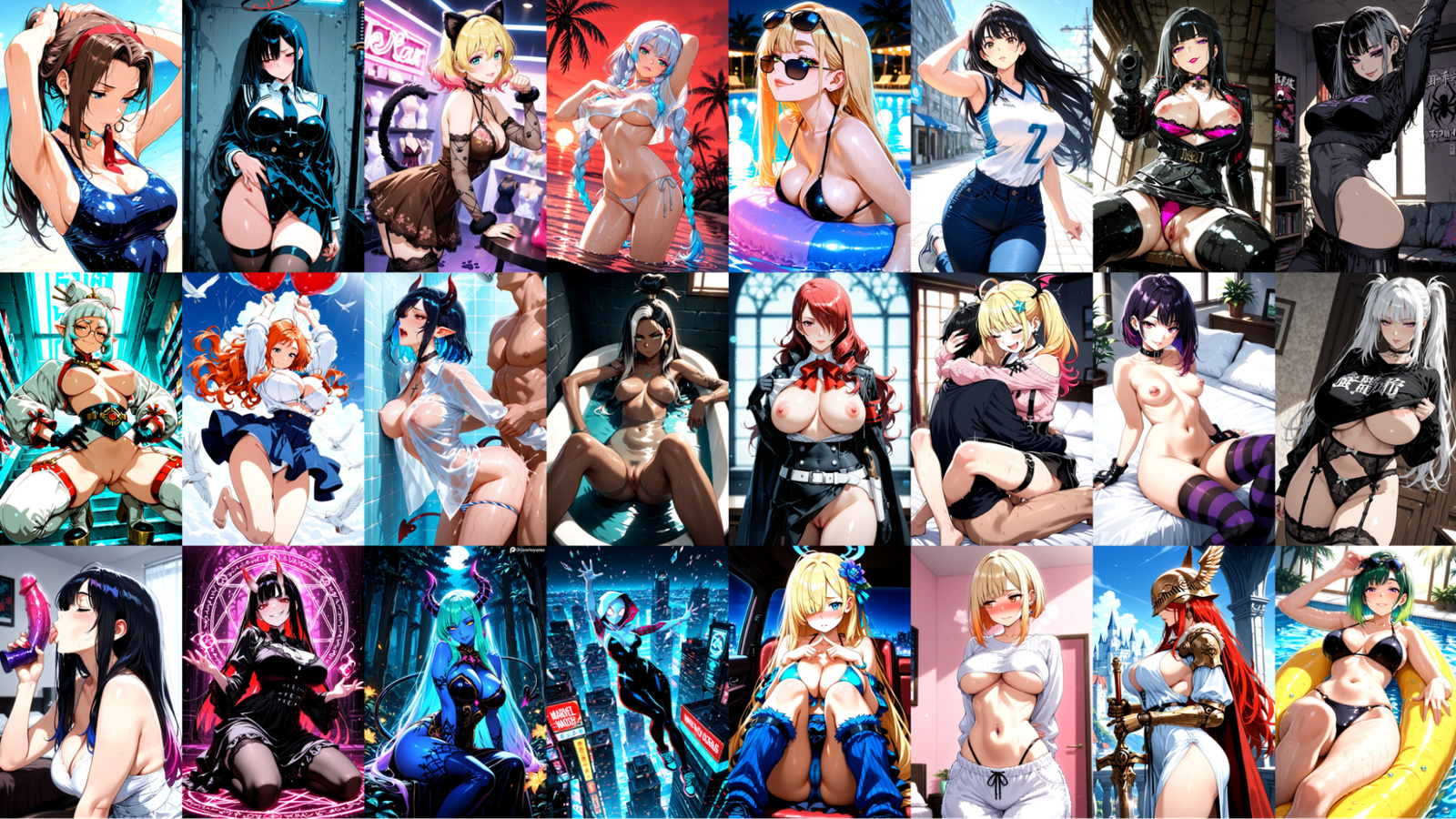
A simple description can generate an image, but adding useful details about the character, action, environment, lighting, and visual style can give you more control over the result.
For example:
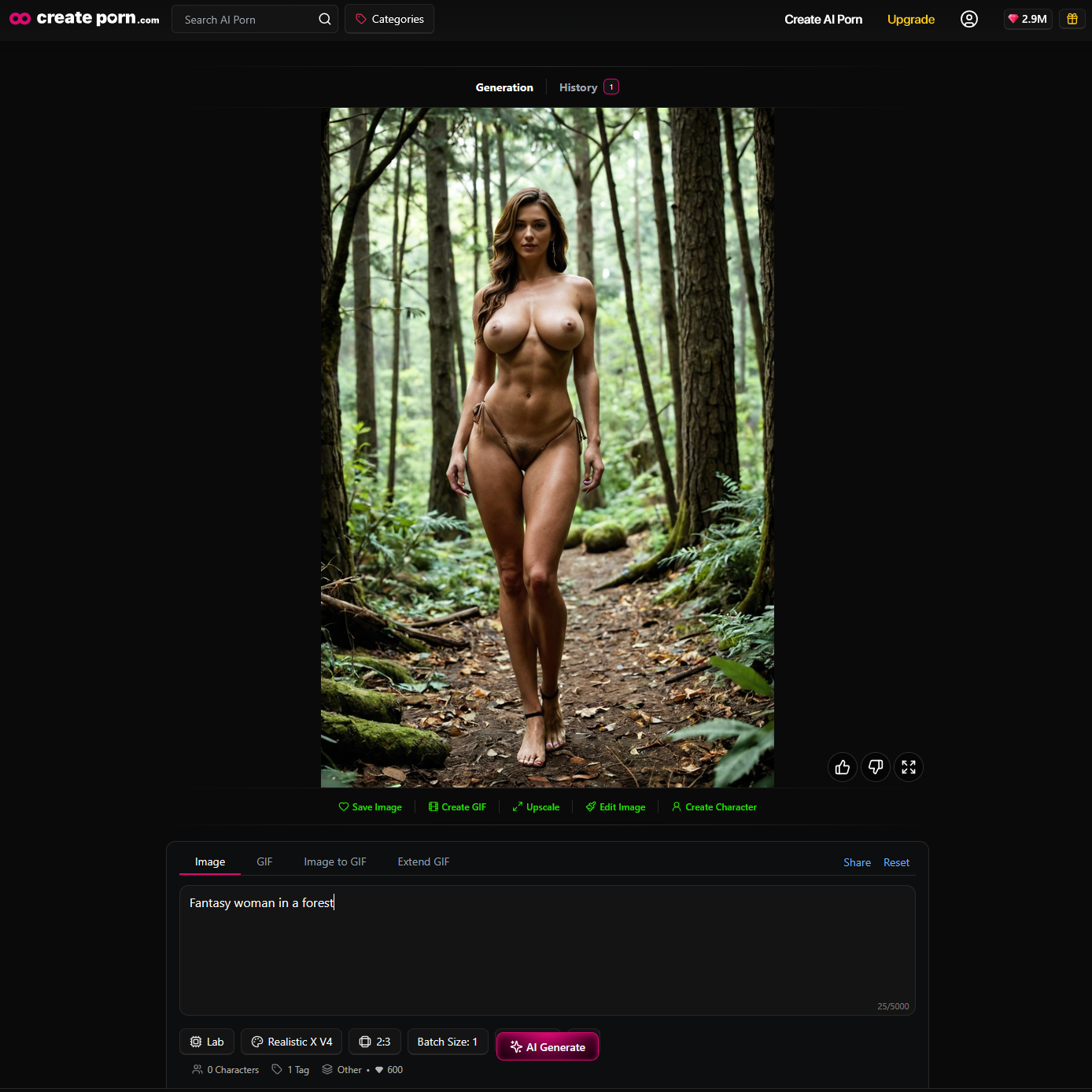
Basic prompt:
“Fantasy woman in a forest."
Better prompt:
“Fictional adult fantasy woman, long silver hair, green eyes, dark green clothing, standing inside an enchanted forest, glowing plants, soft moonlight, detailed fantasy,”
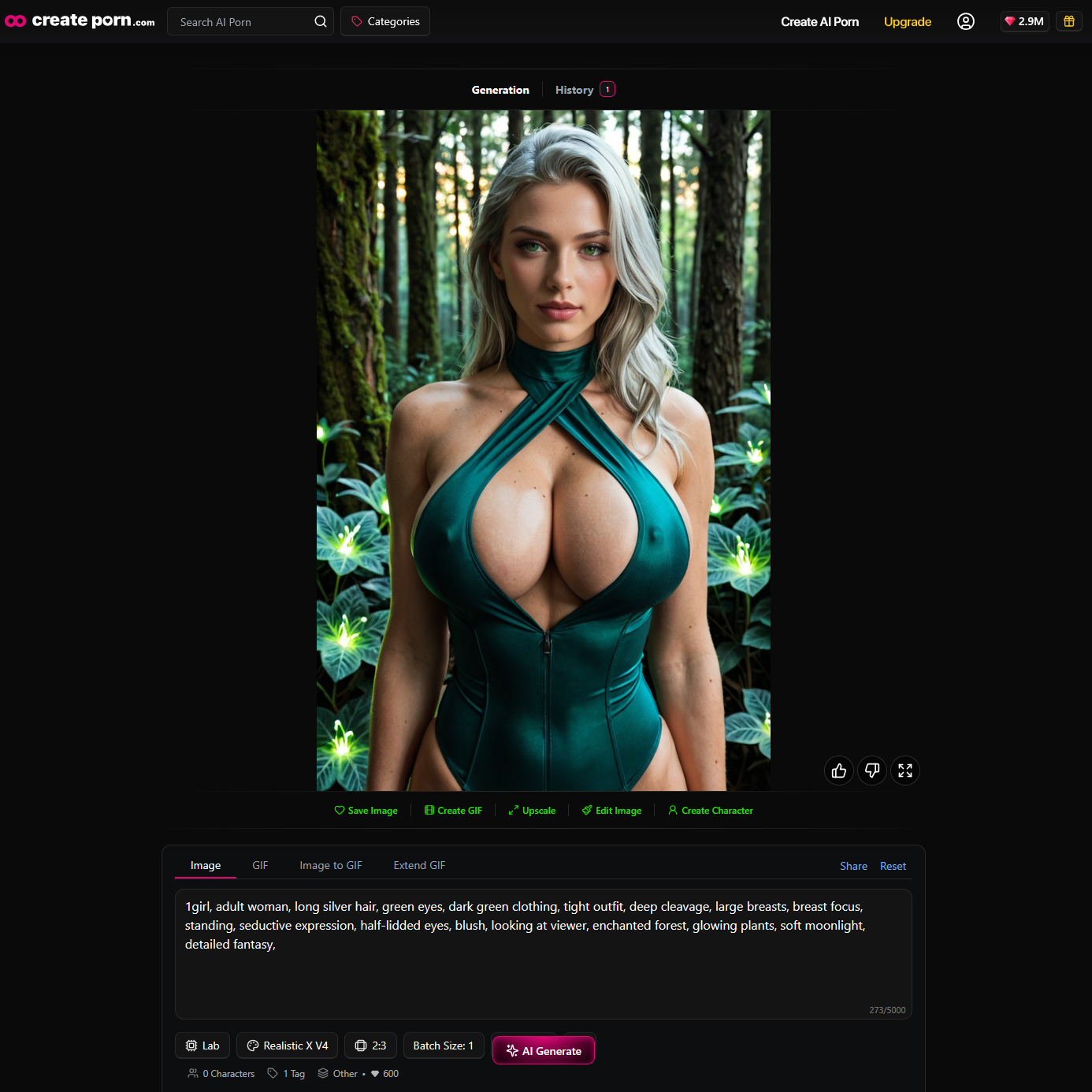
Both prompts describe the same general idea, but the second gives the AI much clearer creative direction.
→ AI Prompt Guide
What Is an AI Image Prompt?
An AI image prompt is a written description that tells an AI image generator what you want it to create.
Prompts can describe:
- Characters
- Appearance
- Clothing
- Actions
- Environments
- Lighting
- Camera composition
- Mood
- Visual style
The AI interprets these instructions and attempts to generate an image that matches them.
However, an AI Generator can only create concepts and visual patterns that its model has learned during training. If you ask for something the model does not recognize or was not trained to generate well, it may ignore the instruction, substitute something similar, or produce inconsistent results.
This is why even a well-written prompt may not always work exactly as expected. Prompt quality matters, but the capabilities and training of the selected AI model matter too.
You do not need to describe every possible detail. Focus on the elements that are important to your image and that the Generator can reliably understand.
A Simple AI Image Prompt Formula
A useful prompt structure is:
[Subject] + [Appearance] + [Clothing] + [Action/Pose] + [Environment] + [Lighting] + [Composition] + [Visual Style]
For example:
“Fictional adult fantasy mage, long white hair, flowing hair, blue eyes, dark blue robes, mage, holding book, glowing spellbook, magical book, standing, ancient library, bookshelves, warm candlelight, candlelight, portrait, upper body, highly detailed,”
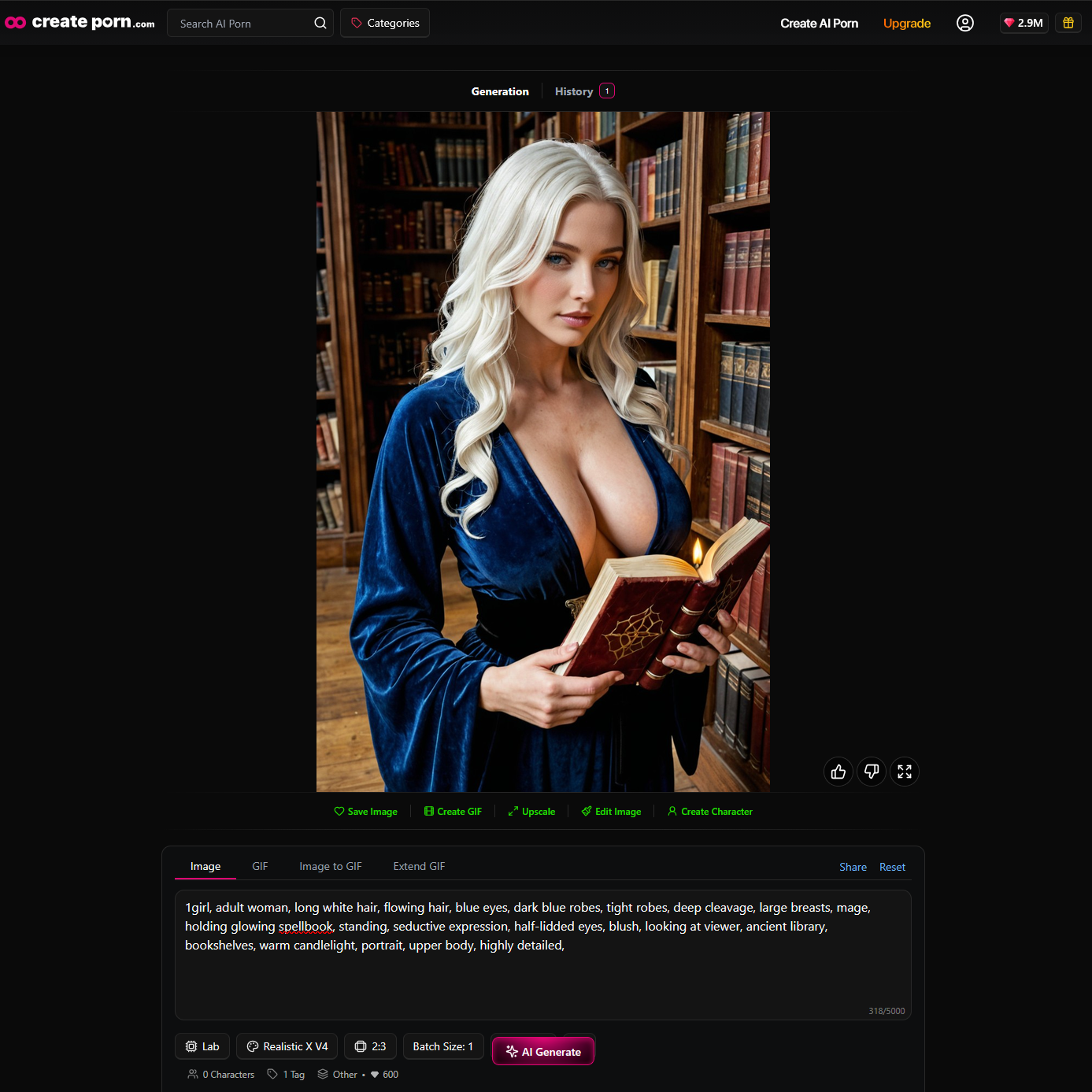
This includes:
- Subject: Fantasy mage
- Appearance: Long white hair, Blue eyes
- Clothing: dark blue robes
- Action: Holding a spellbook
- Environment: Ancient library
- Lighting: Warm candlelight
- Composition: Portrait
- Style: Fantasy illustration
You do not need every element in every prompt. Add the details that matter most.
Start with a Clear Subject
Begin by identifying the main focus of the image.
Examples include:
- Fictional adult woman
- Fictional adult man
- Fantasy mage
- Anime character
- Cyberpunk character
- Vampire
- Warrior
- Futuristic explorer
Then add the defining features.
For a character, this might include:
- Hair
- Eyes
- Facial features
- Clothing
- Accessories
For example:
“Fantasy Dark mage, long hair, wavy hair, crimson hair, glowing eyes, golden eyes, slit pupils, sharp features, high cheekbones, pale skin, arcane markings, black robes, red robes, gold embroidery, ornate circlet, holding staff, ruby crystal staff, glowing staff, floating runes, magical aura, standing, ancient temple, ruined temple, dramatic lighting, fantasy, highly detailed, ”
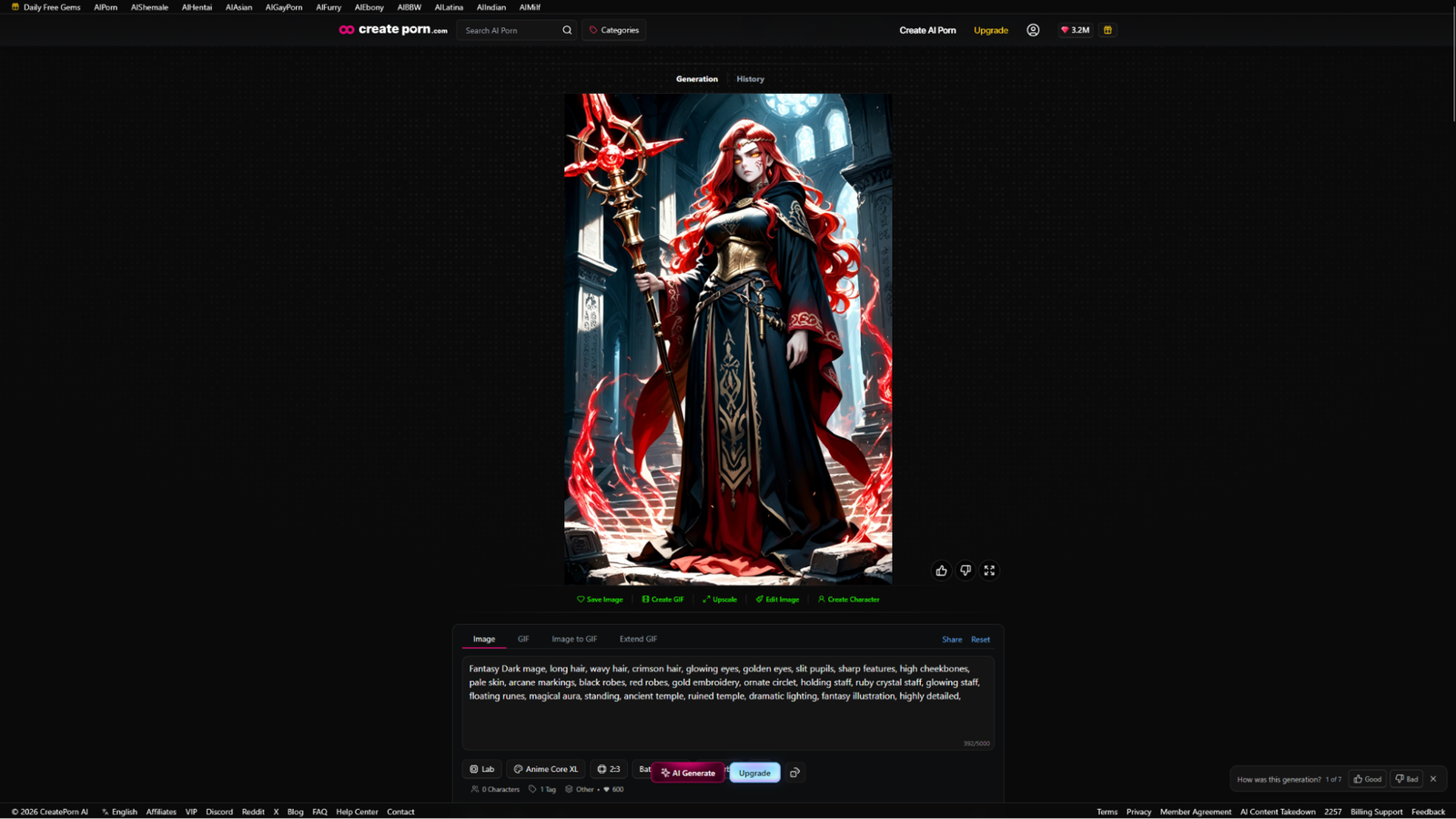
Clear character descriptions are especially useful when you want to develop a recurring fictional character.
→ AI Character Generator LP
Describe the Action
Tell the AI what the subject should be doing.
Instead of:
“Fantasy warrior”
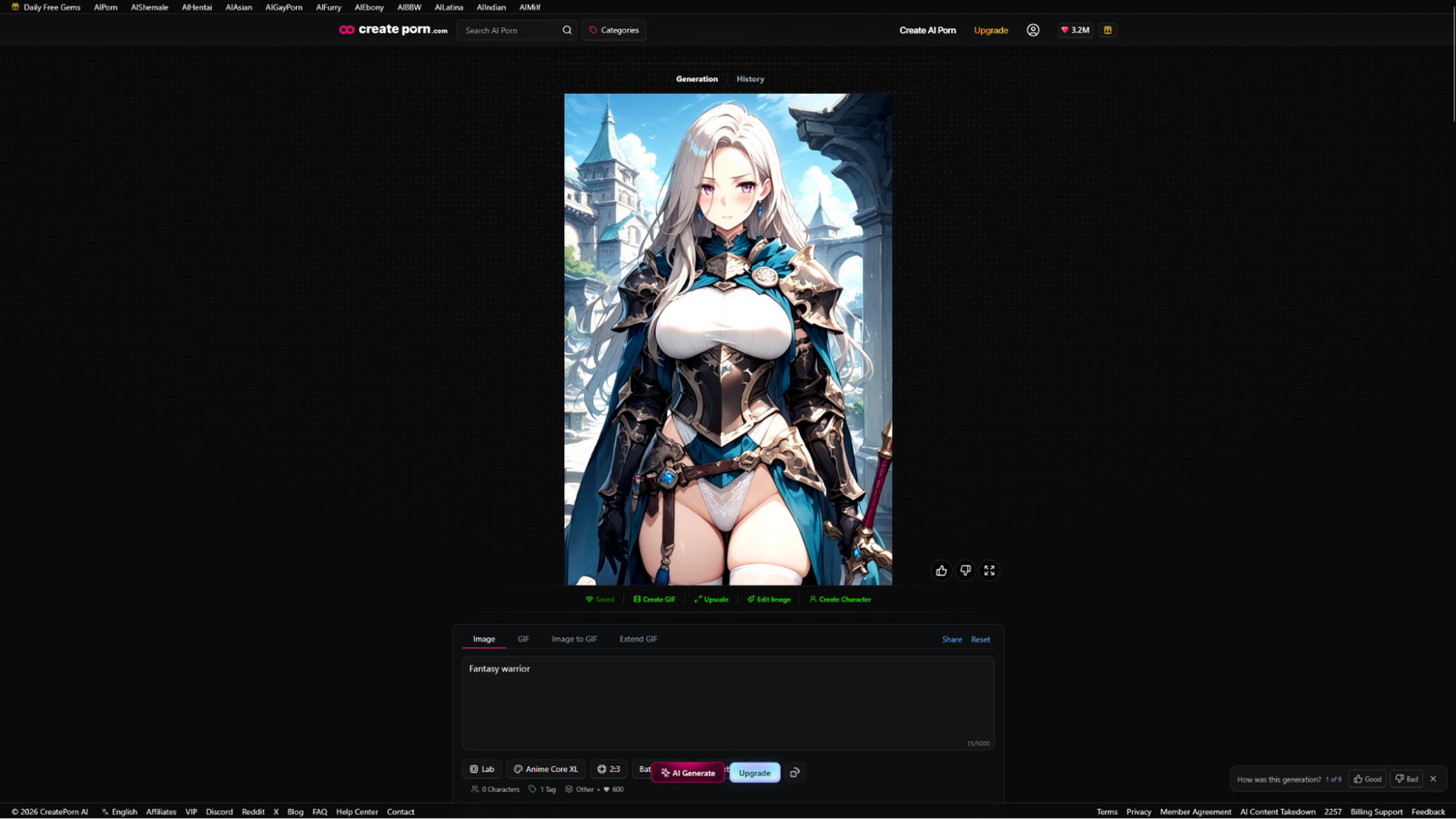
Try:
“Fantasy warrior standing confidently on a castle balcony, holding a sword, dynamic pose”
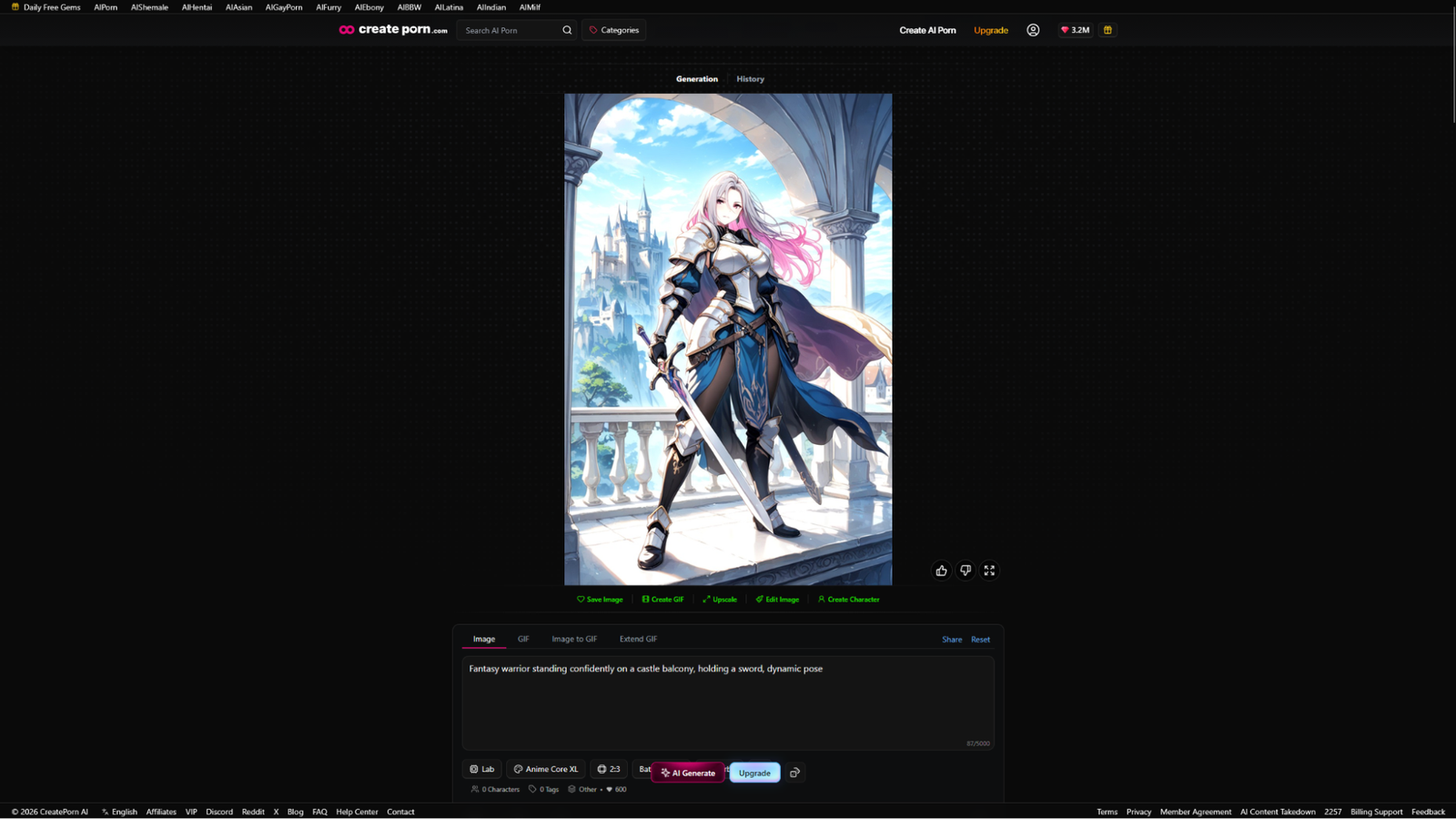
Useful actions include:
- Standing
- Sitting
- Walking
- Looking toward the camera
- Reading
- Dancing
- Holding an object
- Looking over their shoulder
- Dynamic pose
Actions help define both the pose and the overall scene.
Add an Environment
The environment tells the AI where the image takes place.
Examples include:
- Fantasy castle
- Enchanted forest
- Modern apartment
- Beach
- Cyberpunk city
- Luxury hotel
- Futuristic spaceship
- Medieval village
You can make environments more specific when necessary.
Instead of:
“Cathedral.”
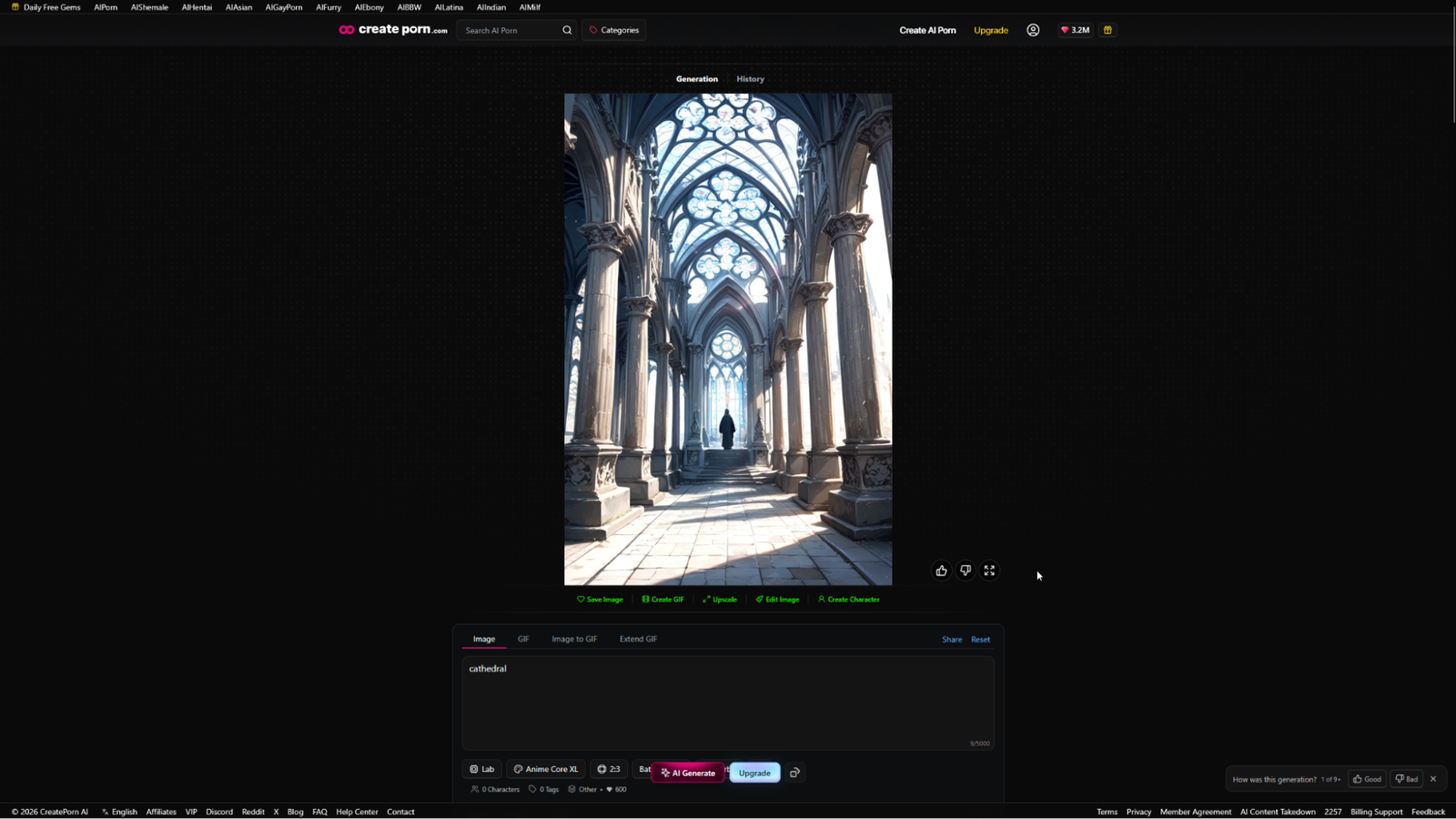
Try:
“Ancient Cathedral with tall bookshelves, candles, and stone arches”
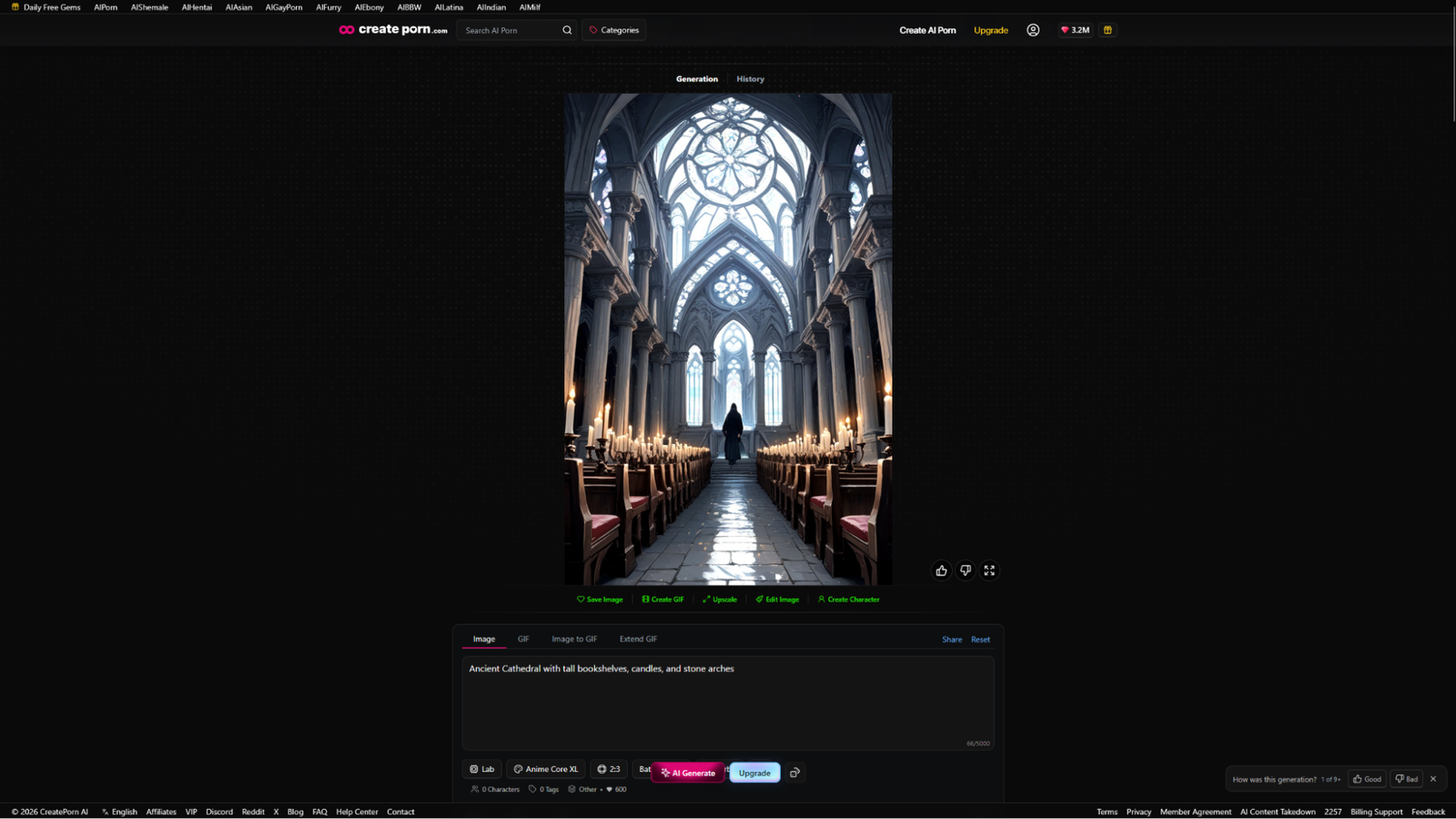
Keep the environment detailed enough to establish the scene without overwhelming the main subject.
→ AI Scene Prompt Guide
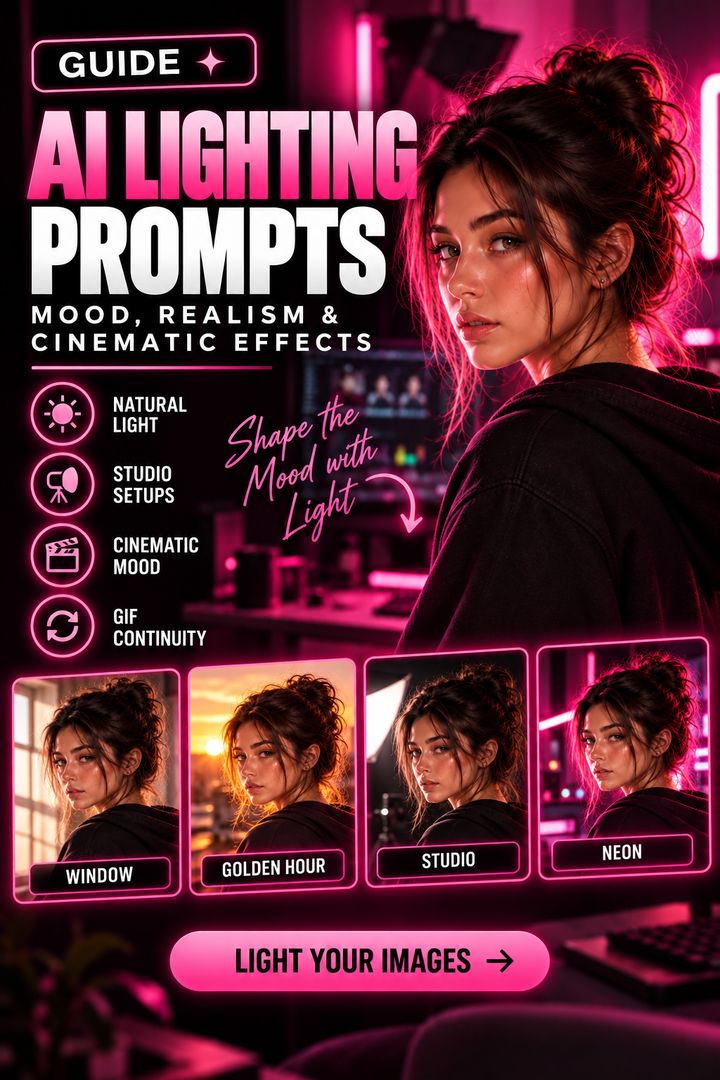
Use Lighting to Set the Mood
Lighting can dramatically change the final image.
Common lighting descriptions include:
- Soft natural lighting
- Golden-hour lighting
- Moonlight
- Neon lighting
- Candlelight
- Warm indoor lighting
- Cinematic lighting
- Dramatic shadows
Compare:
“Woman standing on a rooftop”
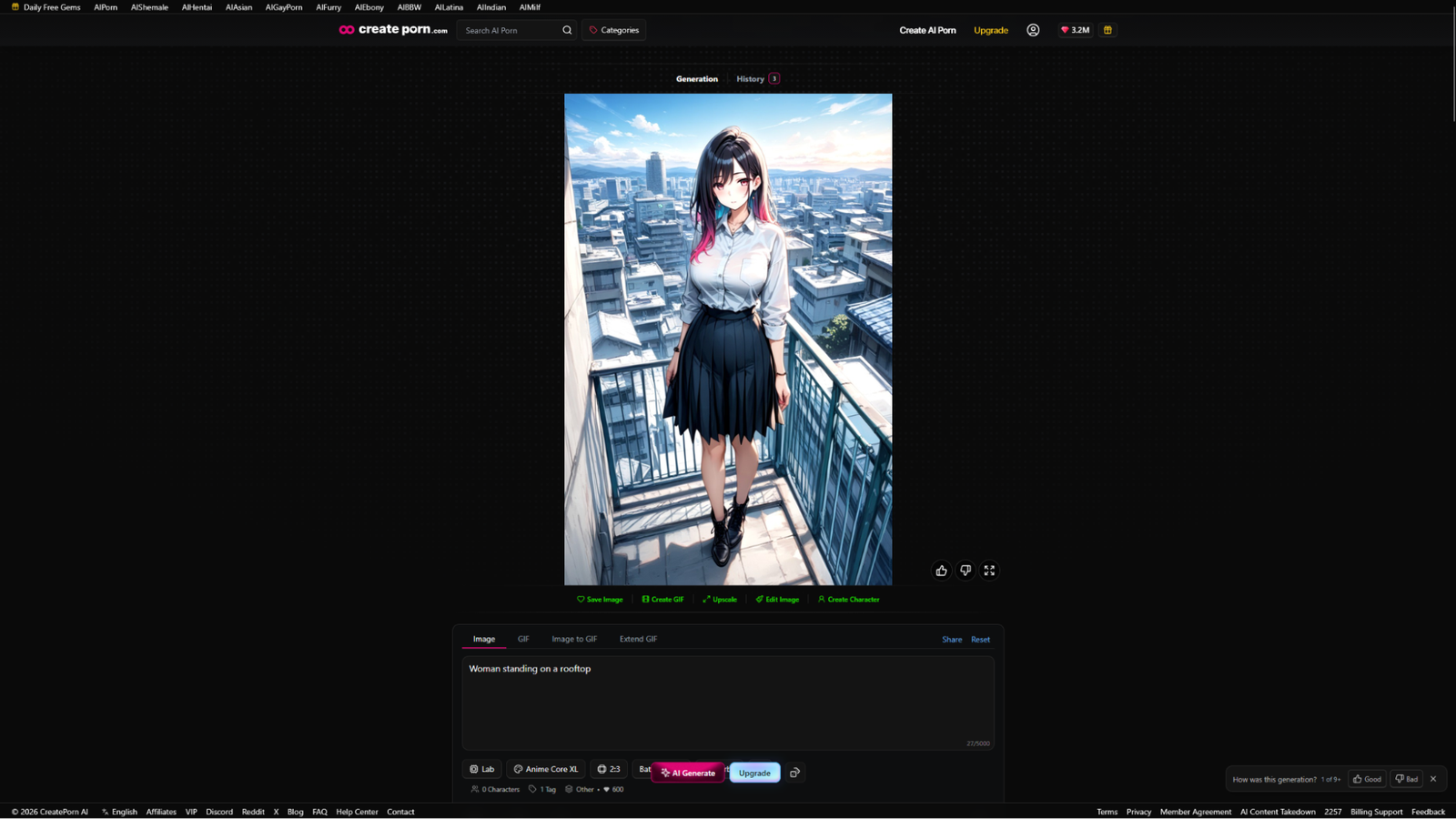
With:
“Fictional adult woman standing on a rooftop at sunset, warm golden-hour lighting, god rays, volumetric lighting”
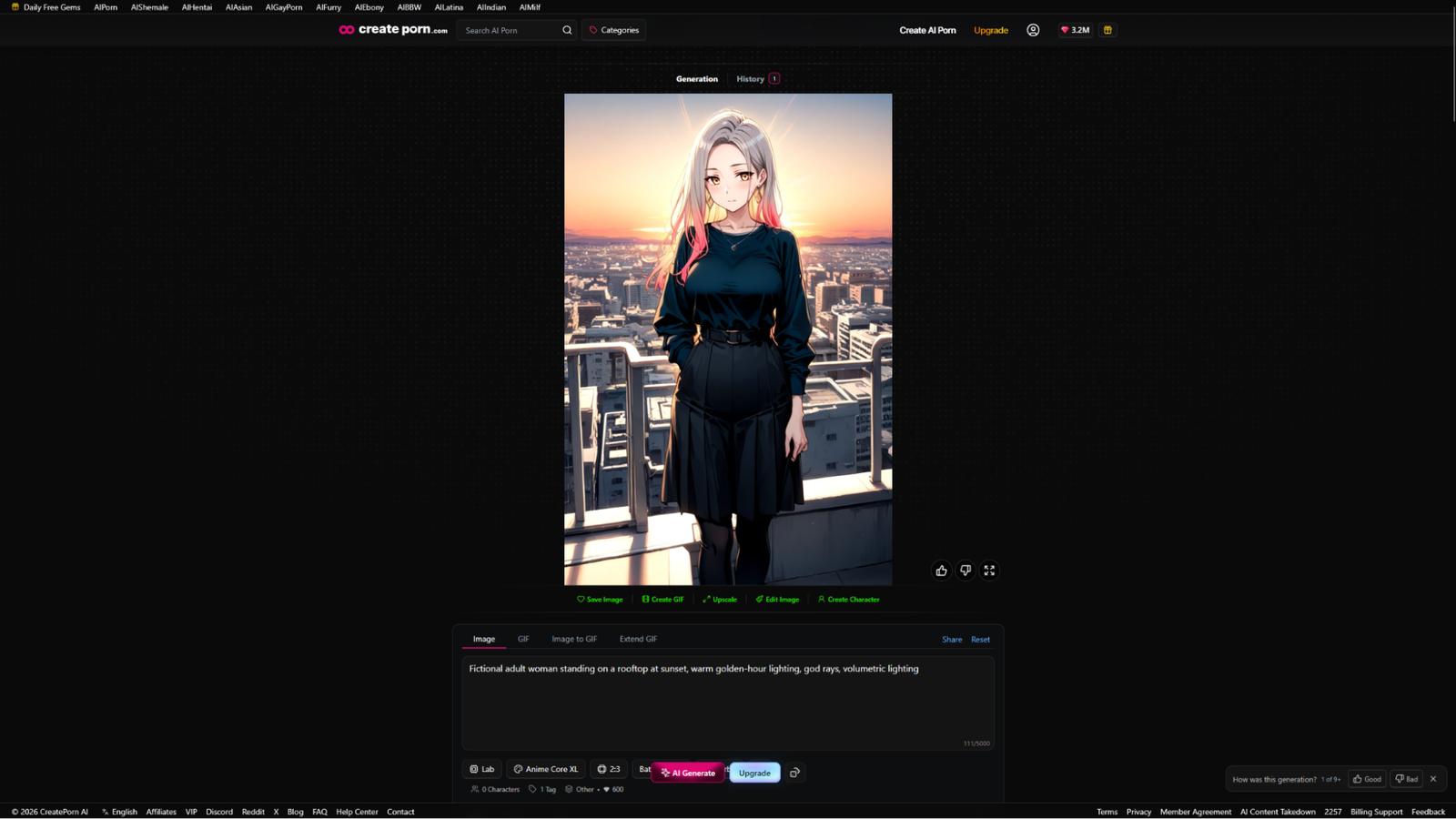
The second prompt establishes a much stronger atmosphere.
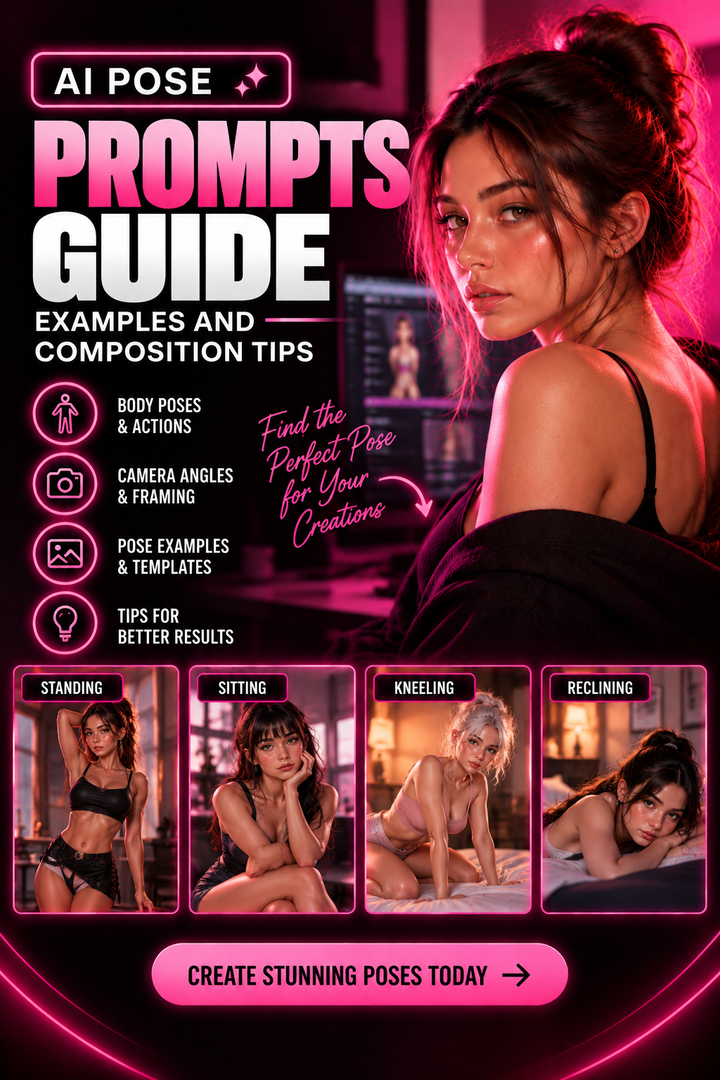
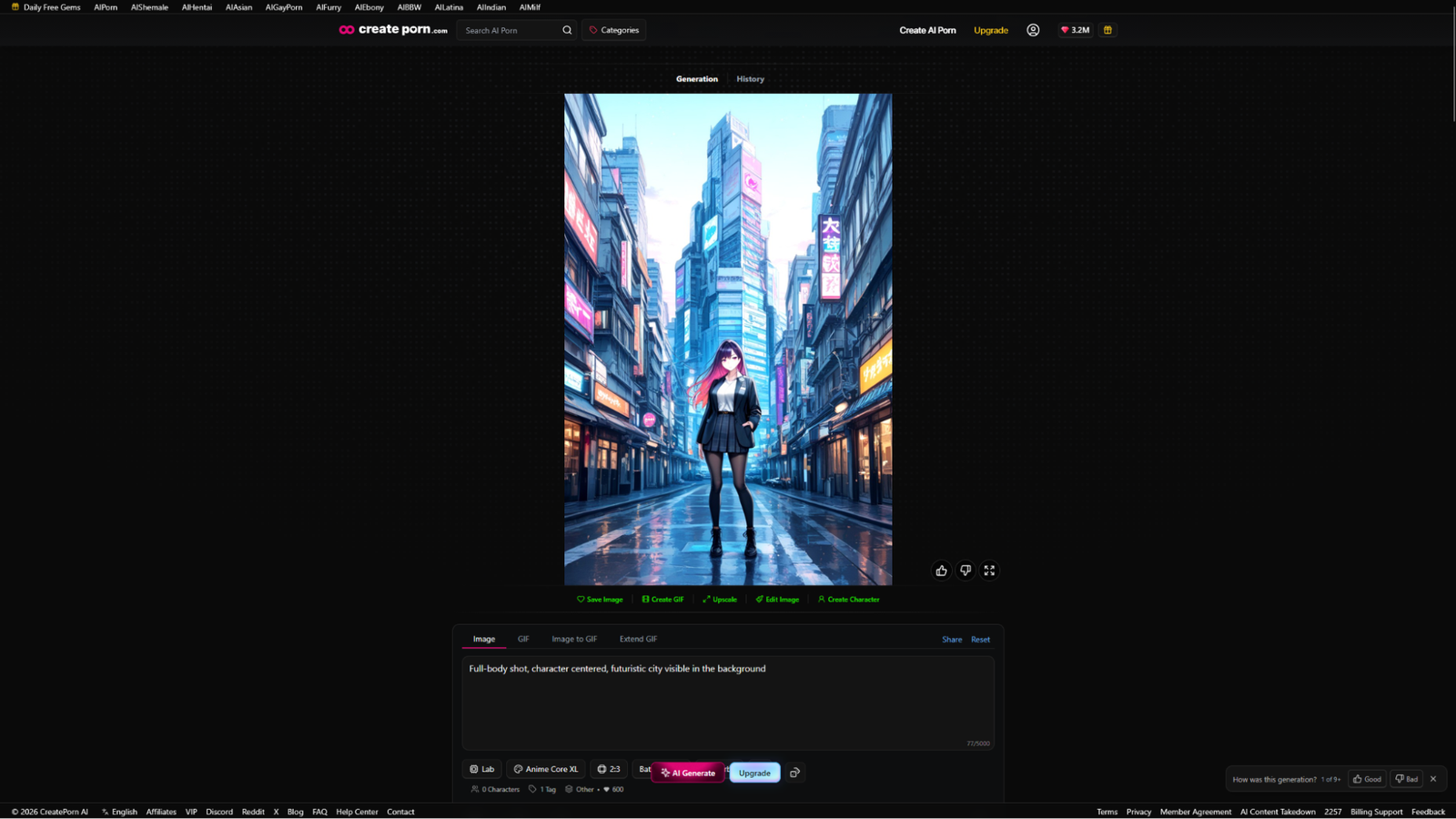
Describe Camera and Composition
Composition tells the AI how you want the image framed.
Useful instructions include:
- Close-up
- Portrait
- Full-body
- Wide composition
- Character centered
- Side view
- Viewed from above
- Viewed from below
For example:
“Full-body shot, character centered, futuristic city visible in the background.”
“Portrait shot, character centered, futuristic city visible in the background.”
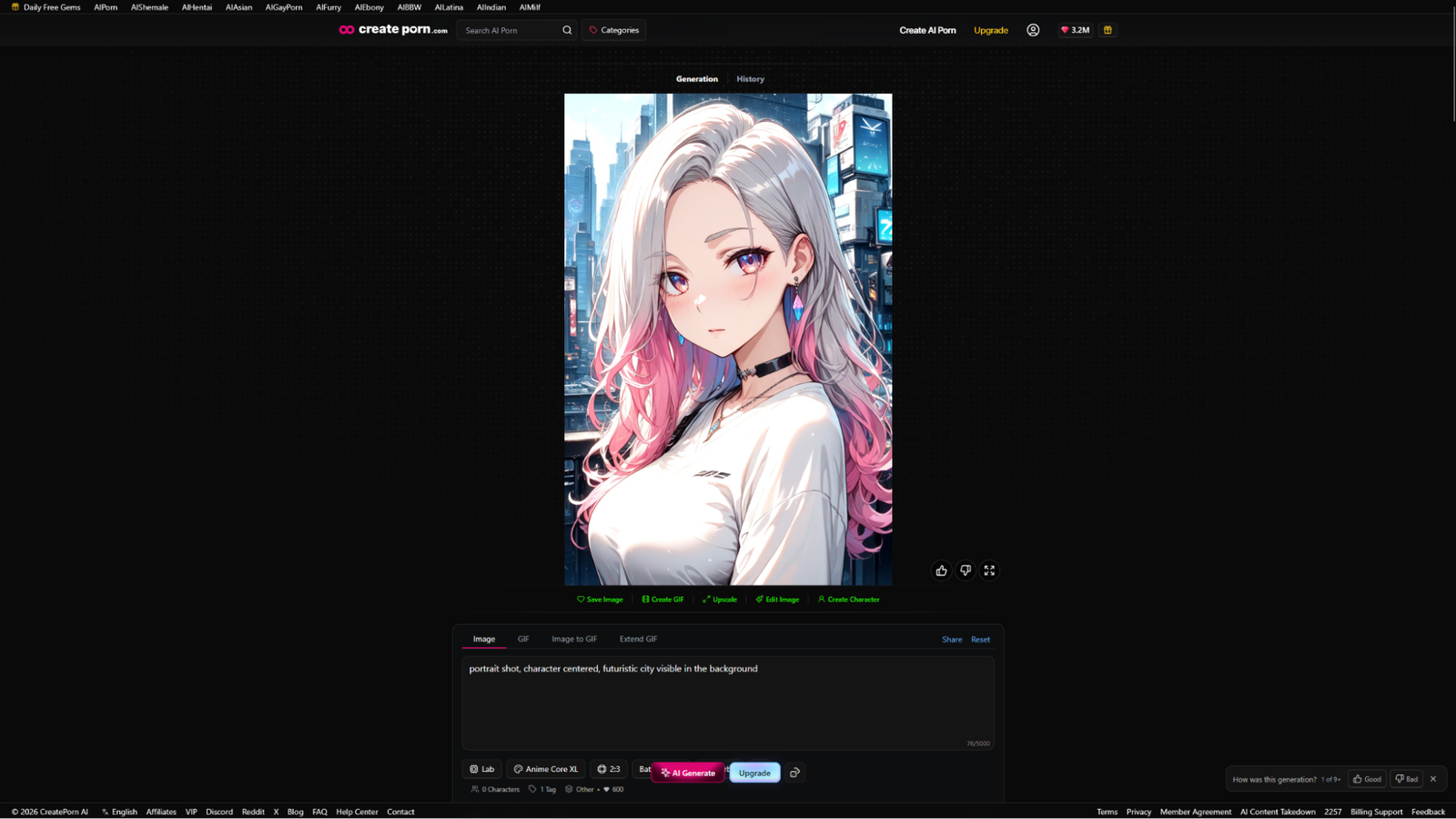
Adding composition is especially helpful when the framing of the image matters.
Choose a Clear Visual Style
The same prompt can produce very different results depending on the visual style.
Examples include:
- Anime illustration
- Fantasy artwork
- Comic art
- Cinematic digital art
- Gothic fantasy
- Stylized illustration
Choose a clear style that matches the result you want.
AI Image Prompt Examples
Fantasy Character
“Fictional adult elven woman, long silver hair, green eyes, dark green fantasy clothing, standing inside an enchanted forest, confident expression, glowing plants, soft moonlight, detailed fantasy,”
Cyberpunk Character
“Fictional adult cyberpunk woman, black hair with blue highlights, futuristic jacket, walking through a rainy neon city at night, confident expression, cinematic neon lighting, detailed cyberpunk illustration.”
Steampunk Character
“Fictional adult steampunk woman, auburn hair, brass goggles perched on her forehead, leather corset, tailored frock coat, standing inside a massive airship above a foggy industrial cityscape, determined expression, warm golden gaslamp and steam-vent lighting, detailed steampunk illustration.”
Gothic Character
“Fictional adult gothic woman, long black hair, dark elegant clothing, standing inside a candlelit mansion, mysterious expression, dramatic shadows, detailed gothic fantasy illustration.”
→ AI Character Prompt Examples
How To Write Better Character Prompts
For character-focused images, try this formula:
[Character] + [Hair] + [Eyes] + [Features] + [Clothing] + [Pose] + [Expression] + [Environment]
For example:
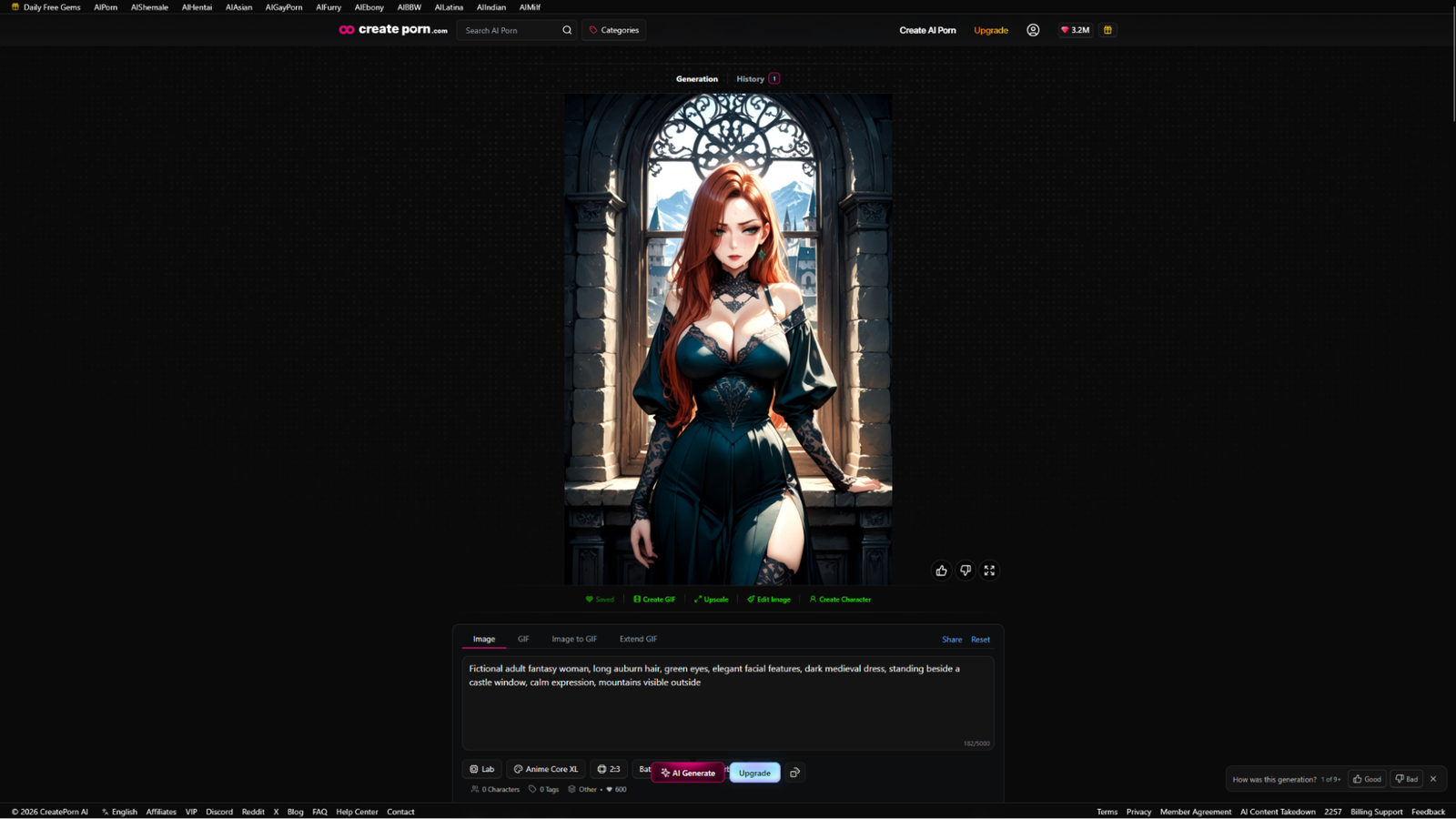
“Fictional adult fantasy woman, long auburn hair, green eyes, elegant facial features, dark medieval dress, standing beside a castle window, calm expression, mountains visible outside.”
If you want to reuse the character, keep important traits such as hair, eyes, and facial characteristics consistent.
You can then change the:
- Clothing
- Pose
- Action
- Environment
- Lighting
This helps you explore different scenes while keeping the core character description stable.
→ AI Character Generator LP
Using Prompts and Tags Together
Prompts provide written creative direction, while tags can provide structured controls.
Tags may help define:
- Character attributes
- Actions
- Camera angles
- Locations
- Lighting
- Time of day
- Viewing distance
- Weather
For example, your prompt could describe the character while tags control the location, lighting, or camera angle.
Using both gives you different ways to communicate what you want to the AI.
What Is Prompt Adherence?
Prompt adherence describes how closely an AI-generated image follows your instructions.
For example, if your prompt says:
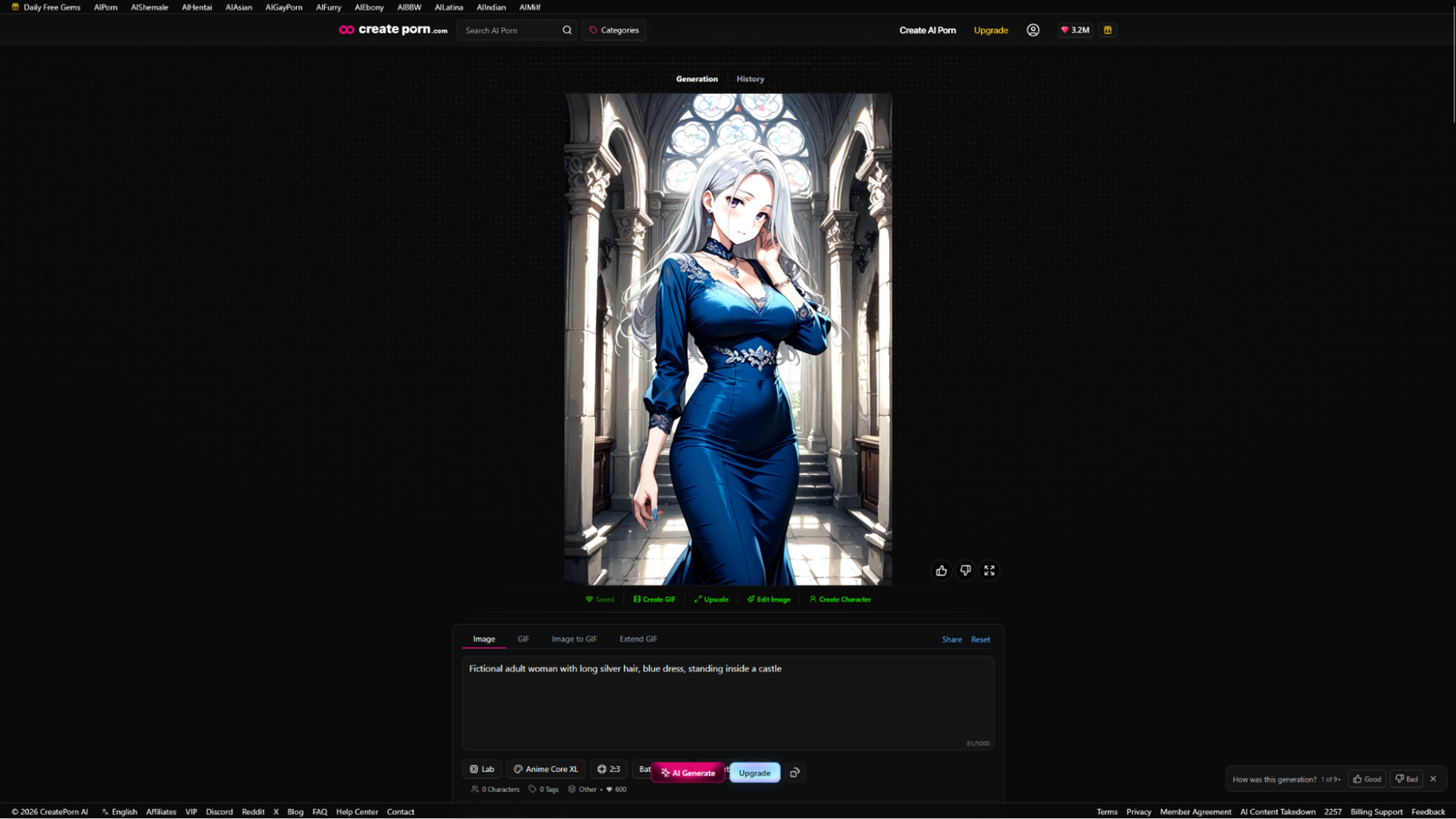
“Fictional adult woman with long silver hair, blue dress, standing inside a castle.”
and the image contains those details, it has followed the main instructions well.
Prompt adherence can become weaker when prompts contain:
- Too many instructions
- Conflicting details
- Multiple subjects
- Competing visual styles
- Very complicated scenes
Keeping prompts clear and organized can make them easier for the AI to interpret.
What Are Negative Prompts?
Negative prompts tell supported AI models what you would prefer not to appear in an image.
For example:
Main prompt:
“Fictional adult woman, long black hair, green eyes, red dress, standing inside a luxury hotel lobby, warm cinematic lighting.”
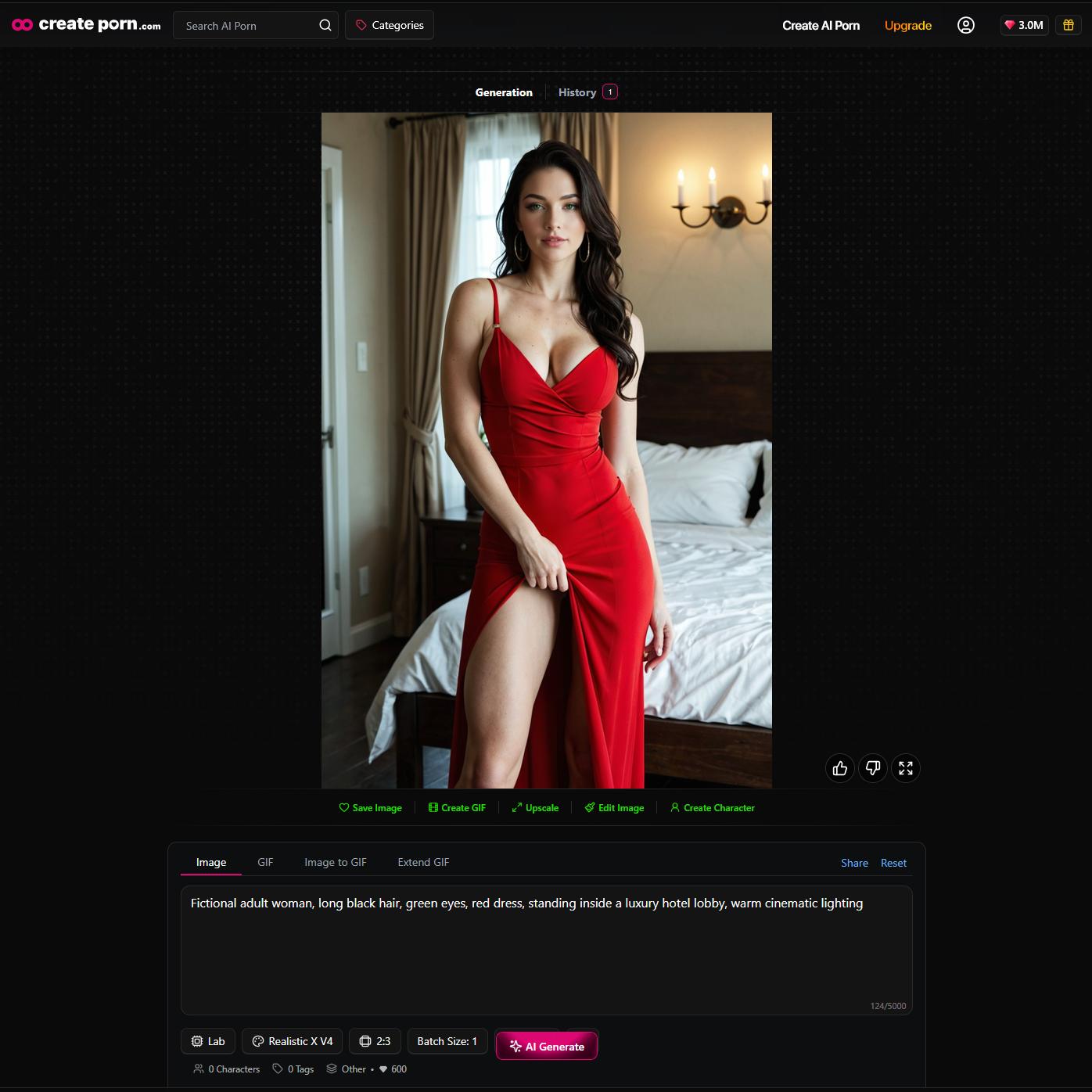
Negative prompt:
“blurry, duplicate subjects, unwanted text.”
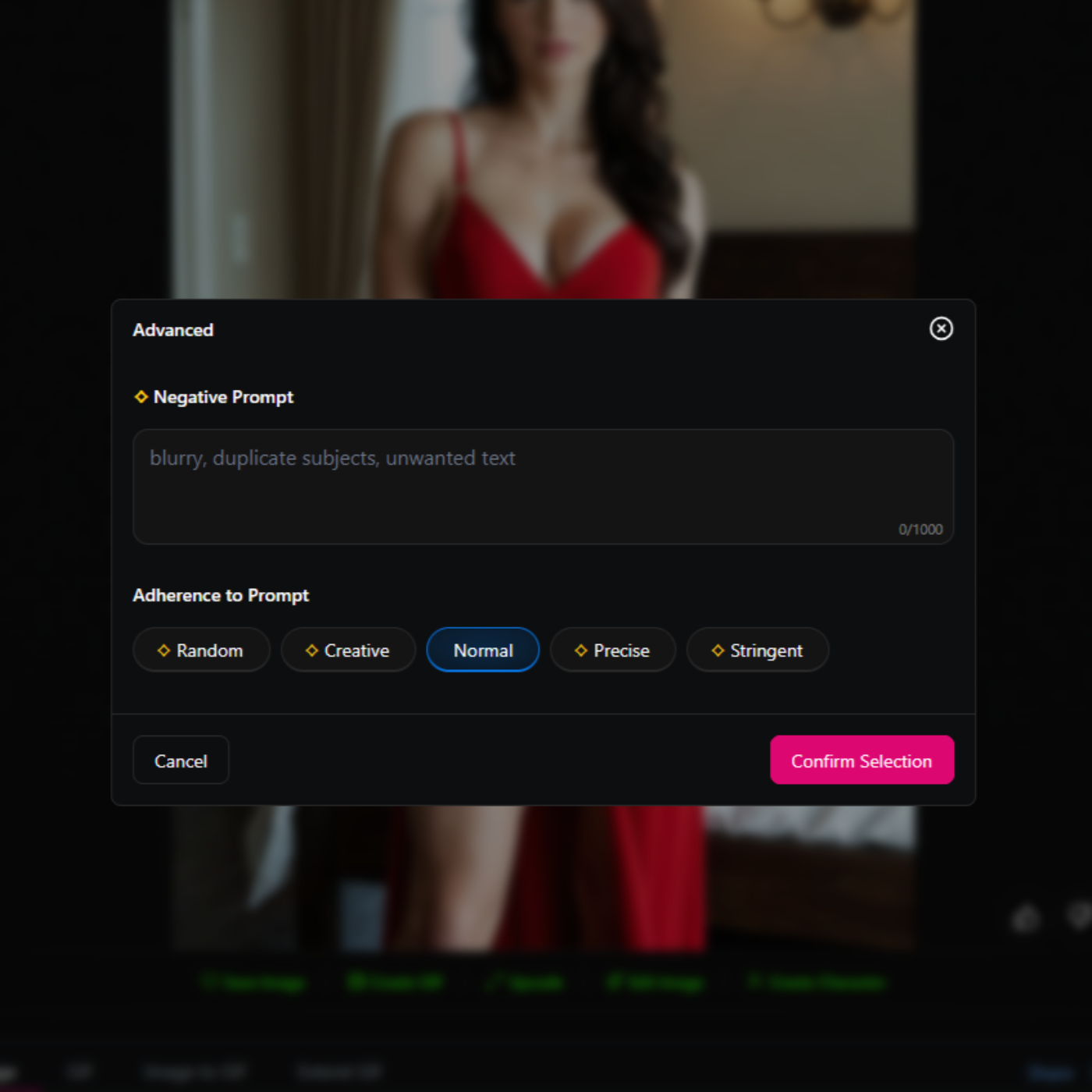
The main prompt describes what you want.
The negative prompt describes unwanted elements.
Not every AI model handles negative prompts the same way, so their effectiveness can vary.
Avoid filling negative prompts with unnecessary instructions. Focus on problems that are actually relevant to your generation.
Common AI Prompt Mistakes
Being Too Vague
Weak:
“Beautiful fantasy character.”
Better:
“Fictional adult fantasy woman, long black hair, green eyes, dark red dress, standing inside a medieval castle.”
Adding Too Many Ideas
Too many characters, objects, actions, environments, and styles can make a prompt harder to control.
Focus on the main concept first.
Using Conflicting Instructions
Avoid prompts such as:
“Close-up portrait showing the character's full body from far away.”
Choose one clear composition instead.
Forgetting the Environment
If the background matters, describe it.
Otherwise, the AI has more freedom to decide what appears around the subject.
Changing Everything at Once
If your generation is almost correct, do not completely rewrite the prompt.
Change the part that needs improvement.
How To Improve a Prompt That Is Not Working
AI prompting is usually an iterative process.
If the character looks wrong, improve the character description.
If the pose is wrong, make the action clearer.
If the background is wrong, add a more specific environment.
If the lighting is wrong, describe the lighting you want.
If the image feels too complicated, simplify the prompt.
For example:
Original:
“Fictional adult woman, long black hair, blue eyes, black evening dress, standing on a rooftop at night, cinematic lighting.”
If you like the character but want a sunset scene, change only that information:
Improved:
“Fictional adult woman, long black hair, blue eyes, black evening dress, standing on a rooftop at sunset, warm golden-hour cinematic lighting.”
You keep the successful parts of the prompt while refining the scene.
Create Reusable Prompt Templates
Templates make it easier to create new prompts without starting from scratch.
Character Template
“Fictional adult [character type], [hair], [eyes], [facial traits], wearing [clothing], [pose], [expression].”
Scene Template
“[Character] in [location], [action], [background details], [lighting], [atmosphere], [composition].”
Complete Prompt Template
“[Subject], [appearance], wearing [clothing], [action], in [environment], [lighting], [composition], [visual style].”
Replace each section with the details for your creation.
Frequently Asked Questions
How do I write a good AI image prompt?
Start with a clear subject and add important details about appearance, action, environment, lighting, composition, and visual style.
What is the best AI image prompt formula?
A simple formula is:
Subject + Appearance + Clothing + Action + Environment + Lighting + Composition + Visual Style
Are longer AI prompts better?
Not always. Clear and relevant instructions are more important than simply making a prompt longer.
What is prompt adherence?
Prompt adherence describes how closely an AI-generated image follows the instructions in your prompt.
What is a negative prompt?
A negative prompt identifies elements you would prefer not to appear when the AI model supports negative prompting.
Should I use prompts and tags together?
Yes. Prompts describe your idea, while tags can provide additional structured control over specific visual elements.
Start Writing Better AI Image Prompts
Better AI image prompts start with clear instructions.
Define your subject first, then add the details that matter most:
- Appearance
- Clothing
- Action
- Environment
- Lighting
- Composition
- Visual style
Use tags for additional control and negative prompts when supported.
If a generation is not working, identify the problem and refine that specific part instead of rewriting everything.
Once you find prompt structures that work well, save them as templates and adapt them to new characters, scenes, and ideas.
→ Start Creating With the AI Character Generator