How to Create AI Porn
An introduction to AI-generated porn. Dive into the world of AI and start making your own AI porn today with this in-depth Create Porn guide.
On this page
Contents
How to Create AI Porn
Key Elements in AI Image Generation
Positive Prompts
Negative Prompts
Aspect Ratio
Powering Image Creation with GPUs
Using Createporn.com's AI Tools
Create an Account
Generating AI Porn Images
Advanced Prompt Settings
Community Tags
Gems
Join The Community
How to Create AI Porn
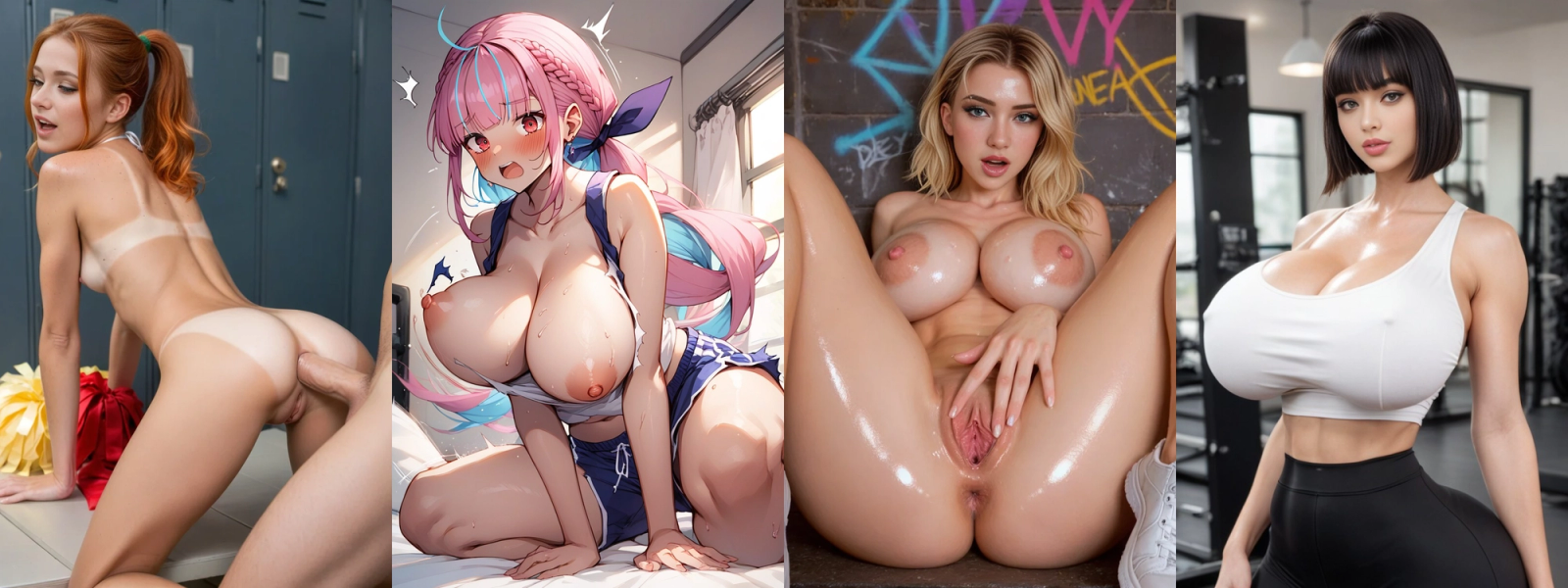
Since 2023, AI image generation has grown significantly in popularity, with tools like DALL-E and Midjourney capturing public interest for their ability to create high-quality AI generated art. However, these general-purpose models restrict adult content, filtering out explicit prompts to maintain platform guidelines.
Createporn.com specializes in AI-generated adult content, also known as "AI Porn." Our models are trained to enable users to create adult images according to their specific preferences.
In this article, we’ll break down the components that go into generating AI Porn, giving you a full overview of the techniques and tools available to help you achieve optimal results.
Key Elements in AI Image Generation
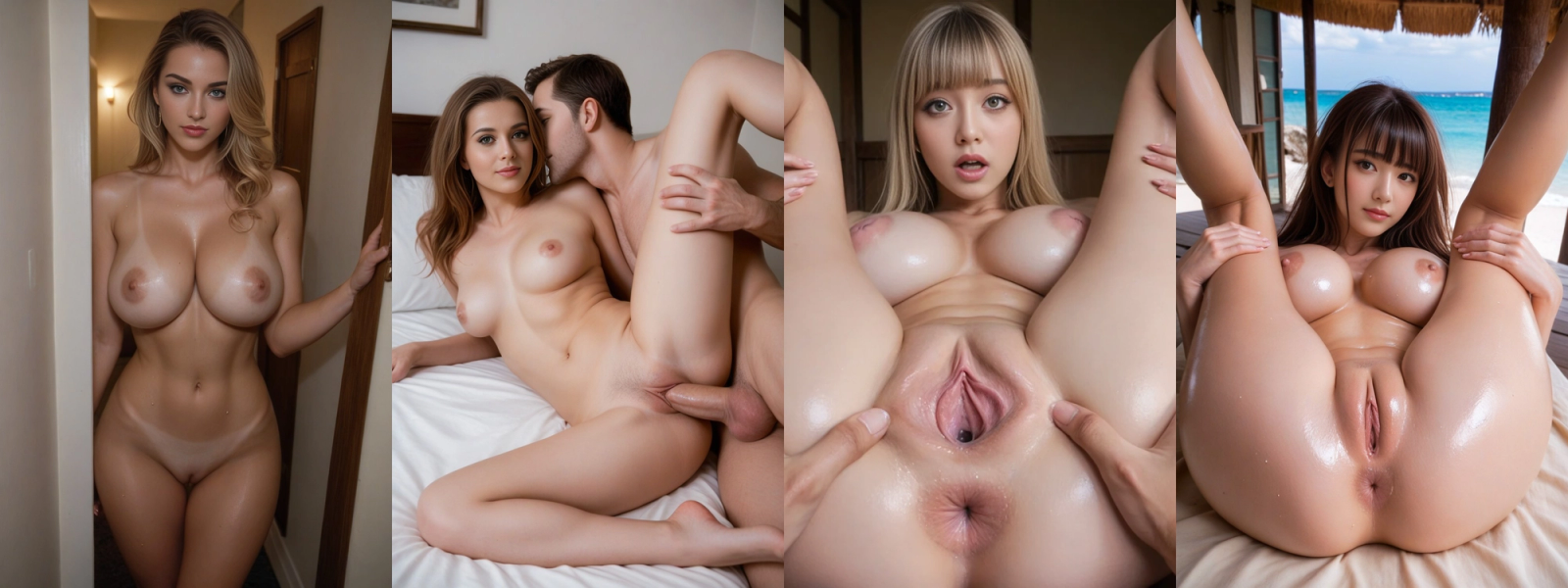
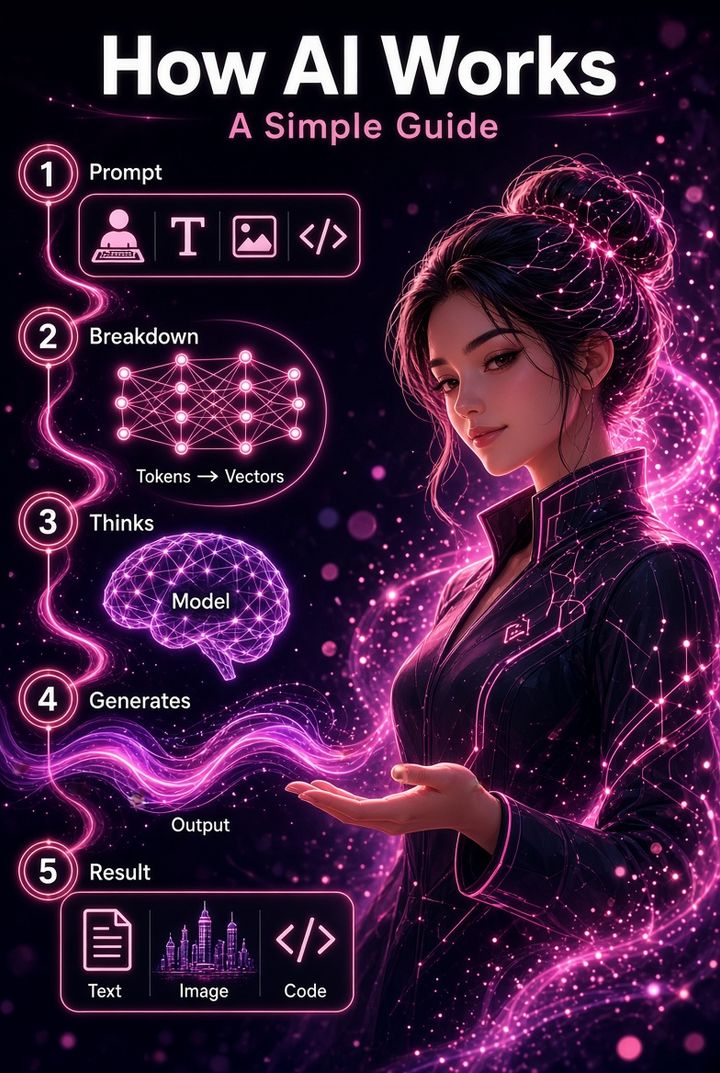
AI Porn, refers to digitally generated adult content using Artificial Intelligence. Rather than using real actors and physical filming, AI Porn relies on text-to-image algorithms to produce images based on text prompts & datasets. This technology enables the creation of imaginary characters and adult scenarios, resulting in highly customizable adult content that’s tailored to individual preferences and explores a wide range of possibilities.
The following elements are components that drive the creation of AI Porn images.
Positive Prompts
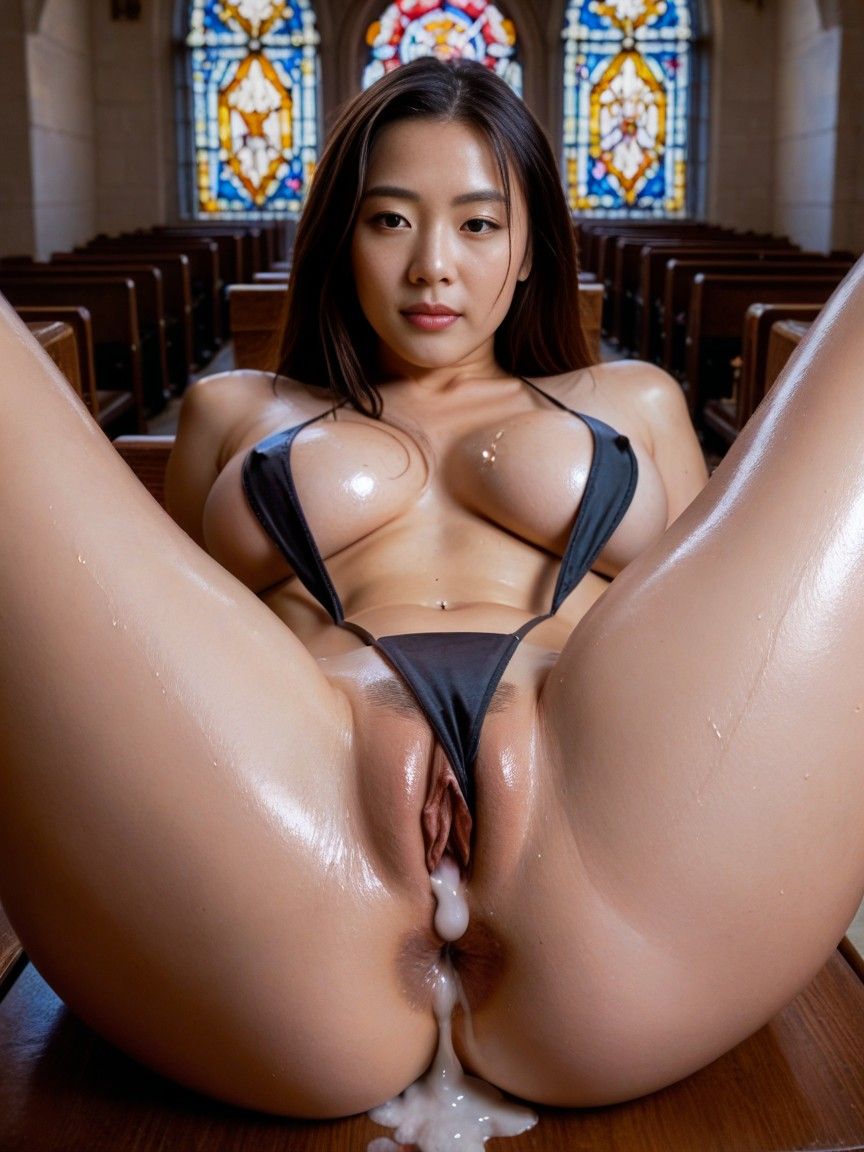
In AI image generation, prompts are the primary inputs for creating customized images. Positive prompts detail the elements you want included, such as character features, backgrounds, or particular art styles. The more specific your prompt, the more likely you’ll generate the content you want.
Negative Prompts
Negative prompts work by minimizing unwanted elements that appear in your image. These prompts are useful for refining the final result, particularly if certain undesirable elements, like repetitive features or background clutter , frequently appear. This step helps create cleaner, more focused imagery that aligns with your vision.
Aspect Ratio
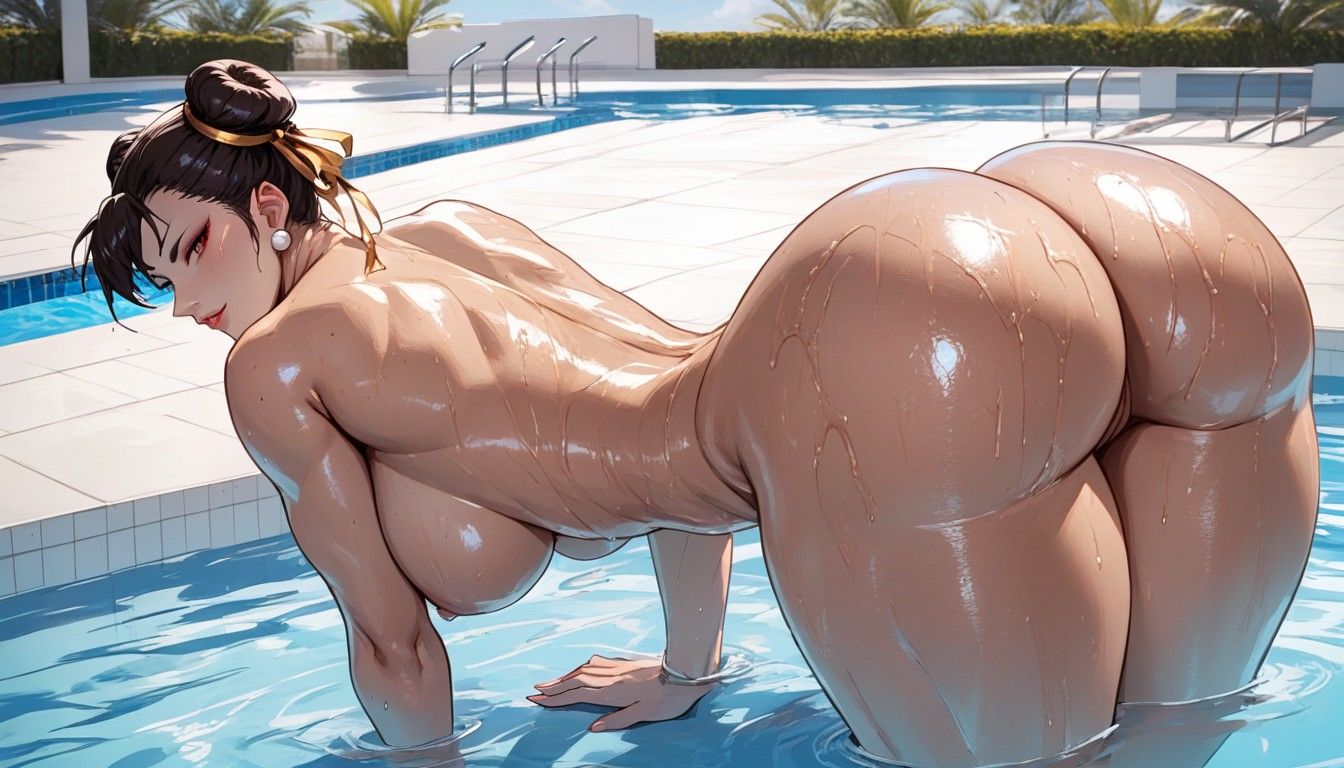
Aspect ratio settings allow for adjusting image dimensions, which is essential for visualizing content in various formats. For example, a vertical orientation might suit portrait-style images, while a wide ratio could enhance landscape scenes. This adaptability is key in creating images that look well-suited for different viewing formats.
Powering Image Creation with GPUs
AI-generated imagery requires significant computational resources to produce high-quality visuals. Graphics Processing Units (GPUs) play a central role in this process by handling complex calculations at high speeds. This enables our platform to quickly generate and render high-quality and detailed adult content.
Using Createporn.com's AI Tools
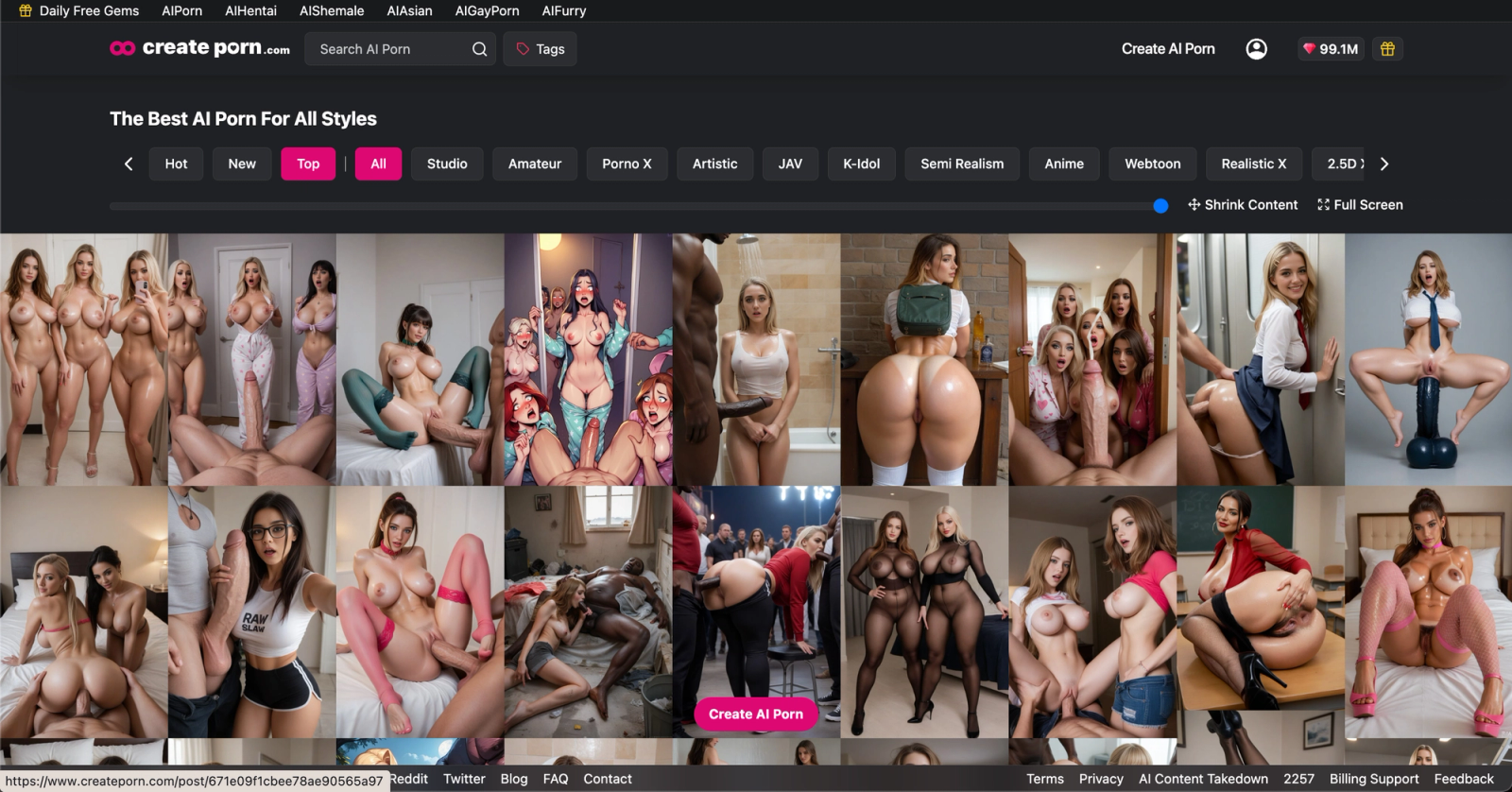
At Createporn.com, you have access to a wide range of tools designed to help you generate customized AI Porn images. This section will guide you through the key features available on our platform and explain how each one can be used to bring your fantasy to life.
Create an Account
To start generating images, begin by creating your Createporn.com account:
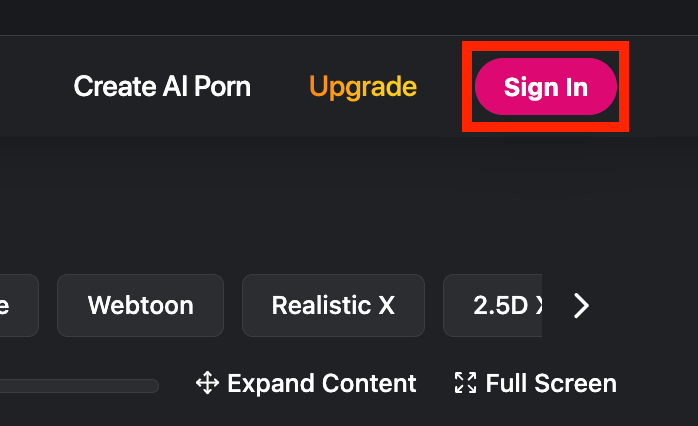
- Visit our website: https://www.createporn.com/.
- Click Sign Up at the top right of the page.
- Sign in with your Google account.
Once your account is set up, you can access our vast array of features, including Tags, Prompting, and Styles.
Generating AI Porn Images
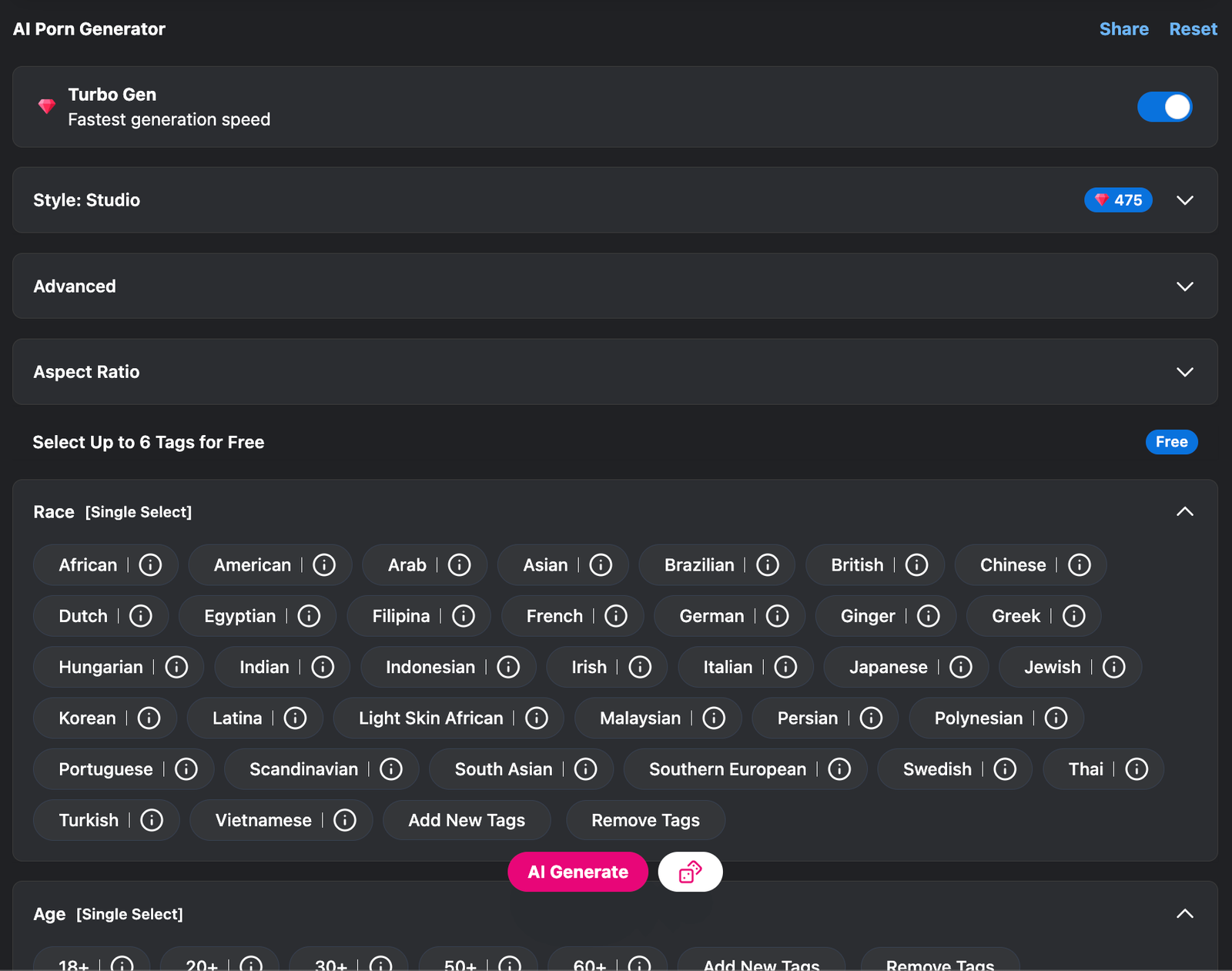
After signing up, navigate to the “Create AI Porn” button, located at the top and bottom of the homepage, which will take you directly to our /Create page.
The first step is to select a Style—an art style that defines the overall look of your image. Choose from a diverse range of styles, including Realistic, Sketch, Anime, and many more. Each style offers a unique visual effect, so explore the options to find the one that best aligns with your preferences. Learn more about our Styles.
The tool defaults to the Studio style, so if no change is made, images will be generated accordingly. While some styles are available for free, others (denoted with an ‘X’ at the end of their names) that require more advanced AI processing will need Gems to activate.
Once you’ve chosen a Style, you can fully customize your image by selecting from our library of Tags. Tags allow you to control specific elements in your image and are organized into Tag Groups, each representing a distinct aspect of the image, making it easy to add or modify elements quickly. Below is a breakdown of each Tag Group, highlighting the types of customization you can apply to create a uniquely tailored experience:
- Species: Selection of anthropomorphic species, specific to Createaifurry.com styles.
- Race: Includes both human ethnicities and fantasy races.
- Age: Defines the age range of the subject.
- Body Type: Specifies the overall body shape of the subject.
- Breast Size: Defines the size of the subject’s breasts.
- Ass Size: Defines the size of the subject’s buttocks.
- Facial Expression: Sets the expression on the subject’s face.
- Eye Color: Specifies the color of the subject’s eyes.
- Hair Color: Defines the color of the subject’s hair.
- Hair Style: Provides different hair styles for the subject.
- Arm Pose: Specifies the position and actions of the subject’s arms and hands.
- Body Pose: Sets the overall pose of the subject’s body.
- Sex Position: Defines any sexual activity or scene taking place.
- Subject Modifier: Adds finer details to enhance aspects of the subject or scene.
- Image Style: Adjusts the overall art style of the image.
- Viewing Distance: Defines the distance between the viewer and subject.
- Camera Angle: Sets the angle from which the subject is viewed.
- Clothes: Specifies the subject’s clothing or attire (note: sex toys are included in Image Modifier).
- Location: Describes the location where the scene takes place.
- Time of Day: Defines the time of day within the image.
- Number of People: Specifies how many people are in the image.
- Weather: Describes the weather in the scene.
- Image Lighting: Defines the lighting setup for the image.
- Penis Size: Specifies the penis size of the subject (if applicable).
Advanced Prompt Settings
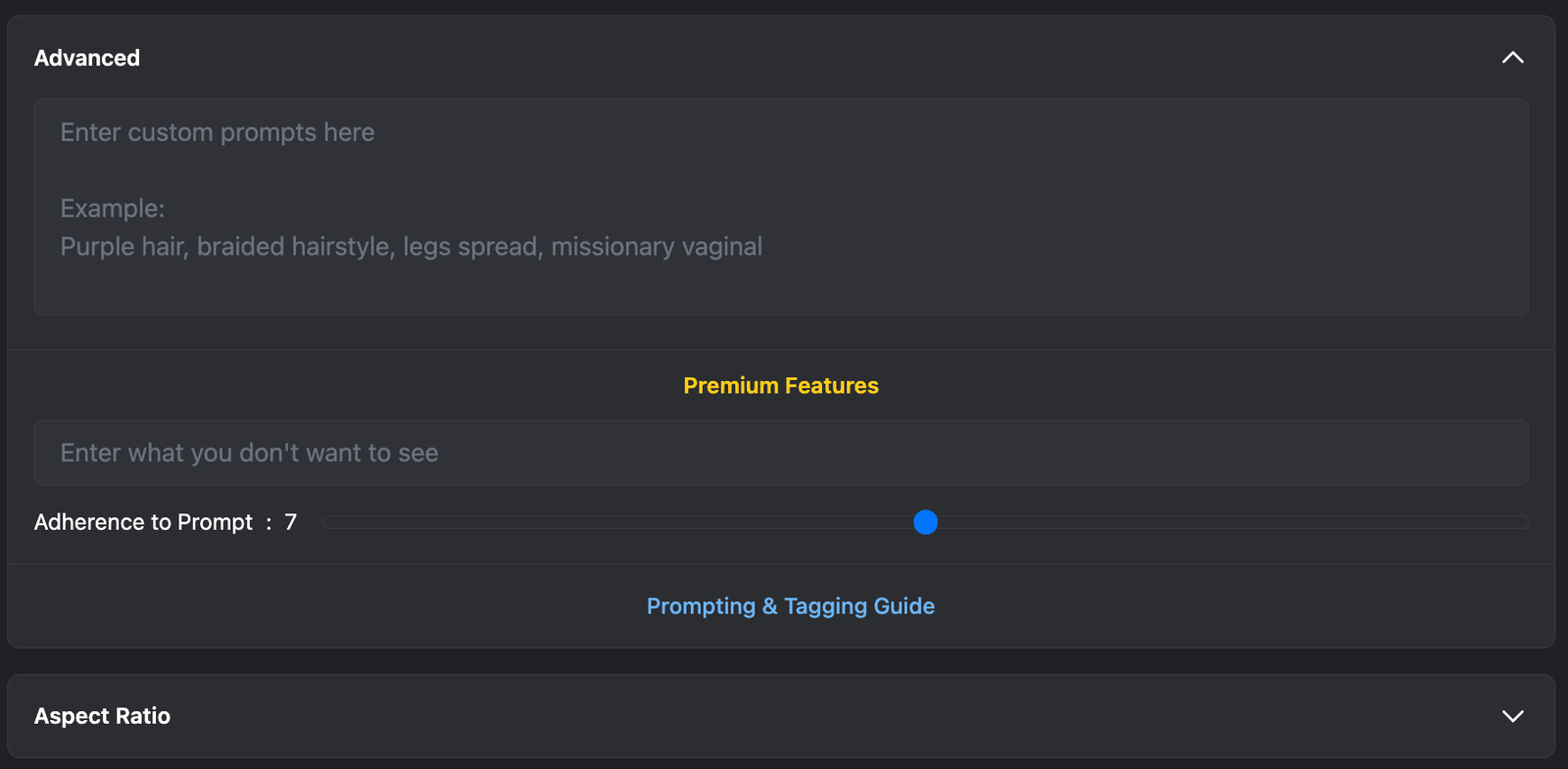
or users wanting an extra level of control, Createporn.com offers advanced customization through Custom Prompts (Positive Prompts) and Negative Prompts. Custom Prompts allow you to specify detailed elements for your AI-generated content, guiding the model with precise inputs. Negative Prompts, on the other hand, are used to exclude unwanted elements, helping you fine-tune the final image by removing details that may frequently appear but aren’t desired.
Additionally, our Prompt Adherence Scale enables you to adjust how strictly the generator follows your Custom Prompts and Tag inputs, letting you strike the perfect balance between creative freedom and adherence to your specifications. This flexibility helps create a more personalized and refined AI-generated image, fully aligning with your vision.
Additionally, you have the flexibility to adjust the Aspect Ratio of your AI-generated images. The available options—1:1, 2:3, 3:2, 3:4, 4:3, and 16:9—allow you to choose the frame that best fits your vision.
Check out our article on How to use Prompting & Tags more Effectively to learn more about how to effectively utilize this feature.
Community Tags
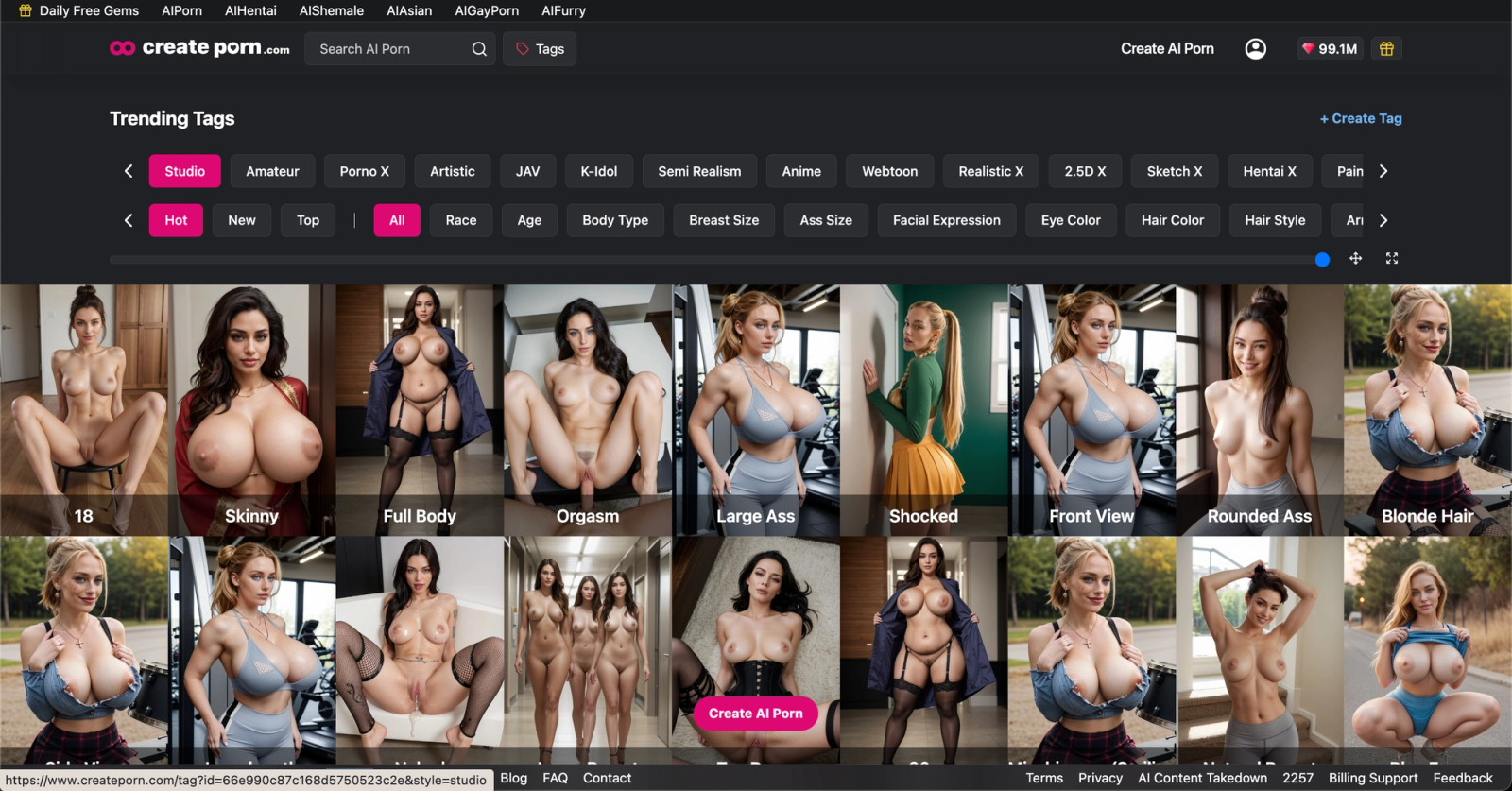
Our Community Tags feature allows users to create and submit unique tags to add more customization options to their AI-generated images. Here’s a quick guide on how to get started:
1. Accessing the Tags Page
- Navigate to the /Create page and click on "Add New" to open the Tags page. You can also access it directly from the homepage by clicking on the Tags button at the top of the screen. Once on the Tags page, select the style you’d like to customize (e.g., Realistic X, Anime) and browse through the available tag groups.
2. Creating a Custom Tag
- Click “Create Tag” and choose the style and tag group that fits your custom tag. For example, if you’re creating an “Elf” tag, select your Style of choice then “Race” as the tag group. Name your tag and add a prompt that defines it according to our guidelines. After this, submit it for review.
3. Using Your Custom Tag
- Following submission, our Moderation team will review your tag. If it follows our policies & requirements, it will typically be approved within 2 business days.
- After that, return to the Tags page, locate your tag in the group you selected, and press “Add Tag.” This will make the tag available in your chosen style for future image generations.
With Community Tags, users can experiment with new concepts and share their unique ideas with the community.
Learn more about our Tag Creation Guidelines before making any submissions.
Gems
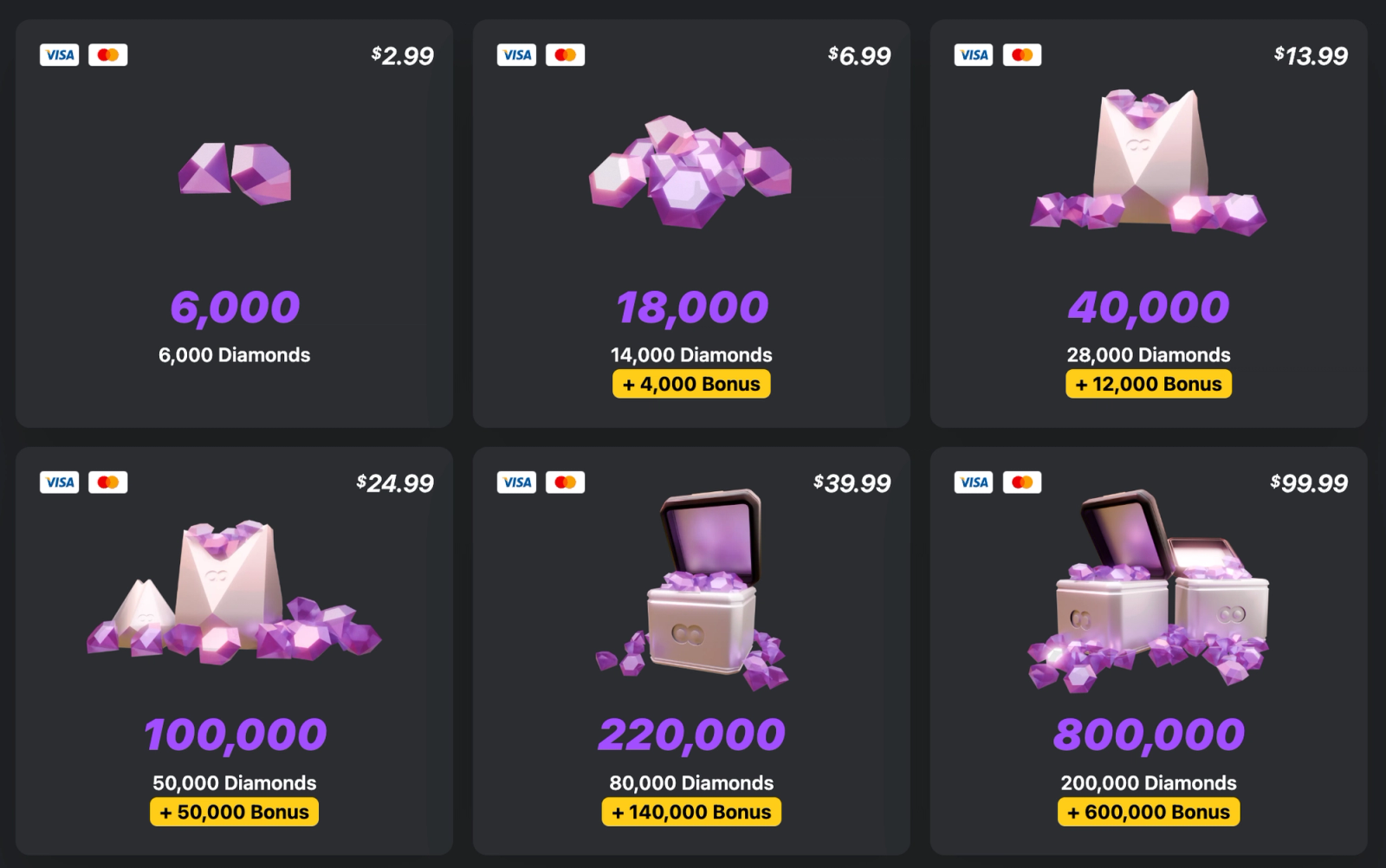
While Createporn.com offers a free tier, purchasing Gems—our platform's currency—enhances the experience by enabling faster, high-quality image generation and access to Premium features.
You can acquire Gems by participating in our weekly prompting contests on Discord, purchasing a membership, or selecting a Gem package.
Users will also receive a Daily Login Reward of 1,000 Gems to spend. This Daily Reward adds to your balance, allowing you to experiment with more features, styles, and prompts at no cost to you.
Join The Community
Creating unique AI images or recreating specific scenes using Custom Prompts can be rewarding but also requires patience, inspiration, and creativity. Our Discord Community provides a space where users can share their work, discuss prompt techniques, and gain insights from others’ creations.
Each week, we also host a themed Prompting Contest where participants receive Gems, with additional rewards for standout submissions. With over 50,000 members, the community offers a collaborative environment for expanding your prompt skills and discovering creative approaches from others.
Additionally, our Homepage Feed is a source of inspiration, showcasing various styles and possibilities within AI-generated content. You can click on images, save those you like, and review the Tags and Prompts used by other creators for ideas. Join us to explore, learn, and enhance your AI creations in a supportive environment.
Read More
What Can AI Porn Platforms Do To Prevent the Creation of CSAM and NCII?
AI Porn vs Deepfaking: Ethical Boundaries and Misconceptions
What is Deepfaking