How to Create Different AI Art Styles
Learn how to create realistic, anime, fantasy, and artistic AI images by choosing a Style, writing focused prompts, using Tags, and testing results.
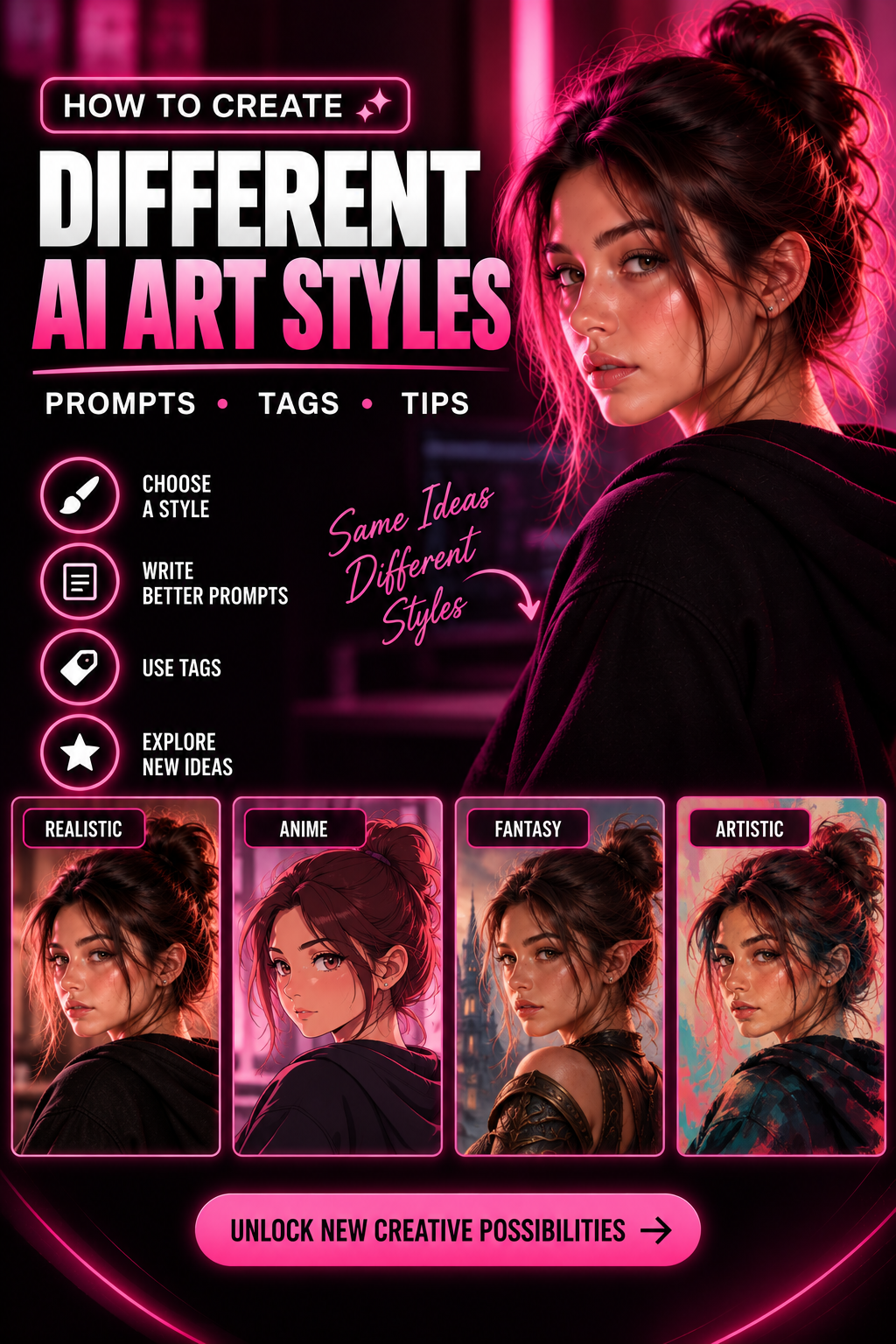
On this page
How to Create Different AI Art Styles
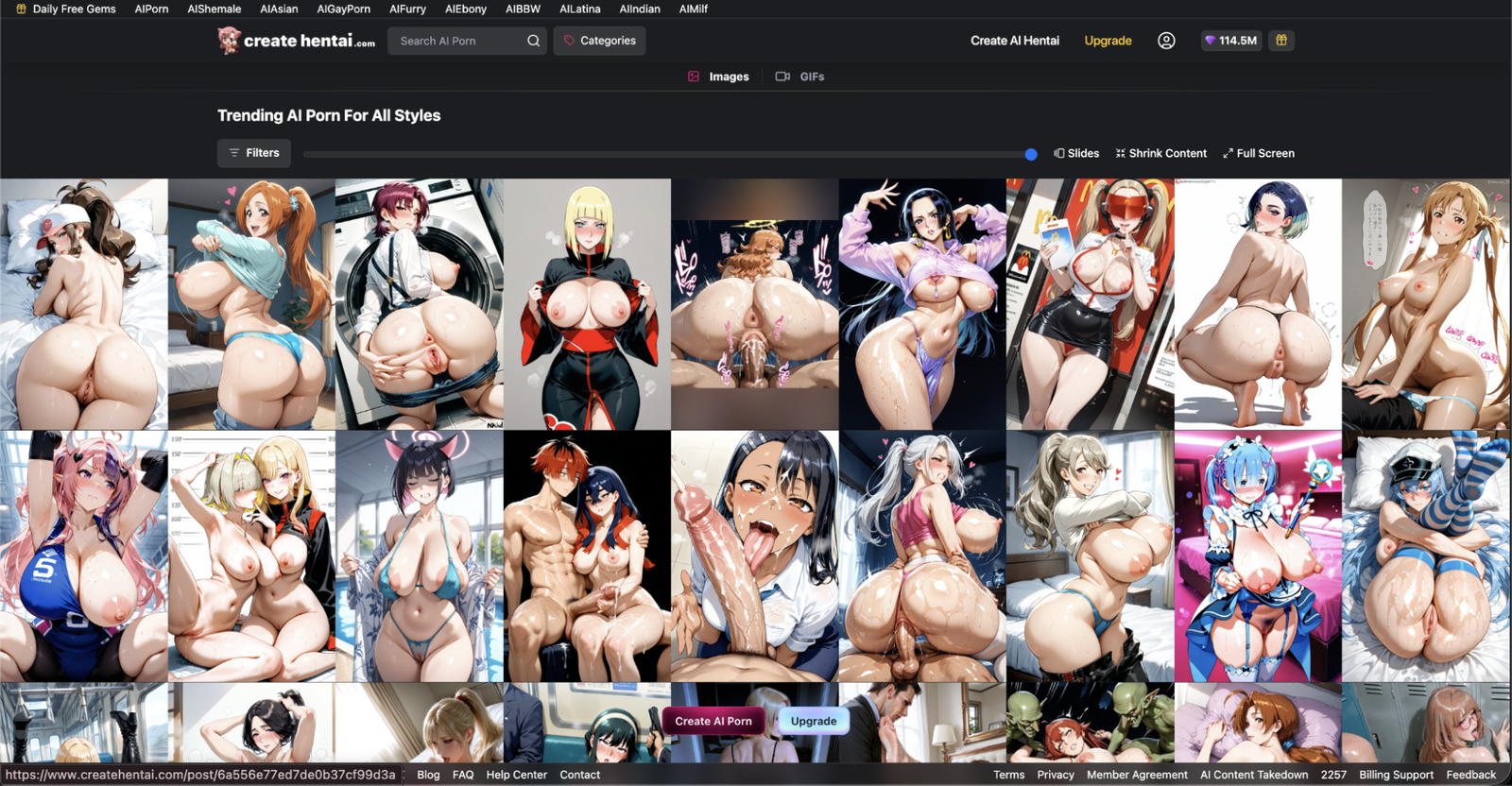
AI art style affects more than whether an image looks realistic or illustrated. It shapes color, lighting, texture, line quality, depth, atmosphere, and how a character fits into the surrounding scene.
A clear artistic direction can help a creator build a photographic portrait, colorful anime image, cinematic fantasy scene, painted illustration, retro poster, or stylized digital artwork. The result still depends on the selected generator, supported keywords, prompt structure, Tags, and the complexity of the subject and composition.
This guide explains what “Style” means on Createporn, how Base, X, and XL Styles differ, how to prompt anime, realistic, fantasy, and artistic directions, and how to troubleshoot inconsistent or distorted results.
What Is an AI Art Style?
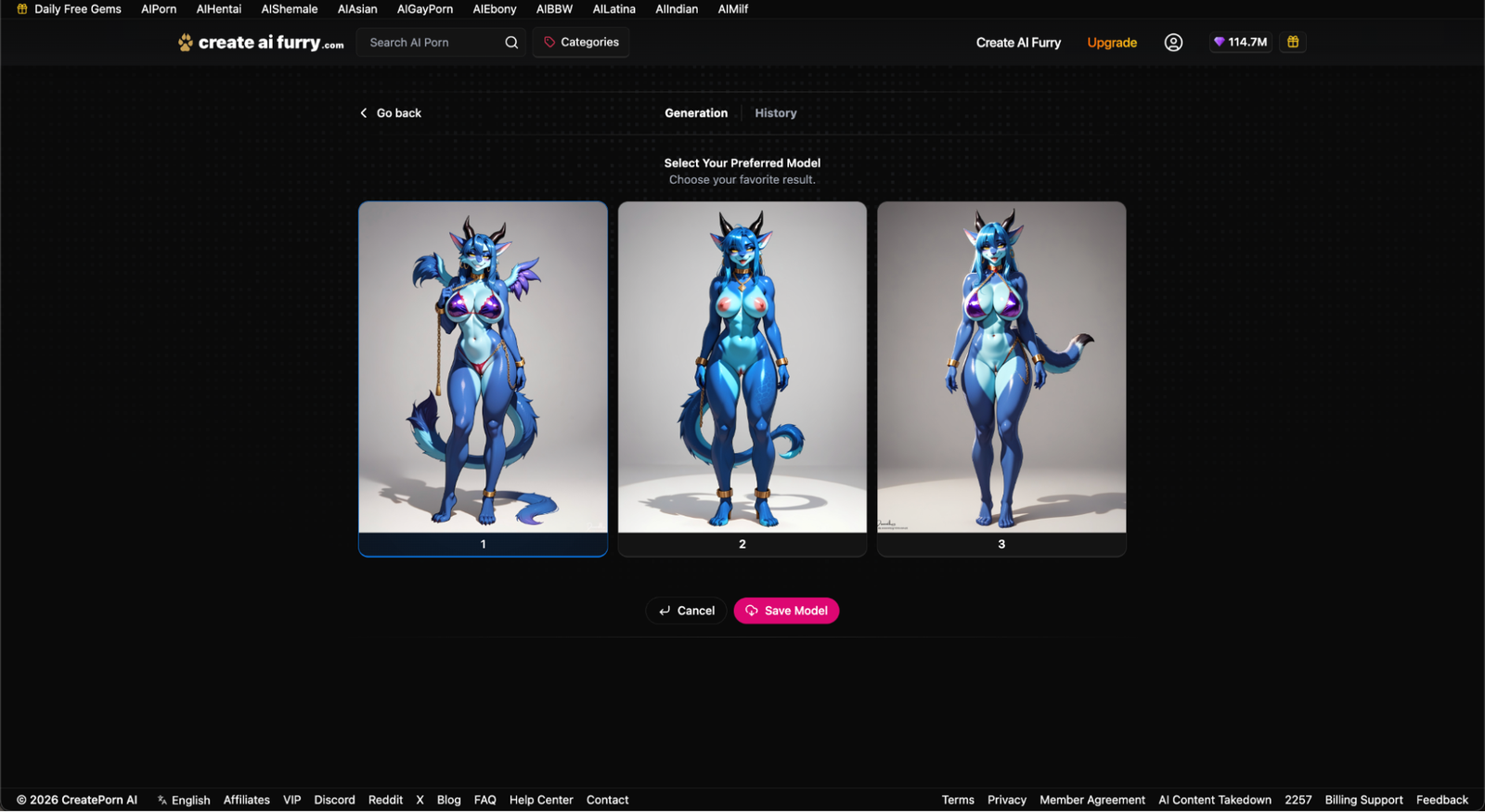
An AI art style is the visual direction used to render an image. It can describe the medium, realism level, line work, texture, palette, lighting, or overall design language.
Examples of broad artistic directions include:
- Realistic photography
- Cinematic realism
- Anime illustration
- Fantasy digital art
- Painterly artwork
- Comic-inspired illustration
- Retro poster design
- Pixel art
- Graphic or cel-shaded art
These labels are broad. Two “fantasy” images can look very different depending on whether the prompt also requests realistic materials, painted textures, dramatic lighting, muted colors, or bright animation-style rendering.
“Style” Has Two Meanings on Createporn
Createporn’s Zendesk documentation uses Style in two related but different ways.
1. The Selected Style or Generator
On the Create page, users select a Style before generating an Image. The Style determines the underlying type of generation model and the kinds of characters, poses, scenes, and prompt combinations it is intended to handle.
The officialX and XL Styles guide groups these options as Base, X, and XL Styles.
2. The Artistic Direction
The artistic direction describes how the image should look: realistic, anime-inspired, fantasy, painterly, pixel art, or another visual treatment.
This direction can be expressed through a Custom Prompt or an available Image Style Tag. Createporn’s Community Tag guidelines identify Image Style as a Tag group that adjusts the art style of an image and gives pixel art as an example.
Selecting an X or XL Style does not automatically mean the image will look realistic, anime, or fantasy. The selected Style provides generation capabilities; the prompt and compatible Tags define the intended visual treatment.
Base, X, and XL Styles Explained
Createporn currently documents three broad Style levels.
Style level: Base Style
Documented role: Uses a standard generation model for simpler requests
Commonly suited to: Basic poses, clothing, model photography, SFW content, and simpler character or scene descriptions.
- Style level: X Style
Documented role: Uses a more advanced model with greater flexibility than Base
Commonly suited to: Unique poses, more complex scenes, mainstream characters, NSFW content, and detailed Custom Prompts. - Style level: XL Style
Documented role: Uses a model positioned as more advanced than X
Commonly suited to: Complex characters, detailed scenes, challenging poses, advanced prompt combinations, and requests requiring greater detail or flexibility.
These are intended uses, not guarantees that every prompt will work. Createporn also documents different Gem costs for Base, X, and XL Styles. Because prices can change, confirm the cost displayed in the live Style selector before generating.
When a Base Style May Be Enough
A Base Style may suit a straightforward image with:
- One character
- A basic pose
- Simple clothing
- A clear background
- A familiar photographic setup
- A short, focused prompt
When to Consider an X or XL Style
An X or XL Style may be more appropriate when the image requires:
- A more difficult pose
- A detailed environment
- Several connected visual elements
- A complex fantasy character
- A long but coherent Custom Prompt
- Greater scene or character flexibility
More advanced does not mean that adding unlimited details will improve the result. Conflicting Tags, unsupported keywords, and excessive Prompt Strength can still cause distortion.
What Defines an Artistic Direction?
Instead of relying on one style word, describe the visible characteristics of the intended image.
Element:
Medium
What it controls:
What the image appears to be made with
Examples: Photography, digital painting, ink drawing, or pixel art.
- Element: Rendering
What it controls: How forms and surfaces are represented
Examples: Photorealistic, cel-shaded, painterly, or graphic. - Element: Line work
What it controls: Whether outlines are visible and how they look
Examples: Clean outlines, fine ink lines, or no visible outlines. - Element: Color
What it controls: The palette and saturation
Examples: Natural colors, a vivid palette, or muted earth tones. - Element: Lighting
What it controls: The direction and mood of illumination
Examples: Soft window light, dramatic rim light, or neon glow. - Element: Texture
What it controls: Surface and material appearance
Examples: Smooth skin, visible brush texture, or film grain. - Element: Depth
What it controls: How dimensional the image feels
Examples: Flat graphic depth, atmospheric perspective, or shallow depth of field. - Element: Composition
What it controls: How the subject is framed
Examples: Close-up portrait, centered full-body image, or wide environment. - Element: Mood
What it controls: The emotional tone
Examples: Calm, whimsical, mysterious, or dramatic.
These are general creative categories, not a guaranteed list of supported Createporn keywords or Tags. Search the platform for an important term and run one simple test before building a complex prompt around it.
AI Art Style Prompt Formula
Use this structure:
Fictional adult subject + appearance + pose or action + composition + location + medium or rendering + color + lighting + mood
Example:
Fictional adult woman, long dark hair, calm expression, standing beside a large window, waist shot, realistic photography, natural colors, soft daylight, quiet cinematic mood,
For an illustrated direction:
Fictional adult woman, silver hair, ornate fantasy clothing, seated on a carved throne, centered composition, detailed digital illustration, jewel-toned palette, warm torchlight, mysterious atmosphere,
Createporn’s Prompt and Tag guide instructs users to separate Custom Prompt details with commas rather than full stops. It also recommends starting with the character before adding physical details, actions, and scene information.
How to Create a Consistent AI Art Style
1. Choose the Intended Visual Family
Begin with one broad direction:
- Realistic
- Anime-inspired
- Fantasy illustration
- Painterly
- Comic-inspired
- Retro
- Pixel art
Do not combine several unrelated directions in the first test. A prompt requesting realistic photography, flat anime shading, visible oil-paint texture, and pixel art at the same time contains competing rendering instructions.
2. Select a Suitable Createporn Style
Match the Base, X, or XL Style to the complexity of the subject, pose, scene, and prompt. A simple portrait may not require the same flexibility as a detailed fantasy scene with elaborate clothing and a challenging pose.
The Style name alone does not confirm that it supports every artistic keyword. Use Createporn Search to review public Creations with similar wording and see which Styles were used.
3. Describe Visible Style Features
Add two or three compatible traits that make the visual direction specific.
Instead of:
Fantasy style,
try:
Detailed fantasy digital illustration, ornate materials, jewel-toned colors, dramatic warm lighting,
Instead of:
Anime,
try:
Anime-inspired illustration, clean line work, cel-shaded colors, expressive eyes,
These terms are editorial prompt examples, not confirmed platform Tags. Test them with the selected Style.
4. Match the Character, Scene, and Lighting
Every part of the prompt should support the same visual direction.
For example, a cinematic realistic image may use:
- Natural anatomy and materials
- A recognizable real-world location
- Controlled light and shadow
- Photographic composition
- A restrained color palette
An anime-inspired image may use:
- Clean outlines
- Simplified or cel-shaded rendering
- Bright controlled color
- Expressive facial design
- A graphic background
5. Keep the Prompt Focused
Long or complicated prompts can contain conflicts. Place the most important details near the beginning, remove repeated keywords, avoid several complex actions, and add new details gradually.
6. Add Compatible Tags
Tags provide prewritten instructions for characteristics such as appearance, pose, location, time of day, weather, lighting, and other image modifiers. An available Image Style Tag may help reinforce the artistic direction.
Review the Custom Prompt and Tags together. Remove any Tag that repeats or contradicts the prompt. The existence of an Image Style Tag group does not guarantee that every style term is available or supported by every selected Style.
7. Generate One Test
Start with one subject, one pose, one scene, and one visual direction. Review:
- Whether the intended rendering appears
- Whether the face and anatomy remain stable
- Whether lighting and color support the style
- Whether the background matches the subject
- Whether any Tag conflicts with the prompt
Change one setting or phrase at a time so you can identify what affects the result.
How to Create Realistic AI Art
Realistic AI art attempts to resemble photography or physically plausible digital rendering. The prompt should describe visible photographic relationships rather than repeating realistic several times.
Useful creative directions include:
- Realistic photography
- Natural skin texture
- Natural body proportions
- Soft window lighting
- Neutral color balance
- Shallow depth of field
- Detailed fabric and materials
- Realistic indoor or outdoor background
Example:
Fictional adult woman with shoulder-length brown hair, relaxed expression, wearing a black dress, standing in a modern apartment, waist shot, realistic photography, natural skin texture, soft window light, neutral colors, detailed background,
Realism troubleshooting
If the image looks exaggerated or overprocessed:
- Lower or remove Prompt Strength.
- Remove repeated realism terms.
- Deselect conflicting Tags.
- Simplify the pose or background.
- Use a closer composition when facial detail matters.
- Try another Style that may better support the requested content.
Upscaling can increase resolution and sharpness, but Createporn notes that it may not fully correct distorted anatomy or major generation errors.
How to Create Anime-Inspired AI Art
Anime is a broad visual family rather than one fixed appearance. A more focused prompt can describe line work, shading, color, facial design, and background treatment.
Useful creative directions include:
- Anime-inspired illustration
- Clean line art
- Cel-shaded color
- Expressive facial features
- Bright controlled palette
- Detailed animated background
- Soft painted sky
- Graphic lighting
Example:
Fictional adult woman with long violet hair, confident expression, standing on a city balcony, full-body composition, anime-inspired illustration, clean line art, cel-shaded colors, detailed nighttime skyline, purple and blue lighting,
Anime-style troubleshooting
If the result mixes photography and illustration:
- Choose one rendering direction.
- Remove photographic terms such as lens or film details if they conflict.
- Keep the background and character in the same visual treatment.
- Test an available Image Style Tag with a simpler prompt.
- Search for similar public Creations before spending more Gems.
The Zendesk sources used for this article do not publish a complete list of anime Styles or guarantee that the word anime is recognized by every Generator.
How to Create Fantasy AI Art
Fantasy style depends on character design, environment, material detail, lighting, and mood. The prompt should explain what makes the scene fantastical rather than relying only on the word fantasy.
Useful creative directions include:
- Detailed fantasy digital art
- Ornate armor or clothing
- Magical environment
- Glowing symbols or objects
- Ancient castle or forest setting
- Jewel-toned palette
- Dramatic atmospheric light
- Painterly texture
Example:
Fictional adult elven woman, long silver hair, ornate emerald armor, standing in an ancient forest, full-body composition, detailed fantasy digital art, glowing runes, mist between the trees, jewel-toned colors, dramatic moonlight,
Fantasy-style troubleshooting
Complex characters, clothing, environments, and poses may require an X or XL Style. If the image becomes unstable:
- Simplify the character design.
- Reduce the number of magical objects.
- Use one main pose.
- Keep one location and lighting direction.
- Remove conflicting Tags.
- Test the character before adding the full environment.
How to Create Painterly and Artistic AI Images
Painterly prompts can describe brush texture, edges, color relationships, and depth.
Useful creative directions include:
- Digital painting
- Visible brush texture
- Soft blended edges
- Dramatic color blocking
- Muted earth tones
- Atmospheric depth
- Editorial illustration
- Fine-art portrait composition
Example:
Fictional adult woman seated beside a window, thoughtful expression, flowing red dress, painterly digital portrait, visible brush texture, muted warm palette, soft edges, gentle window light, quiet atmosphere,
Other artistic directions can be built with the same method:
Direction:
Comic-inspired
Compatible prompt details: Bold outlines, graphic shadows, and a limited color palette.
- Direction: Retro poster
Compatible prompt details: Flat color blocks, a vintage palette, and printed texture. - Direction: Pixel art
Compatible prompt details: Pixel-art rendering, a limited palette, and simplified shapes. - Direction: Dreamlike illustration
Compatible prompt details: Soft colors, hazy light, and a surreal environment. - Direction: Dark fantasy
Compatible prompt details: Muted colors, weathered materials, deep shadows, and atmospheric mist.
These are creative examples, not an inventory of currently available Styles or Tags.
How to Keep an Art Style Consistent Across Images
Style consistency comes from repeating the same high-level visual rules rather than copying an extremely long prompt.
Keep these elements stable:
- Selected Base, X, or XL Style
- Medium or rendering direction
- Character description
- Color palette
- Lighting approach
- Line or texture treatment
- Camera distance
- Environment type
- Mood
Create a short reusable style block:
Anime-inspired illustration, clean line art, cel-shaded color, purple and blue palette, soft cinematic lighting,
or:
Realistic photography, natural skin texture, neutral colors, soft window light, shallow depth of field,
Then combine it with the changing subject, pose, and location details. Results can still vary between generations, so review each image and adjust one element at a time.
Common AI Art Style Problems
Problem: Style direction is ignored
What to review: Keyword support and prompt priority
What to try: Move the main direction earlier, simplify it, and check Search.
- Problem: The image mixes incompatible styles
What to review: Conflicting rendering terms or Tags
What to try: Choose one visual family and remove competing details. - Problem: The result looks distorted
What to review: Prompt Strength, Tags, pose, and scene complexity
What to try: Lower the strength, remove unnecessary Tags, and simplify the request. - Problem: The image looks overprocessed
What to review: Excessive strength or repeated emphasis
What to try: Remove the weighting and repeat the test. - Problem: The face lacks detail
What to review: Viewing distance and scene complexity
What to try: Use a closer composition and a simpler background. - Problem: The fantasy scene becomes unstable
What to review: The number of objects, effects, and difficult poses
What to try: Build the character first and add the environment gradually. - Problem: The realistic image looks illustrated
What to review: Rendering terms and the selected Style
What to try: Remove illustration language and test another suitable Style. - Problem: The anime image looks photographic
What to review: Competing photography terms
What to try: Remove lens and realism terms, then reinforce one illustrated direction. - Problem: Tags change the style unexpectedly
What to review: Conflicts between the Tags and Custom Prompt
What to try: Remove repeated or conflicting Tags and test the Custom Prompt alone. - Problem: Changing the Style does not solve the issue
What to review: Unsupported keywords or combinations
What to try: Use clearer wording and test a simpler scene.
Fixing Distorted Images on X or XL Styles
Createporn documents excessive Prompt Strength, conflicting Tags, and temporary generation issues as possible causes of distortion on X and XL Styles.
Use this order:
- Lower or remove Prompt Strength.
- Deselect Tags that repeat or conflict with the Custom Prompt.
- Test with only the Custom Prompt.
- Change one element at a time.
- If the issue remains, wait briefly and try the generation again.
The current image-quality guide recommends keeping Prompt Strength below 1.3 when possible and says 1.3 is the current maximum. Treat that value as changeable product information and verify the live control before publication.
Frequently Asked Questions
What is an AI art style?
An AI art style is the visual direction used to render an image, including medium, realism, line work, texture, color, lighting, depth, and mood.
What is the difference between a Createporn Style and an art style?
A Createporn Style is the selected generator or model option. An art style is the intended visual treatment expressed through compatible prompt wording or an available Image Style Tag.
What are Base, X, and XL Styles?
Base Styles use standard models for simpler generations. X Styles provide greater flexibility for complex prompts and scenes. XL Styles are positioned as more advanced than X for difficult characters, poses, scenes, and prompt combinations.
Does an XL Style always produce a better image?
No. XL provides greater generation capabilities, but the result still depends on prompt clarity, supported concepts, compatible Tags, scene complexity, and generation variation. A focused simple request may work with a Base Style.
How do I create realistic AI art?
Describe realistic photography, natural materials, plausible lighting, coherent anatomy, and a clear photographic composition. Avoid combining those instructions with competing illustration styles.
How do I create anime AI art?
Use one illustrated direction and describe visible features such as clean line work, cel-shaded color, expressive design, and a compatible background. Test the wording because the assigned Zendesk sources do not guarantee universal support for anime keywords.
How do I create fantasy AI art?
Describe the character, environment, materials, magical elements, palette, and lighting that define the fantasy scene. Add complex elements gradually and consider X or XL for more demanding requests.
Can I combine two art styles?
You can experiment with compatible influences, but several unrelated rendering directions may compete. Establish one primary visual family before adding a secondary influence.
Why is the Generator ignoring my style prompt?
The Style may not recognize the keyword, the instruction may appear too late, or conflicting Tags may compete with it. Simplify the phrase, move it earlier, review similar public Creations, and test another Style when appropriate.
Can Prompt Strength force a Style to recognize an unsupported direction?
No. Createporn states that Prompt Strength and Prompt Adherence cannot make a Style generate something outside its capabilities. High strength can also produce distorted or overprocessed results.
How can I make several AI images look related?
Reuse the same selected Style, character description, rendering direction, palette, lighting, camera distance, and mood. Change only the pose or scene details needed for the new image.
Develop a Clear Artistic Direction
Different AI art styles become easier to control when the prompt describes visible design choices. Start with one medium or rendering direction, then add compatible color, light, texture, composition, and mood. Match the complexity of the scene to a suitable Base, X, or XL Style, and verify important keywords through Search.
Generate one simple test before adding more characters, poses, props, or style influences. If the result becomes distorted, lower Prompt Strength, remove conflicting Tags, and change one element at a time.
For the current platform guidance, reviewWhy Do Some Styles Have X or XL in Their Name?,How To Use Prompts & Tags for Image Generation, andHow to Improve Image Generation Quality.
CTA → Choose a visual direction and create one focused style test on Createporn.