Create AI-Generated Erotic GIFs: A Step-by-Step Guide
Learn how to create erotic GIFs using Createporn.com.

On this page
AI-generated adult content has evolved rapidly. What began with static images has now expanded into short, animated loops that bring erotic scenes to life. At Createporn.com, users can now generate fully synthetic adult GIFs featuring fictional characters, with no real people, uploads, or identity-based content involved.
GIF generation is currently in beta, and render times may take a few minutes. In this guide, we’ll walk you through the process of creating and downloading high-quality, erotic GIFs using Createporn’s tools, step-by-step.
What Are AI-Generated Erotic GIFs?
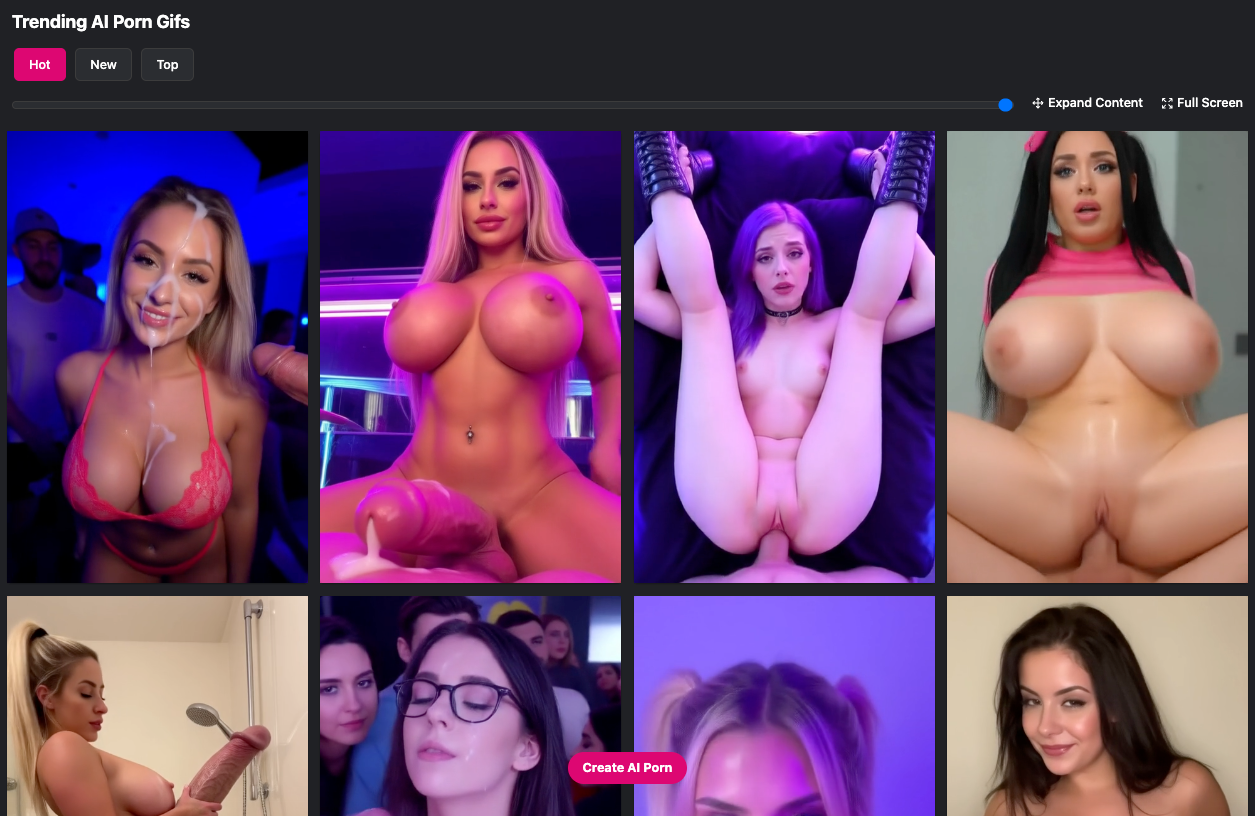
AI-generated erotic GIFs are short, looped animations created entirely from computer-generated, fictional models. These animated scenes add motion, emotion, and variation to your adult content library.
Unlike Deepfakes, these GIFs are built from the ground up using prompt-based inputs and tags, not by copying or altering the likeness of real individuals. This makes them ideal for:
- Exploring dynamic sexual scenarios
- Enhancing storytelling or character interaction
- Creating customized visual fantasies in a safe, synthetic format
Step 1: Sign Up and Access the GIF Generator
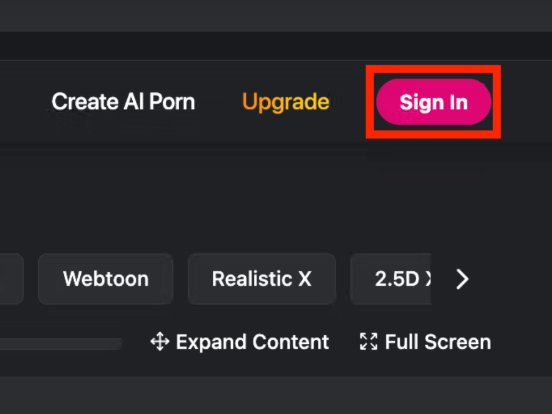
To begin creating GIFs, visit Createporn.com and sign up for a free account.
New users receive daily free Gems to get started right away. Additional gems and premium tools are available via memberships or one-time purchases.
Once signed in, navigate to the Create page. Then, switch from “Image” to GIF [Beta] by clicking the tab at the top of the generator.
Step 2: Choose Your Tags
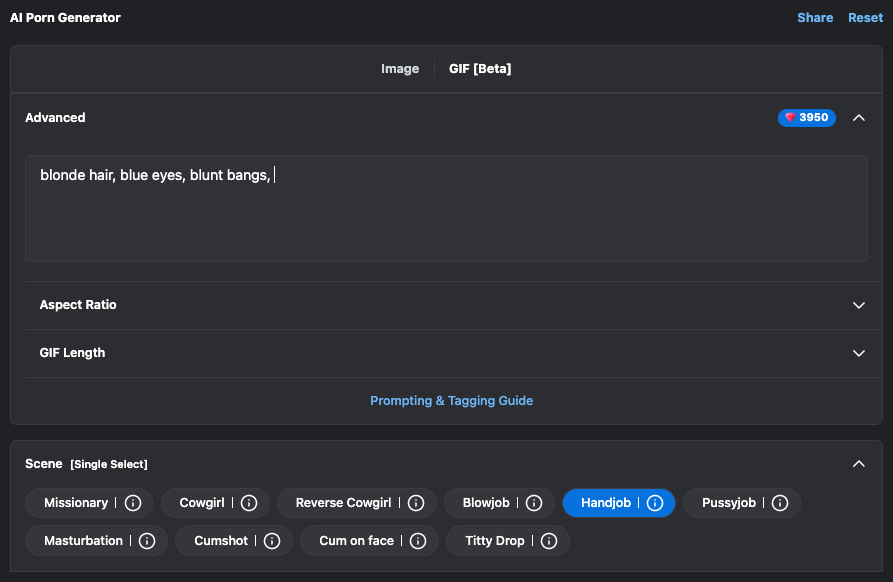
Just like in static image creation, the GIF generator uses tags to help you build your scene.
You’ll find options such as:
- Scene Tags like Missionary, Cowgirl, Blowjob, Masturbation, and Cumshot
- Pose and expression tag groups, such as facial expressions, body poses, and hairstyles, will be added in future updates, following the provided guidelines.
Only one scene tag can be selected per GIF. This ensures clarity in the animation.
Step 3: Add a Custom Prompt (Optional)
If you want more control over the look and feel of your GIF, use the Advanced Prompt box to guide the generation.
Example prompt: blonde hair, lying down, smiling, legs spread
Tips for better results:
- Keep your prompt short and specific
- Avoid overloading with too many details
- Combine prompt and tags for maximum control
For more guidance, refer to our official article: How to Use Prompting and Tags Effectively
Step 4: Set Aspect Ratio and GIF Length
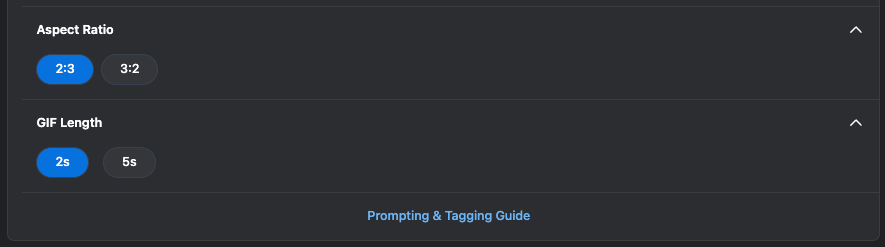
Before generating your content, choose how your GIF should look and how long it should run.
Aspect ratio options:
- 2:3 (Vertical)
- 3:2 (Horizontal)
GIF Length Options:
- 2 seconds
- 5 seconds
While the final animation is just a few seconds long, the rendering process typically takes over 3 to 5 minutes. This is standard for Beta animations and ensures high-quality output.
Step 5: Generate, Review, and Download
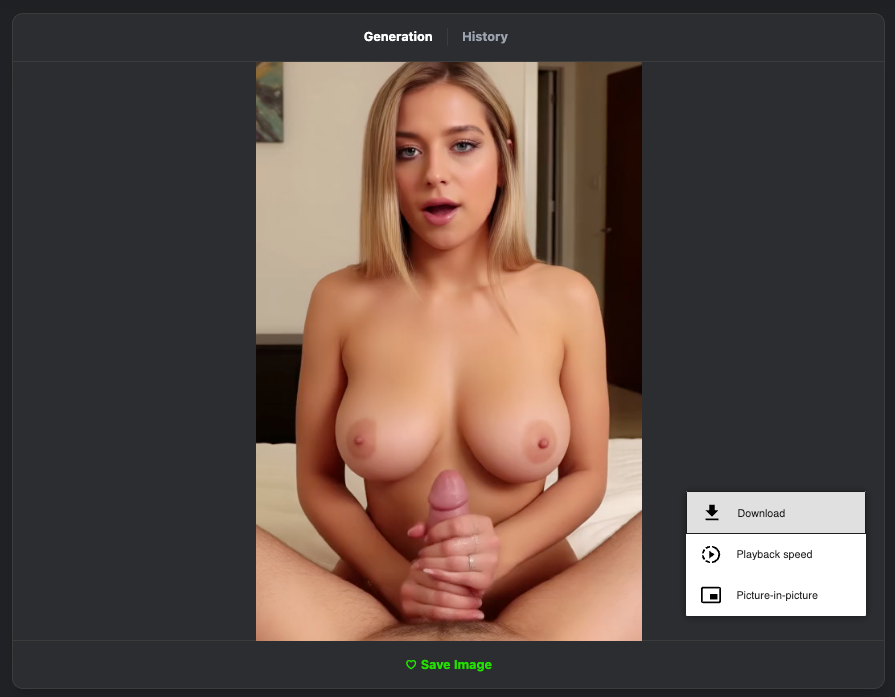
- Once everything’s set, click the “AI Generate” button under the GIF [Beta] tab
- You’ll see a Turbo Generating… screen while the platform processes your request
- Rendering may take 3 minutes or more, depending on server load.
- If you want faster results, you can upgrade to Premium to access Turbo Queue.
After the generation is complete:
- Your completed GIF will appear on the screen
- You can save the GIFs by clicking the green “♡ Save Image” button
- Saved content is also added to your History tab, where you can:
- View up to 10 past generations
- See timestamps, resolutions (e.g., 720x480), and batch details
- Revisit or re-download anything you’ve saved
- Unsaved posts will automatically disappear after 2 days
Bonus: Share Your GIFs and Win Free Gems
Feeling creative? Enter your GIFs in our weekly Discord contests, where thousands of users participate for prizes and recognition.
- Top entries can win up to 150,000 Gems
- Participation alone earns you 10,000 Gems
- Winning entries may be featured on the homepage
Join over 75,000 users in our community Discord, where you can share your creations, get feedback, and explore new inspiration.
Conclusion
Erotic AI GIFs introduce a new level of personalization and creativity to adult content. They give users the tools to express their fantasies in motion.
With Createporn.com’s fully synthetic GIF generator, you can explore safely, ethically, and without the involvement of any real people. Whether you’re animating a romantic moment or generating a steamy scene, the process is simple, private, and rewarding.
GIF generation is still evolving, and we’ll be expanding available styles across more categories soon to give you even more ways to bring your imagination to life.
Read More
How to Create AI Porn
Using Prompts & Tags to Create AI Porn: A Definitive Guide
Createporn.com Calling for Stricter Industry Standards in Adult AI Porn Amid Growing Concerns Over Ethical and Privacy Violations